












MAGI-2 AI Video Generator

Generate 1080p clips with native sound from text, frames or mixed references.

Create with MAGI-2
Go to My Creations
Output settings
5s
More settings
Generate audio
Media requirementsJPG / PNG / WebP · 0/10 · 10MB/imageMP4 / MOV · 0/5 · 50MB/videoMP3 / WAV · 0/5 · 15MB/audio
Sign in to use any available credits for video

MAGI-2 in action

MAGI-2 · 2182 × 950 · 5 s

First Stroke in the Mist

Turn the sound on. Listen for the drum and the water beside the blade.

View generation prompt

Single continuous five-second widescreen live-action shot for a dragon-boat film. The camera is fixed at river level at blue dawn. Frame left, the weathered cinnabar side of a real drum on a dark wooden dragon boat, its hide and a drummer's raised mallet clearly visible. Frame right, one broad wooden paddle blade hovers a palm above the silver water. Thin river mist, muted blue-grey water, rich red wood, soft backlight. Hold long enough to see both objects. Around the second second the mallet visibly strikes the hide once: a single deep, dry drumbeat at contact. Just after the beat the blade dips cleanly into the river and pulls back with a distinct soft splash. The boat glides forward out of the fixed frame, leaving ripples and a broken red reflection. Keep the blade and hand anatomically coherent. Natural water lapping before and after. No music, no voice, no titles, no cuts.
Try the storyboards

After Hours · First and last frames

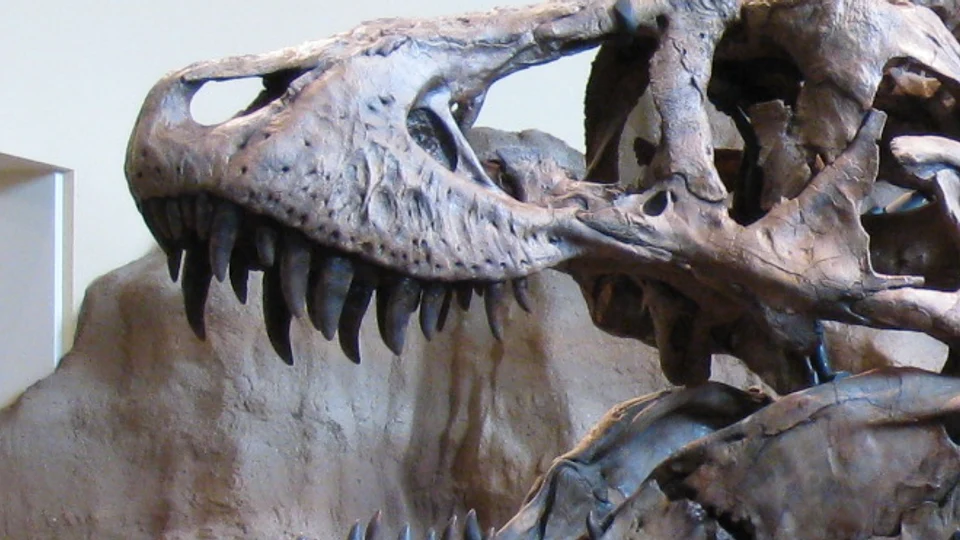
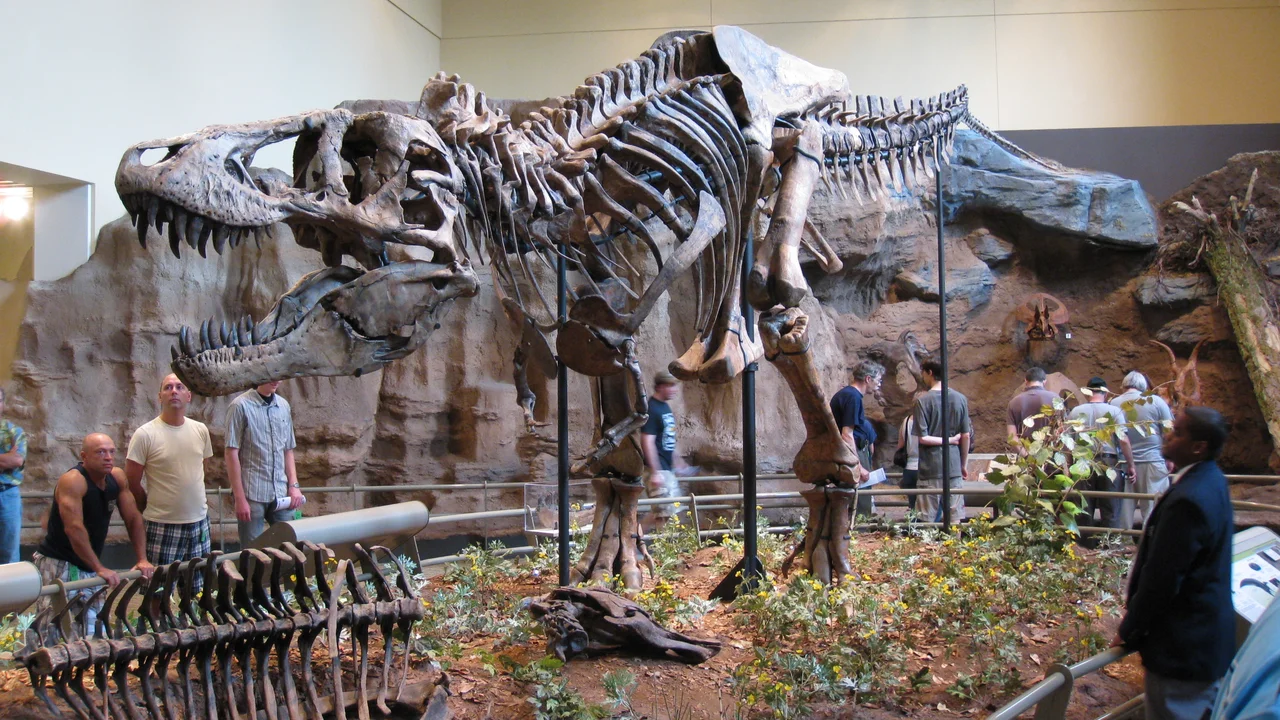
Start on the fossil teeth in the first image. Pull back in one continuous movement to reveal the rib cage, the full skeleton and the visitors for scale. End on the wide reference frame. Keep the bones still and the soundtrack silent.

4 s · 1080p · 200 credits

The Two-Centimetre Foothold · Mixed references

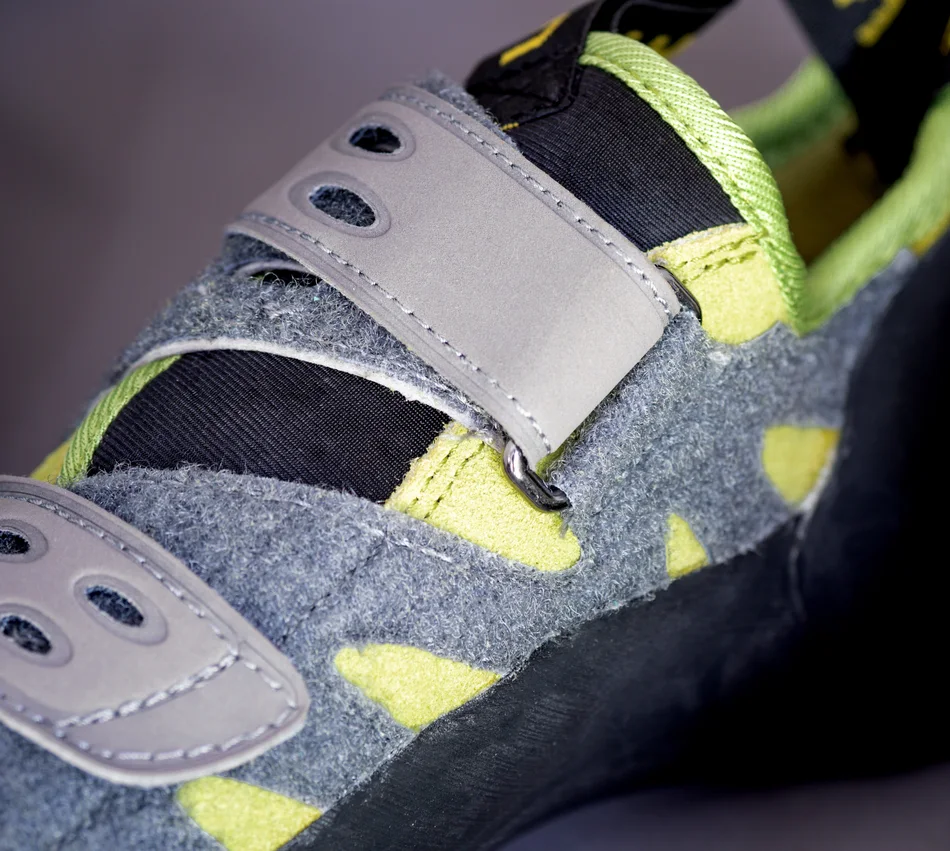
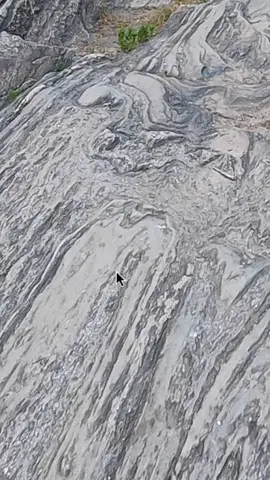
Match the yellow-black climbing shoe and pale straps in the photograph. Its toe presses onto a narrow rock edge and grit falls. Follow the upward move in the rock guide toward the climber. Keep the straps consistent and let the rubber scrape be heard.

4 s · 1080p · 200 credits

Reference media credits

About the model

MAGI-2 is Sand AI’s November 2026 video model. Use it to stage a product reveal, animate a pair of photos or put a visible action and its sound in the same shot.

  • Duration: 4–30 s
  • Resolution: 1080P
  • Sound: Optional sound

What you can create

Direct the opening and closing frames

Use the first image to set the opening composition. Add a second to guide the ending, then describe how the subject moves between them.

Assign each reference a job

Use a photo for the subject, a video for camera movement and an audio clip for rhythm. Combine up to 10 images, 5 videos and 5 audio clips.

Time sound to an action

Describe what makes the sound and when it happens. For dialogue, quote the line. Switch sound off for a silent cut.

Choose an output length

Select any whole second from 4 to 30. All three modes output 1080p and cost 50 credits per output second.

How to use MAGI-2

  1. Choose frames or references

    Pick frames when a specific image must open the shot. Pick references to guide appearance or movement throughout the clip.

  2. Describe the change

    Start with what we see, then give the subject one action and the camera one move. Add a cue such as a click when a lid closes.

  3. Check the timing

    Try five seconds first. Play it back with sound, check contact and continuity, then adjust the prompt or duration.

Features and credit costs

Compare the available settings and the conditions behind each quote.

Features and credit costs
ModelMAGI-2Kling 4.0Seedance 2.5
Duration (s)4–303–304–30
Resolution1080P720P / 1080P480P / 720P / 1080P / 4K
Image referencesUp to 10Up to 10Up to 10
First and last framesStart / end framesFirst, keyframes and lastStart / end frames
Video referencesUp to 5Up to 5Up to 10
Audio referencesUp to 5Up to 3Up to 10
Edit videoNot supportedSupportedSupported
Extend videoNot supportedSupportedSupported
SoundOptional soundAudio includedOptional sound
Text to videoSupportedSupportedSupported
Credits per clip250
5 s · 1080P
650
5 s · 1080P
1655
5 s · 1080P

Five seconds of 1080p video from text, with sound enabled. MAGI-2 charges only for output seconds; adding references keeps its price the same.

Questions about MAGI-2

Can the first frame set the aspect ratio?

Yes. Choose Auto in frame mode, or select 16:9, 9:16, 1:1, 4:3 or 3:4. Text and reference modes also offer 21:9.

How long can my references be?

Each video or audio clip must be 2–30 seconds. Videos can total 30 seconds and audio clips have a separate 30-second allowance.

How much does ten seconds with a reference cost?

A ten-second output costs 500 credits. The length of the references and the sound switch do not affect the quote.

Can I extend a video I upload?

A video reference guides a new shot. To extend the original clip, choose Seedance 2.5 or Kling 4.0 in the video generator.

How long are MAGI-2 videos, and can I generate in 1080P or 4K?

MAGI-2 offers 4–30 seconds and 1080P. Available combinations appear in the workbench.

Can I turn a photo into a video with MAGI-2?

Yes. MAGI-2 accepts up to 10 reference images, or a first and last frame. Choose reference mode to guide appearance, or frame mode to define the opening and ending; these image limits belong to separate modes. Upload JPEG, PNG or WebP images, up to 10 MB each.

Can I make vertical MAGI-2 videos for TikTok, Reels or YouTube Shorts?

Yes. Choose 9:16 for a vertical clip and keep the main subject away from the edges where captions and app controls may appear. For image-led videos, prepare a vertical source image and check the final framing before publishing.

How do I prompt MAGI-2 for a product showcase video?

Start with a clear product photo and describe one action, the lighting and one camera move. For example: “The bottle turns slowly on a table in soft side light; the camera gently moves closer.” Check labels, shape and moving details in the full result before using it.

Is MAGI-2 free to use, or do I need a subscription?

Generating with MAGI-2 uses credits. Sign in and check that your available balance covers the quote shown on Generate. A paid subscription is not required; gifted, subscription and purchased credits can be used. Available credits determine whether you can try the model without buying more.

How do I download a video generated with MAGI-2?

Once generation completes, use Download on the result card to save the video. Play the full clip and check its sound before publishing. Downloading saves the existing result and does not submit another generation.

Choose another model for a different set of inputs, controls or output settings.

CubistAI

Create your next video with MAGI-2

Start creating