







Car Showcase
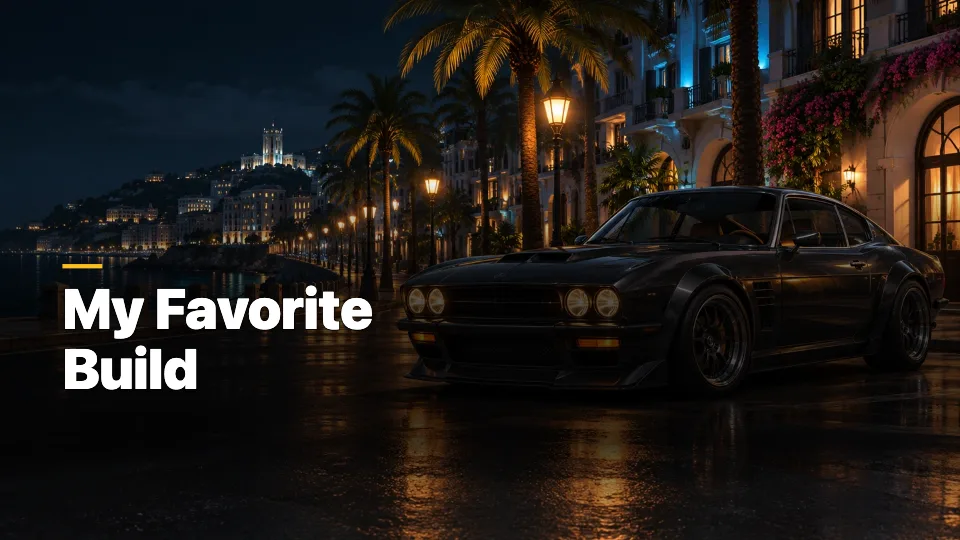
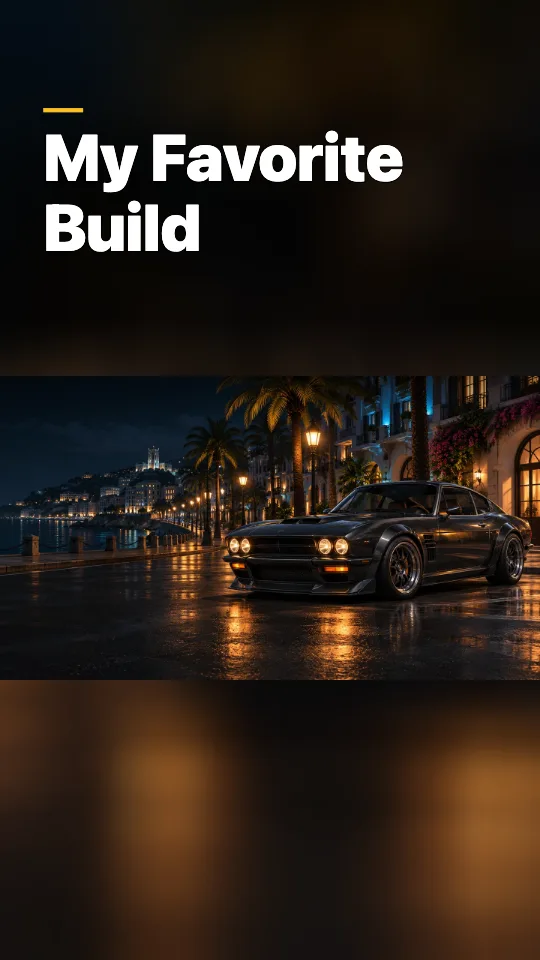
Keep the car on the right in the wide version. Reframe the tall version around the whole car.
Try the Car Showcase sampleTurn one GTA 6 screenshot into a YouTube thumbnail and a Shorts cover. Adjust each crop separately and download both for free.
JPG, PNG or WebP · up to 10 MB
Opening image…
Drag the image or use arrow keys on the canvas to move it.
Both ratios share the title, color, and badge.
See how the title and subject move when the same image becomes a vertical cover.
Keep the car on the right in the wide version. Reframe the tall version around the whole car.
Try the Car Showcase sample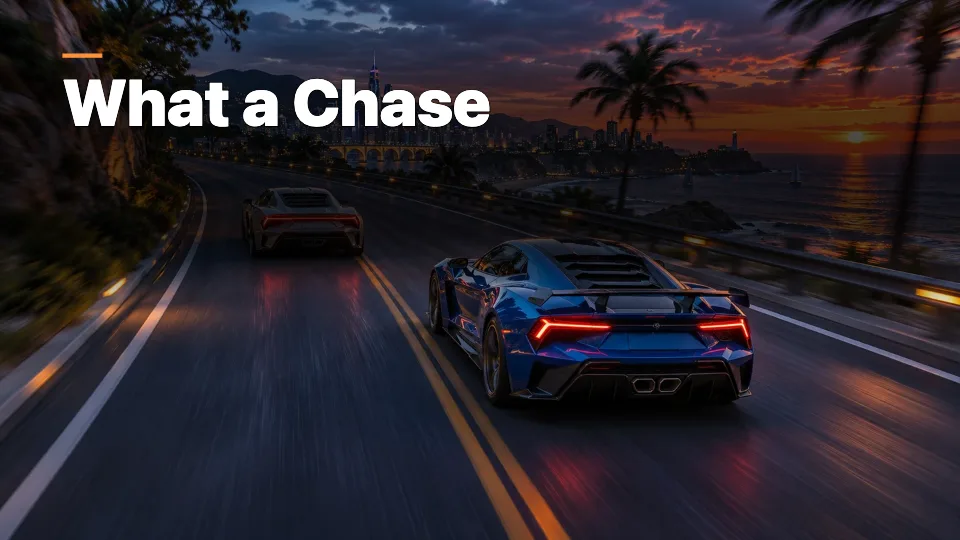
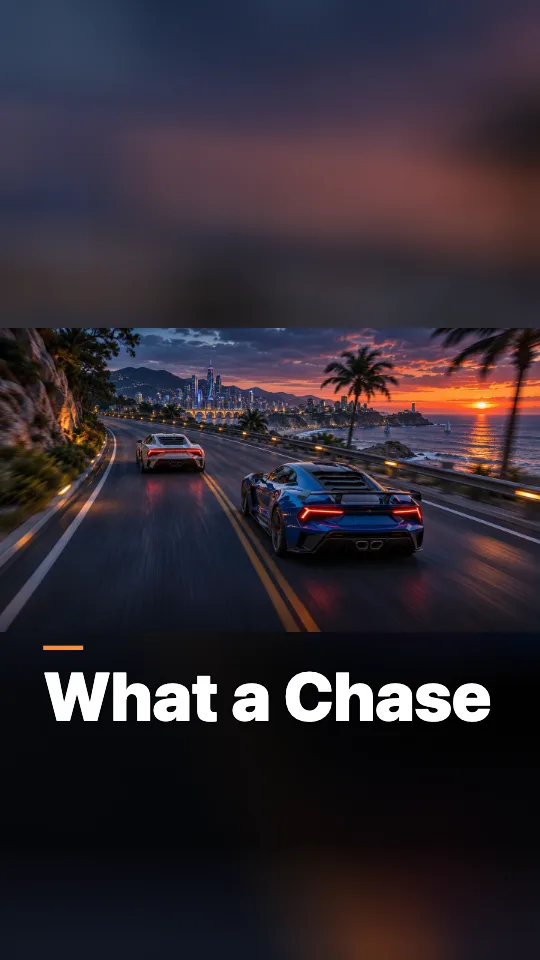
Use Full Image + Blur to keep both cars in view when the portrait crop would cut one off.
Try the Chase Highlight sample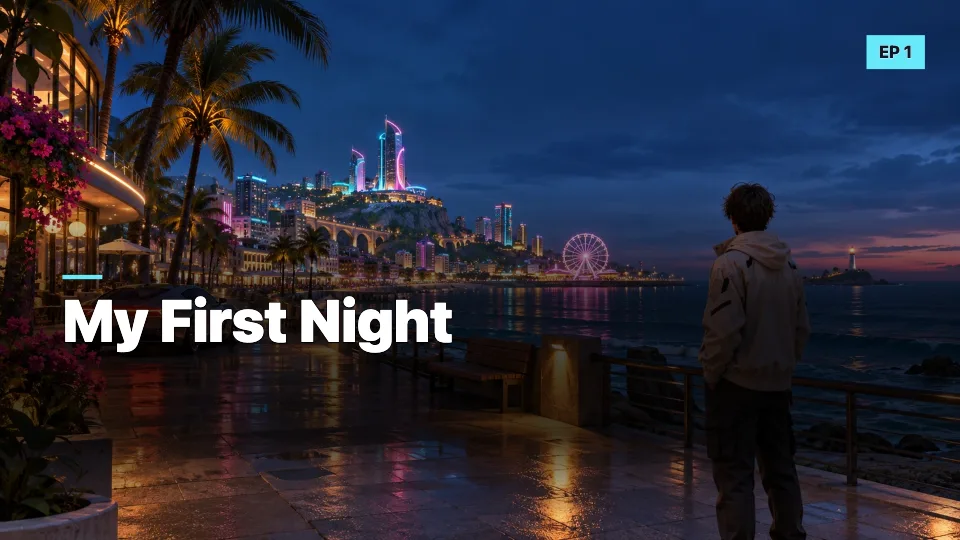
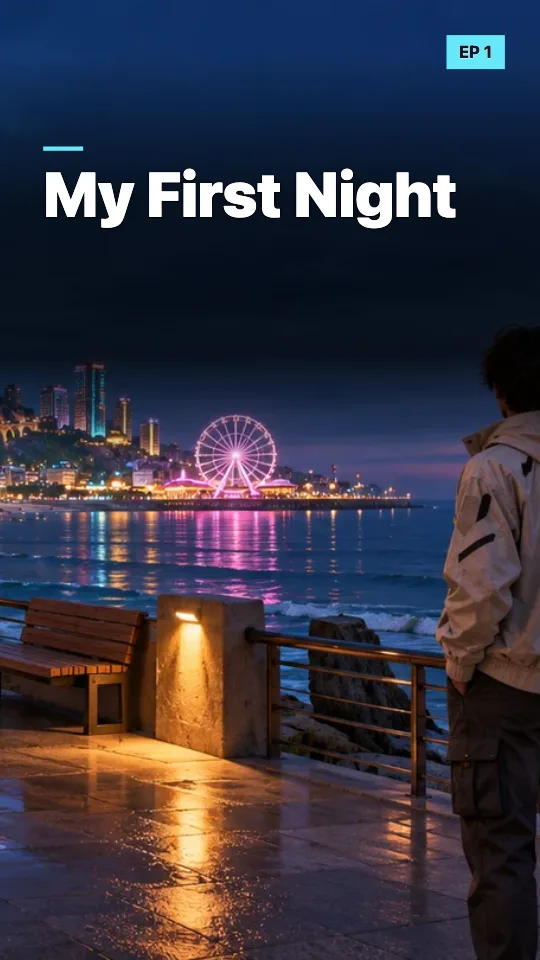
Leave the subject’s silhouette clear and use a small episode badge to tie the series together.
Try the First Playthrough sample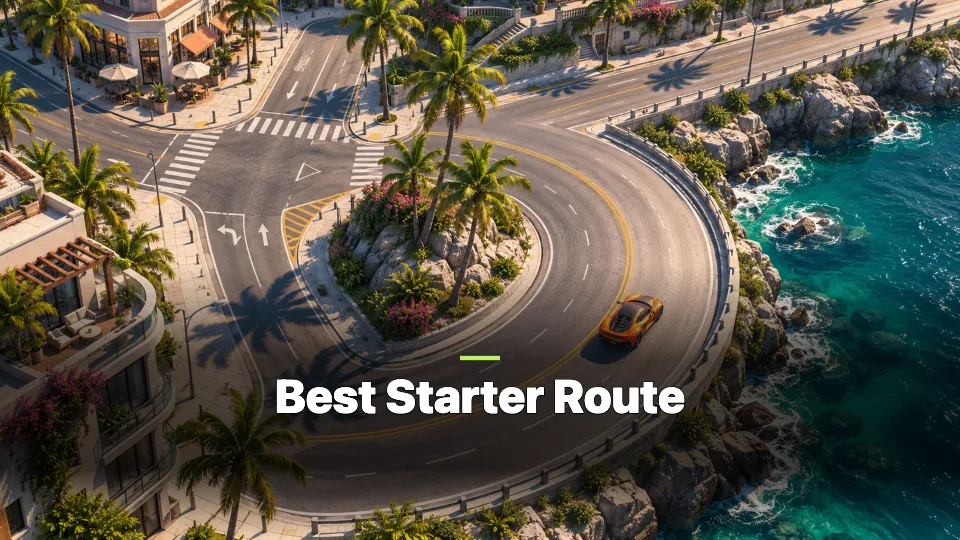
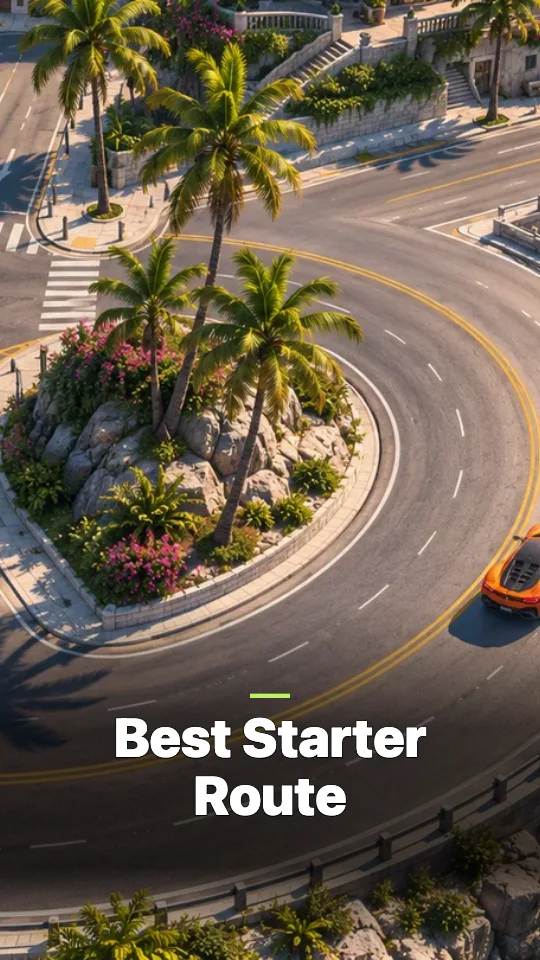
Keep the road bend visible in both versions and place the headline out of its path.
Try the Route Guide sampleThe examples use original demonstration images. Open a sample to see how its source image is framed.
Fill the whole canvas with your screenshot. Use it for a single car or character when you can drag the subject into the frame.
Keep the full screenshot in view and fill the extra space with a blurred copy. Use it for wide chases, shots with two cars, or a route that runs across the image.
| Use | Export size | Format |
|---|---|---|
| YouTube thumbnail | 1920 × 1080 (16:9) | JPG or PNG |
| Shorts cover | 1080 × 1920 (9:16) | JPG or PNG |
Import JPG, PNG, or WebP up to 10 MB and 12 megapixels. Transparent areas are placed over the canvas background. Both sizes are free to download without an account or watermark.
YouTube documents uploading custom Shorts thumbnails in desktop Studio for verified accounts. YouTube thumbnail requirements
Open 9:16 and drag the car toward the middle of the canvas. If the bumpers or a second car still get cut off, choose Full Image + Blur to keep the entire screenshot visible.
On PS5, use the DualSense Create button. In PlayStation App, open Library and then Captures to download the screenshot to your phone. On Xbox, use the controller Share button and open Captures on your console to save or back up the image. PlayStation capture help · Xbox capture help
Yes. The title, accent, and badge are shared. The crop, zoom, and fill mode are saved separately for each ratio while you edit.
Verified accounts can upload a custom Shorts thumbnail in desktop YouTube Studio. In TikTok’s frame picker, you can choose your cover by adding it to the clip first and then selecting that frame when you post. YouTube thumbnail requirements · TikTok cover instructions
Name the moment viewers will see, such as “My Favorite Build” or “My First Night.” Use the episode badge for the part number and check the phone preview to see whether the words are readable.
You can import and download without a CubistAI account or credits. The editor processes your screenshot in your browser.
An independent CubistAI tool. CubistAI is unaffiliated with Rockstar Games or Take-Two Interactive.