Text to image · Photo editing

GPT Image 2.5 AI Image Generator & Editor

Create from a description or bring a photo and describe the change. GPT Image 2.5 starts at 7 credits per image, with Low quality and 1K selected for your first draft.

Explore quality, pixels and pricing

Create and Edit Images Online

Render quality
Resolution

Output: 1024 × 1024 pixels

7 credits per image

Free credits can be used for Low quality at 1K.

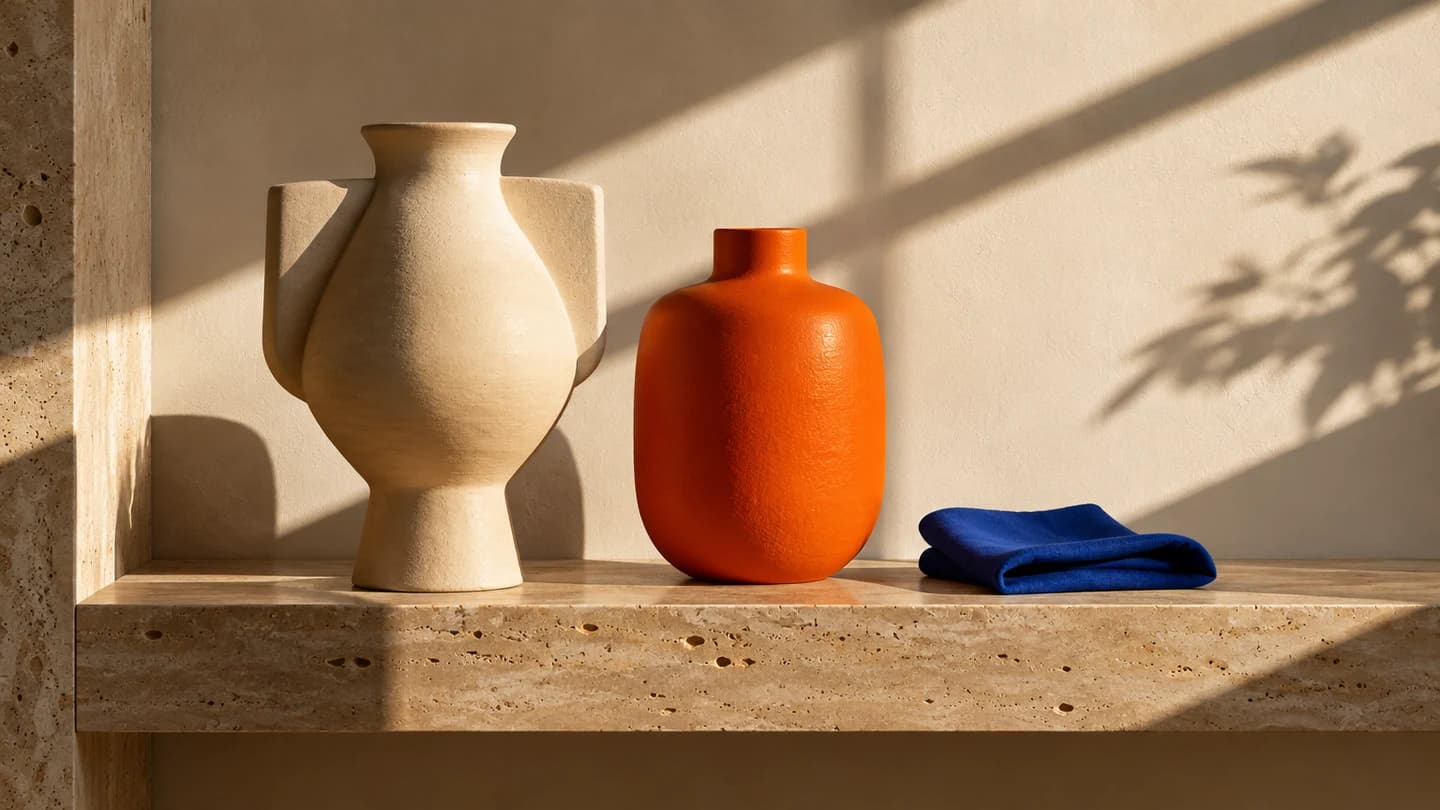
Cream ceramic vase, orange and blue cloth on a sunlit travertine shelf, created with GPT Image 2.5
Generated with GPT Image 2.5 · example

A little direction. A different world.

01 / GPT IMAGE 2.5

GPT Image 2.5 Image Editing Examples

These examples were generated and edited with GPT Image 2.5. Compare the original with the result, read the edit instruction, then bring the same idea into your own workbench.

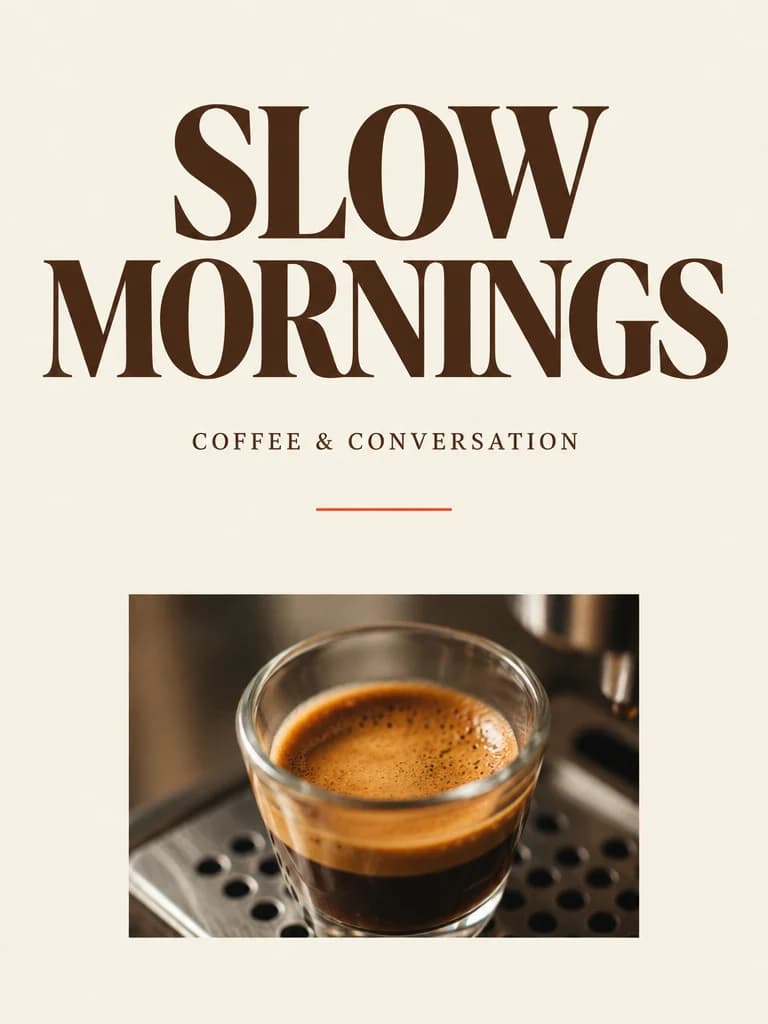
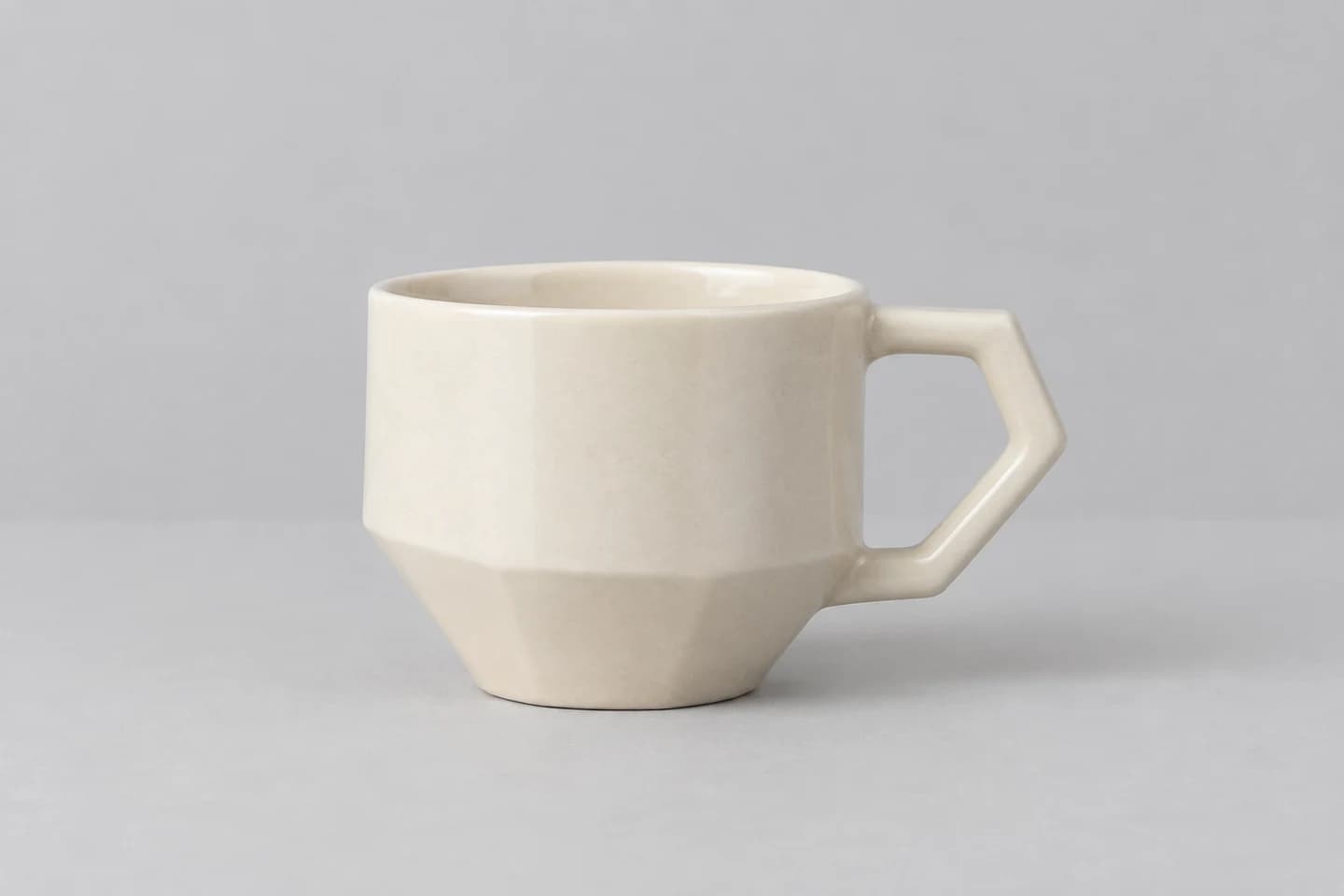
Original · Set the product in a new scene · GPT Image 2.5
Original
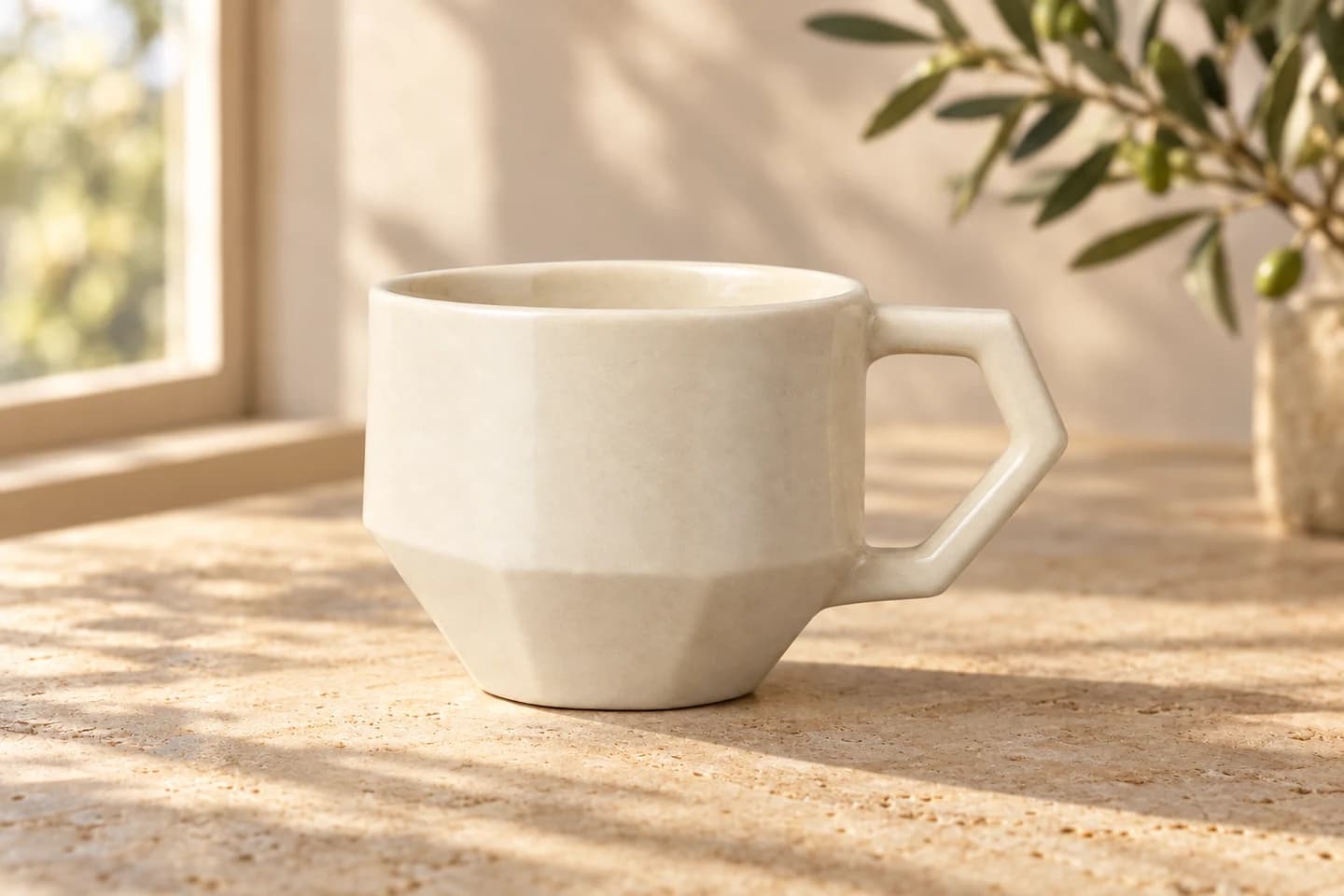
Edited · Set the product in a new scene · GPT Image 2.5
Edited

AI Product Background Editing

A cream ceramic cup moves from a neutral studio background to sunlit travertine. Describe what must stay: the handle, material, angle and proportions.

Read the edit prompt

Keep the ceramic cup and its angular handle unchanged. Replace the gray surroundings with a warm travertine tabletop beside a sunny window. Add a softly blurred olive branch in the background and natural afternoon shadows. Preserve the cup shape, color and camera view.
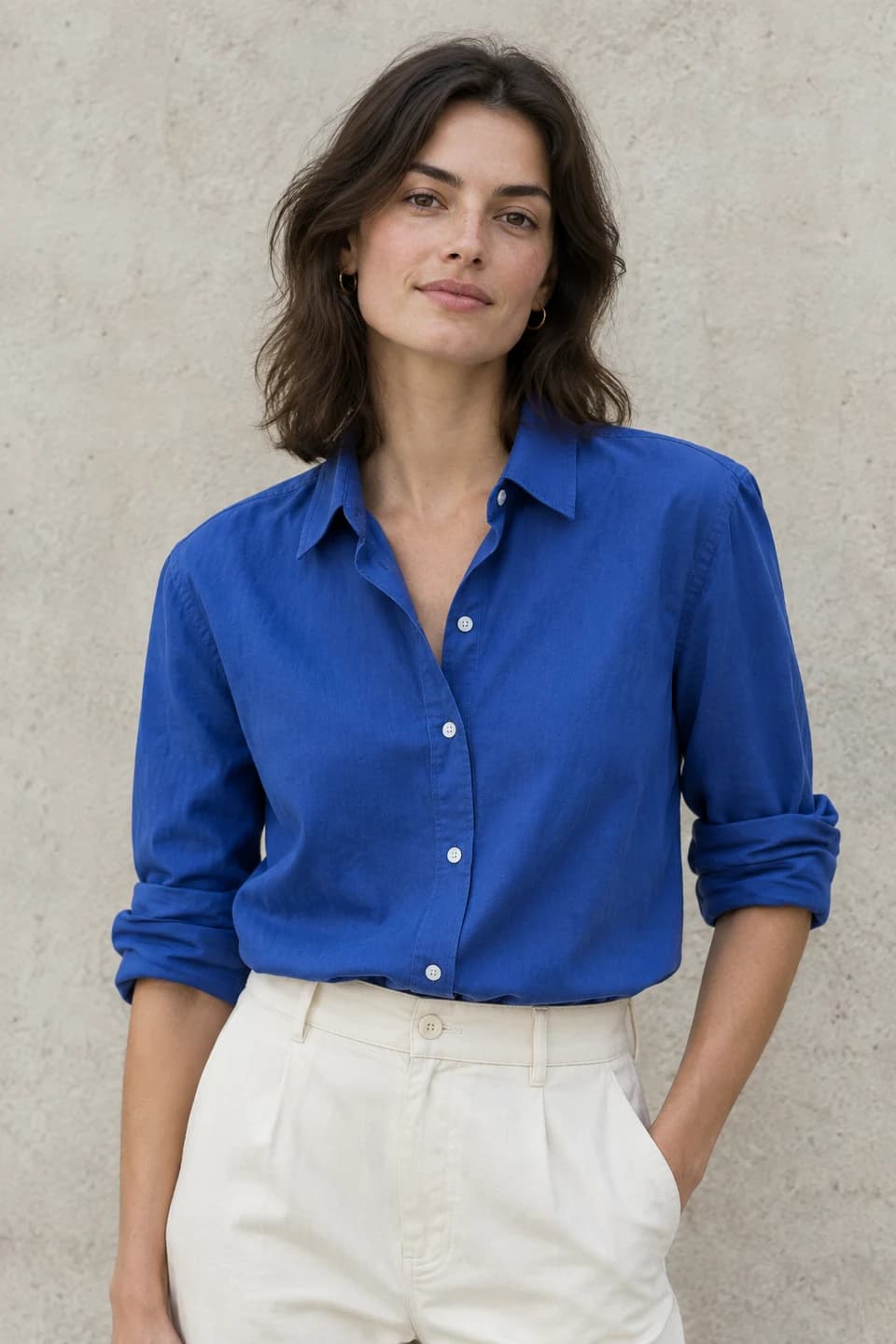
Original · Explore a color, keep the styling · GPT Image 2.5
Original
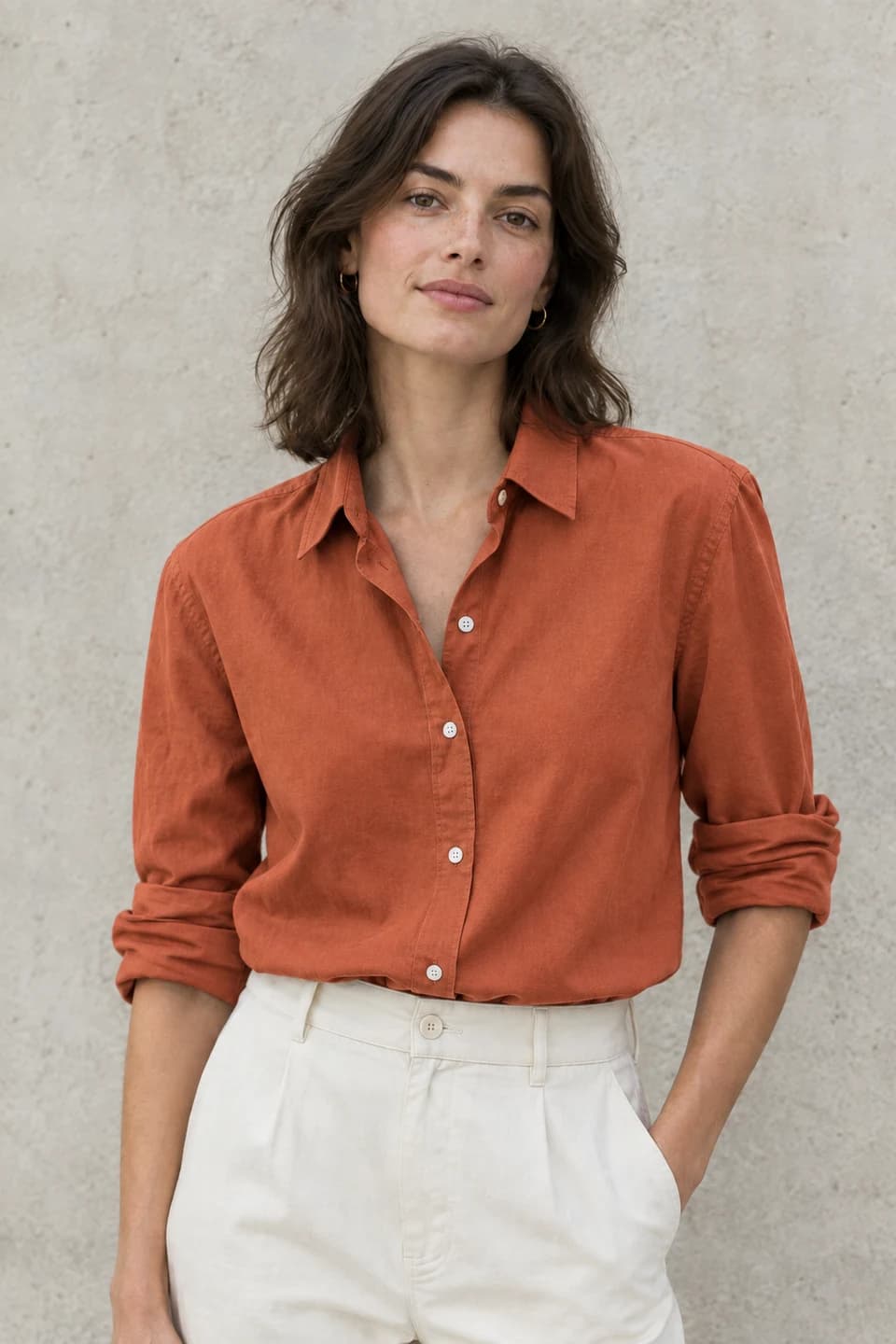
Edited · Explore a color, keep the styling · GPT Image 2.5
Edited

AI Clothing Color Changes

A cobalt shirt becomes terracotta. A focused instruction helps separate the intended color change from the face, pose, fabric folds and surrounding light.

Read the edit prompt

Change the blue shirt to warm terracotta orange. Preserve the same person, face, hairstyle, pose, trousers, wall, lighting and framing. Retain the fabric folds, buttons and natural cotton texture.

Original · Give the headline another take · GPT Image 2.5
Original
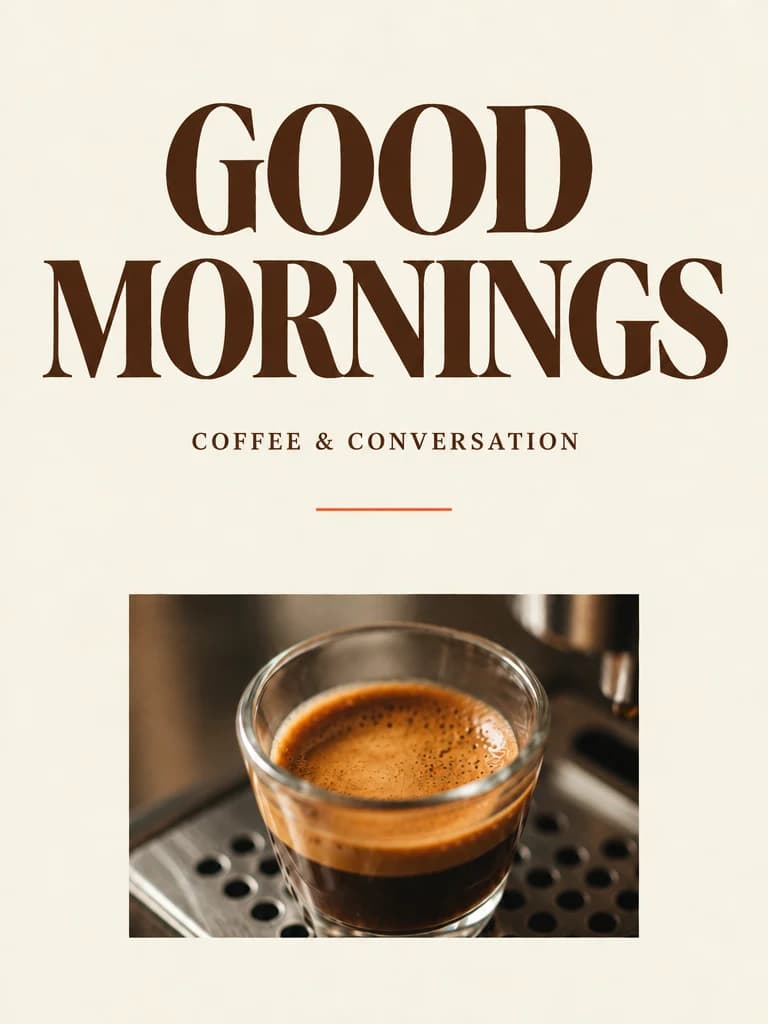
Edited · Give the headline another take · GPT Image 2.5
Edited

AI Poster Text Editing

A coffee poster changes from “SLOW MORNINGS” to “GOOD MORNINGS”. Specify the exact replacement and check the downloaded text carefully before printing.

Read the edit prompt

Replace only the main headline "SLOW MORNINGS" with "GOOD MORNINGS" in the same typeface, color and placement. Preserve the coffee photo, subtitle, cream paper background, line and overall layout.

02 / GPT IMAGE 2.5

Compare Low, Medium and High Image Quality

The same perfume still-life prompt, three render-quality settings, all at 1K. Quality controls rendering effort; resolution controls image dimensions. Adjust each independently.

Amber perfume bottle with an orange on limestone, GPT Image 2.5 Low quality sample

Low Quality: Explore Ideas

1K · 7 credits

Start with composition, color and direction. Low keeps the credit cost modest while you explore different descriptions and select a draft.

Amber perfume bottle with an orange on limestone, GPT Image 2.5 Medium quality sample

Medium Quality: Everyday Images

1K · 12 credits

Develop a chosen direction for everyday content. Look closely at glass, reflections and textures to decide whether it fits your intended use.

Amber perfume bottle with an orange on limestone, GPT Image 2.5 High quality sample

High Quality: Detailed Images

1K · 24 credits

Request more rendering detail for a final direction. Review the result at full size; a higher setting does not guarantee a perfect image.

These are individual GPT Image 2.5 outputs, not a controlled benchmark. Generation is variable: details and composition may change between requests even when the prompt stays the same.

03 / GPT IMAGE 2.5

How to Use GPT Image 2.5

Use the same workspace for a new visual and a reference-image edit. Start with the smallest useful request and review the cost before each generation.

  1. 01

    Enter a Prompt or Upload an Image

    For a new image, describe the subject, composition, light and any exact text. For an edit, upload one JPG, PNG or WebP and state both the changes and the details to preserve. Reference uploads are compressed for this workflow.

  2. 02

    Choose Image Quality and Resolution

    Keep Low and 1K for a free-credit trial, or select another combination for paid use. Choose a ratio for your layout; in editing mode, match the input ratio if you want to preserve the original framing. Check the updated quote.

  3. 03

    Generate and Download Your Image

    Sign in and submit one image. The completed result shows the settings and actual dimensions. Download it, or use it as the reference for another edit. Every new generation is a separate request; payment returns restore your draft for you to review.

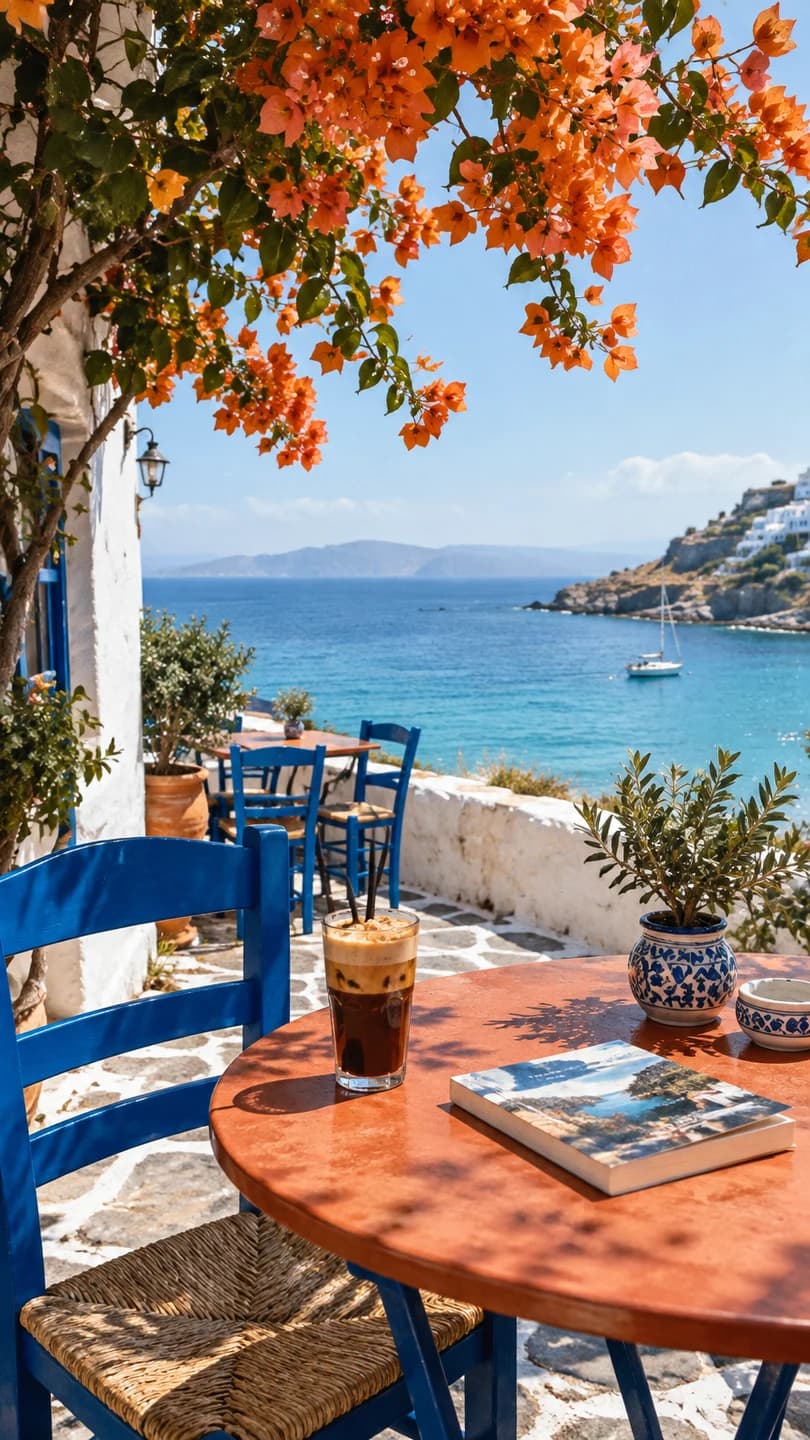
Vertical Mediterranean cafe scene with blue chairs, iced coffee and a sea view generated with GPT Image 2.5

AI Images for Products, Social Media and Posters

Product Photos and E-commerce Images

Try a different surface, lighting direction or background around a product reference. Keep instructions specific and inspect the product silhouette, label and small details before using an image in a shop listing.

Social Media Images

Create a portrait travel scene, a square feed visual or a landscape campaign image. Mention where a heading will sit so the composition can leave space. Add final captions in your design tool when exact typography matters.

Posters and Marketing Visuals

Write a headline in quotation marks, describe the hierarchy and name the elements that should remain unchanged during an edit. Compare alternatives at Low first, then spend more credits on the direction you actually want to develop.

04 / GPT IMAGE 2.5

GPT Image 2.5 Pricing and Credits

Credits per image, from the same model configuration that quotes your generation. The matrix applies to text generation and the supported single-reference-image edit.

GPT Image 2.5 credits by render quality and resolution
Render quality1K2K4K
Low71220
Medium122440
High244880

Credits for one image. Changing the ratio does not change this matrix; changing quality or resolution updates the price.

Sign in to use free credits for Low quality at 1K: 7 credits per image. Other combinations use purchased credits or an active subscription.

For any combination beyond Low 1K, a free account needs enough purchased credits to cover the entire image. An active Starter, Plus or Pro subscription can use all nine combinations, including 4K, with sufficient available credits. A past purchase alone does not unlock free-credit spending.

Resolution is a tier, not a promise of a 4096-pixel square. The 4K square is 2880 × 2880; a 16:9 image is 3840 × 2160. The workbench shows the dimensions for your chosen ratio. When matching an uploaded image, inspect the final output dimensions.

Output sizes above 2560 × 1440 are experimental.

05 / GPT IMAGE 2.5

GPT Image 2.5 vs GPT Image 2

Compare the controls and credit costs available on CubistAI. Performance depends on the task and deserves its own comparison using the same references and instructions.

GPT Image 2

The existing GPT Image 2 workspace supports text generation and reference-image editing. Its 1K text-generation price starts at 8 credits, with resolution access following that model’s subscription rules.

Open GPT Image 2

GPT Image 2.5

This page runs GPT Image 2.5, with three explicit quality levels and independent resolution selection. Low 1K starts at 7 credits. Paid credits or any active subscription cover the other combinations; one image and one reference are supported per request.

Generate with GPT Image 2.5

06 / GPT IMAGE 2.5

GPT Image 2.5 FAQs

The model, free-credit rules, editing limits and what happens when a request takes longer than expected.

What is GPT Image 2.5?

GPT Image 2.5 is an AI image generator and editor available on CubistAI. Create images from text prompts or upload a reference image and describe your edits. Choose low, medium or high quality and a resolution of 1K, 2K or 4K.

Can I try GPT Image 2.5 for free?

Yes. After signing in, you can spend available free account credits on Low quality at 1K, at 7 credits per image. Other quality and resolution combinations require purchased credits or an active subscription. This is a credit-based trial, not unlimited free generation.

Can I upload a photo and edit it?

Select Edit image, upload one supported image, and describe the change. You can match the input ratio or choose another ratio. The current workflow accepts one reference and produces one image per request. Review faces, product details and text because an edit can change more than intended.

How should I choose Low, Medium or High?

Use Low to explore the overall idea, Medium to develop everyday visuals, and High when you want to request more rendering detail. Resolution is a separate choice. Compare the samples, inspect your actual result and check the updated cost before submitting another image.

Is every 4K image 4096 × 4096 pixels?

No. The resolution tier depends on aspect ratio: a square at the 4K tier is 2880 × 2880, while 16:9 is 3840 × 2160. Sizes above 2560 × 1440 are experimental. The generator shows known dimensions before submission and actual dimensions on the completed image.

Do I need a subscription for higher settings?

A subscription is one option. Free accounts can also use a credit pack, provided the purchased balance covers the entire paid request. Active Starter, Plus and Pro subscriptions support all launch combinations with enough available credits. After subscription expiry, the free-account rules apply again.

Is GPT Image 2.5 always better than GPT Image 2?

A version number does not guarantee a better result for every prompt. This page offers GPT Image 2.5 with explicit render quality and resolution controls, while the GPT Image 2 page has its own pricing and access rules. Compare actual outputs for your task rather than assuming a universal improvement.

What if I close the page or generation takes longer?

The workbench saves its draft and pending task in this browser tab. Returning checks the existing task without intentionally creating a second generation. A slow response does not mean the task failed. Confirmed technical failures use the credit-refund flow; pending requests remain available for status checks.

More AI Image Generation and Editing Tools