AI Video GeneratorText & Photo to Video with Veo 3.1, Kling 3.0 & More
Turn any prompt or photo into a stunning short video. Choose from 12 premium models — Google Veo 3.1, Kling 3.0, Seedance 2.0, HappyHorse and Grok Imagine — with native audio support. Included with CubistAI membership.
- 12 premium video models
- Native audio supported
- Text to video & image to video
0/2000
Model
Duration
Aspect ratio
Your video will appear here
Describe a scene or upload a photo, pick a model, and hit Generate.
How to Generate an AI Video in 3 Steps
From idea to downloadable MP4 in minutes — no editing skills needed.
Describe your scene or upload a photo
Type what you want to see, or switch to Image to Video and upload a photo to bring it to life.
Choose model and settings
Pick from 12 models — Veo 3.1 for speed, Kling 3.0 or HappyHorse for quality with audio, Grok Imagine for budget clips — then set duration and aspect ratio.
Generate and download
Your video renders in 1-5 minutes. Preview it right here, download the MP4, or find it in My Creations.
AI Video Examples
All clips below were generated on this page. Click to play.
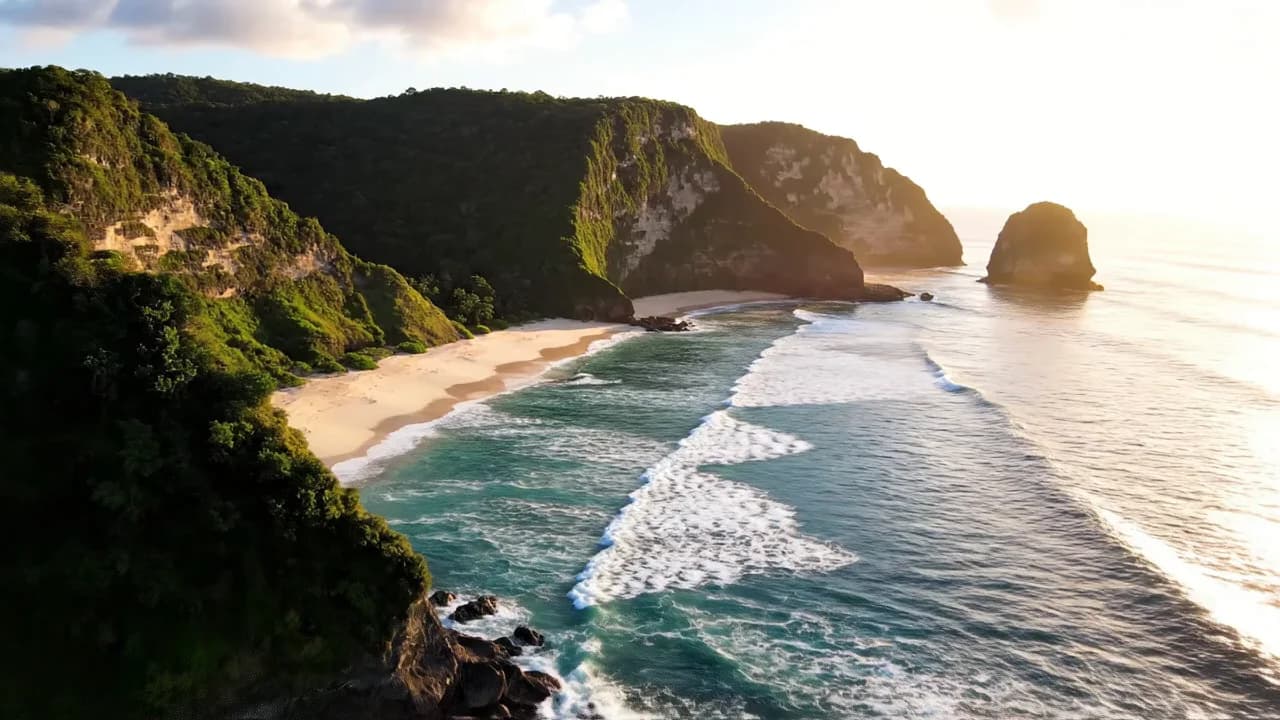
Cinematic drone shot — text to video
Veo 3.1 Fast, 8s, 16:9. Prompt-only generation for scenic b-roll.
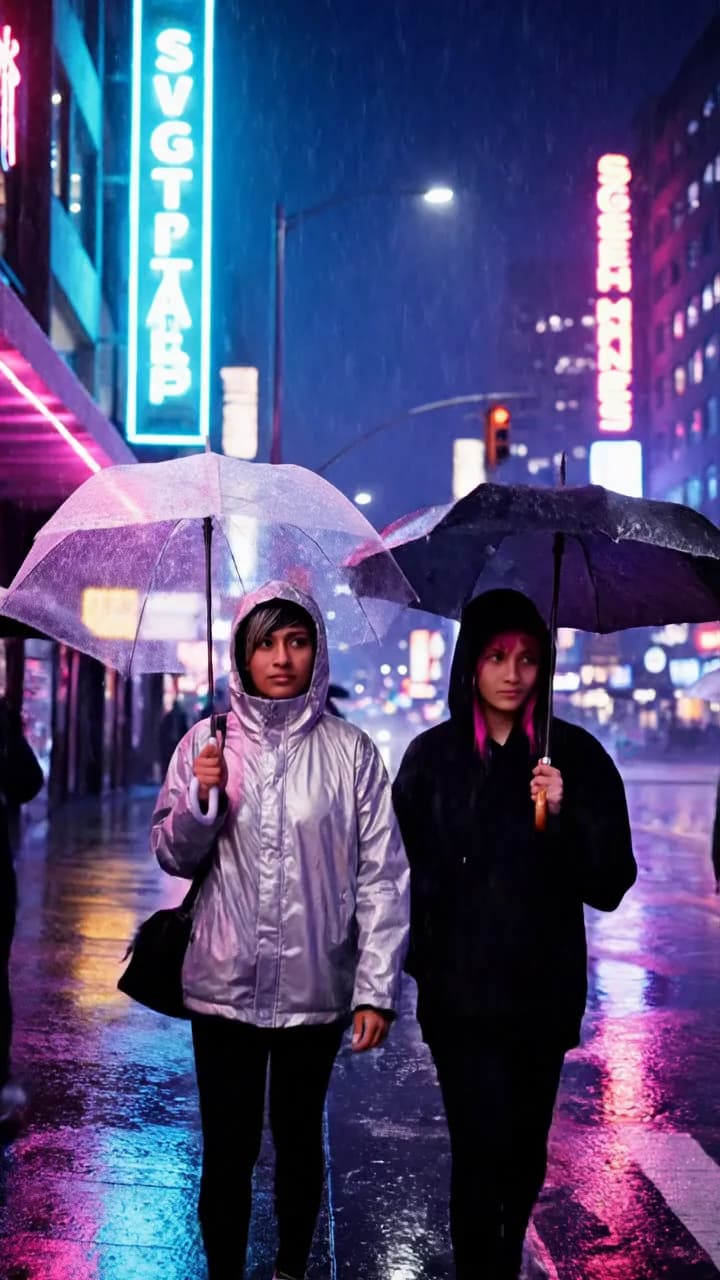
Vertical city night — made for Shorts
Veo 3.1 Fast, 8s, 9:16. Ready for YouTube Shorts, TikTok and Reels.
 Source photo
Photo brought to life — image to video
A single portrait photo animated into natural motion with Veo 3.1 Fast.
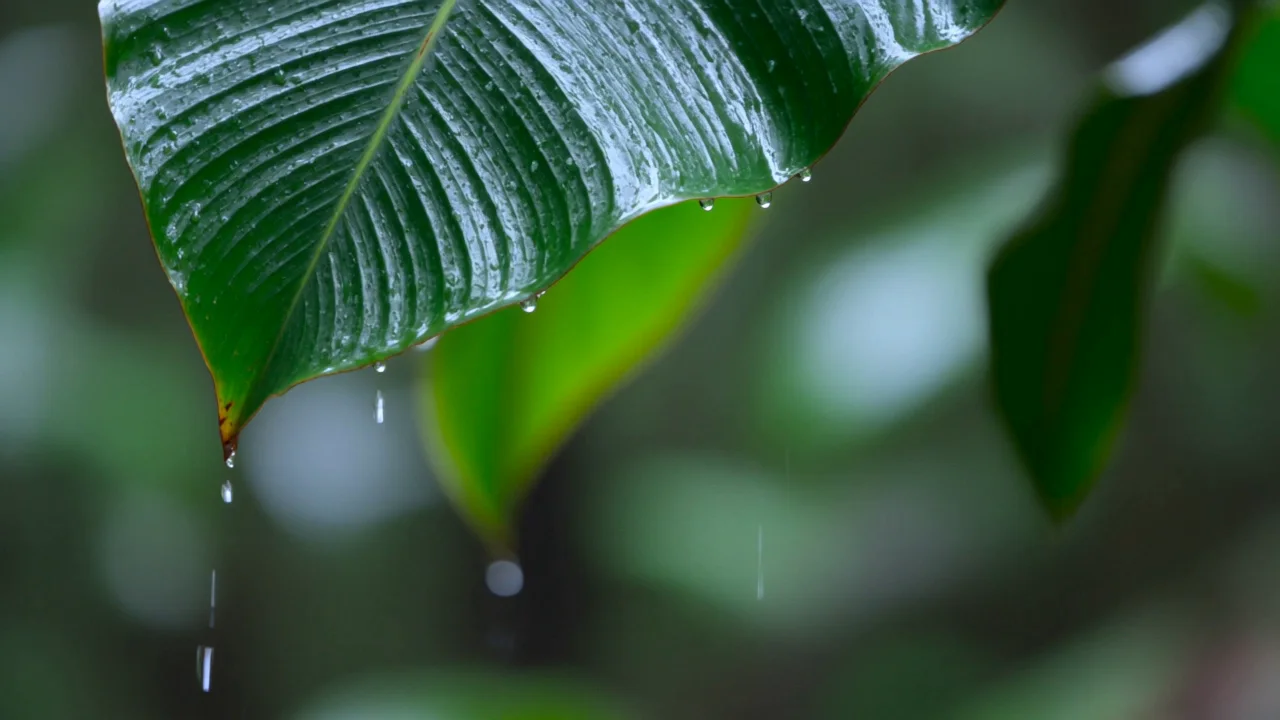
Rainforest with native audio — Kling 3.0
Kling 3.0, 5s, generated with sound on. Audio comes straight from the model.
What Can You Create?
Short AI videos that fit real workflows — social, e-commerce, memories and ideas.
Social media shorts
Generate 9:16 vertical clips for TikTok, Reels and YouTube Shorts without filming anything.
Product showcase videos
Turn a product photo into a moving showcase clip for your store page or ads.
Animate old photos
Bring portraits and family photos to life with subtle, natural motion.
Concept previews
Visualize a storyboard, ad concept or scene idea in minutes before investing in production.
Why Choose CubistAI Video Generator
12 top video models on one simple page — no juggling accounts across platforms.
Veo, Kling, Seedance & more in one place
Draft with budget models like Grok Imagine or Veo 3.1 Lite, then switch to Kling 3.0 or Veo 3.1 Quality for the final render — without leaving the page.
One membership, every model
Each platform alone charges $20-75 per month. One CubistAI membership unlocks Veo, Kling, Seedance, HappyHorse and Grok Imagine together — you only spend credits when you generate.
Use Veo without a Google plan
Access Veo 3.1 Fast directly — no Gemini subscription or Google Flow setup needed.
Text to video and image to video together
Generate from a prompt or animate your own photo in the same generator — just switch tabs.
Native audio built in
Kling 3.0, Seedance 2.0 and HappyHorse can generate synchronized audio with your video — no separate editing step.
AI Video Generator FAQ
Everything about generating videos with Veo, Kling, Seedance and more on CubistAI.
What is the best AI video generator?
Can AI generate a video from a photo?
How long does it take to generate an AI video?
Can I use AI-generated videos commercially?
What is the difference between text-to-video and image-to-video?
Is Google Veo 3.1 free to use?
What is Kling AI and is it better than Veo?
Can AI video generators add sound or audio?
How long can AI-generated videos be?
How much does an AI video cost on CubistAI?
More AI Creative Tools
Pair your videos with AI-generated and AI-edited images.
Migos AI Video
Prepare two portraits for an orange-studio rap duo.
AI Image Generator
Create images from text with GPT Image 2, Seedream 5 and more.
AI Photo Editor
Remove backgrounds, upscale, expand and retouch photos with AI.
AI Cartoon Generator
Turn portraits into cartoon and anime styles.
AI Headshot Generator
Professional headshots from a single selfie.