AI Product Photography — Studio-Quality Product Photos in Seconds
Upload your product photo, pick a scene, and our AI product image generator delivers professional product photography ready for Amazon, Etsy, and Shopify. No camera, no studio, no Photoshop.
Free AI Product Photography Generator
Drop or browse a product photo
Best: phone shot, plain surface, even light, JPEG/PNG, 1024px+
Your product photo will appear here
Upload a product photo and pick a scene to get started. Our AI product image generator delivers studio-quality output in 15–30 seconds.
8 E-commerce Product Photography Scenes
Each scene is tuned for a specific platform and product category.

White Studio Product Photo Background
Clean pure white background — Amazon main image ready

Marble Countertop Product Photography Scene
Premium marble surface for cosmetics, food, and jewelry

Wooden Table Product Photo Background
Warm rustic wood — perfect for handmade and Etsy listings

Modern Concrete Product Photography Scene
Contemporary concrete for tech, tools, and men's products
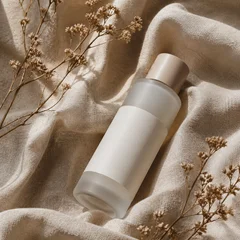
Linen Backdrop Product Photo Setup
Soft beige linen for natural and organic products
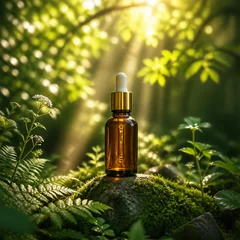
Outdoor Natural Product Photography Scene
Lifestyle outdoor scenes for social and short-form video
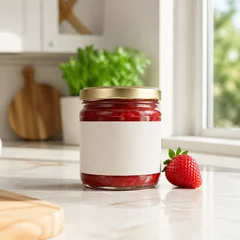
Kitchen Counter Product Photo Background
Bright kitchen scene for cookware, food, and dining
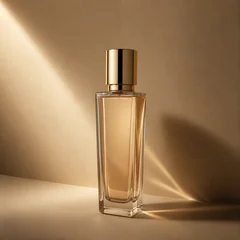
Minimalist Beige Product Photo Backdrop
Magazine-style beige paper for fashion and home goods
How AI Product Photography Works
From a basic phone shot to professional product photography in 4 steps
Take a basic product photo with your phone
Phone is fine. See our product photography tips for best results.
Pick a product photography scene
Choose from 8 e-commerce ready scenes — white, marble, wood, and more.
Let our AI product image generator do the work
Studio-quality output in 15–30 seconds, with your product preserved exactly.
Refine and download your product photo
One-click background removal, enhancement, or upscaling using our AI product photo editor.
Real product photography results
From a flat phone shot to studio-grade output — same product, eight different scenes.
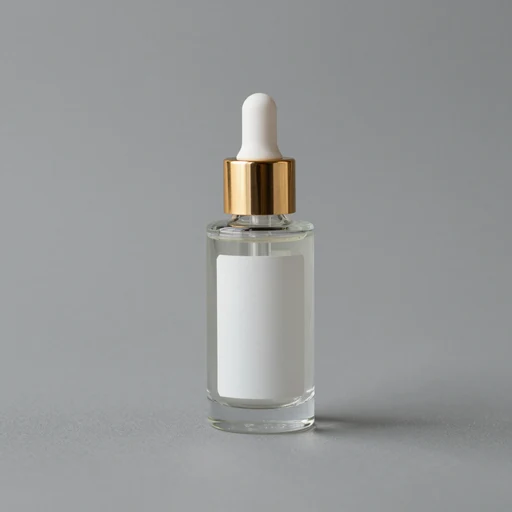 Original phone shot
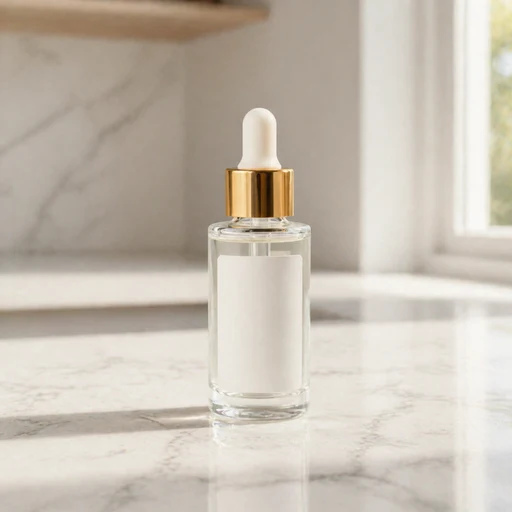 AI-generated
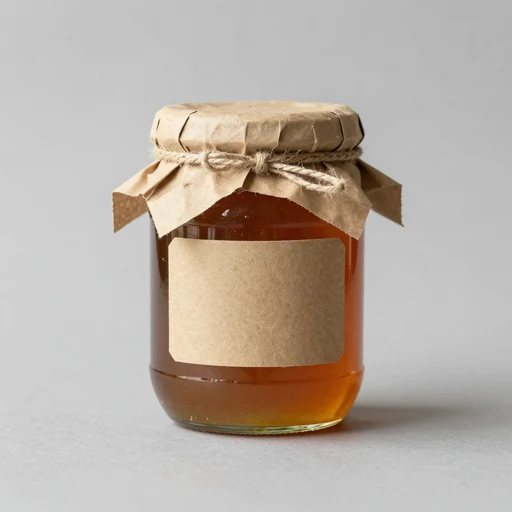 Original phone shot
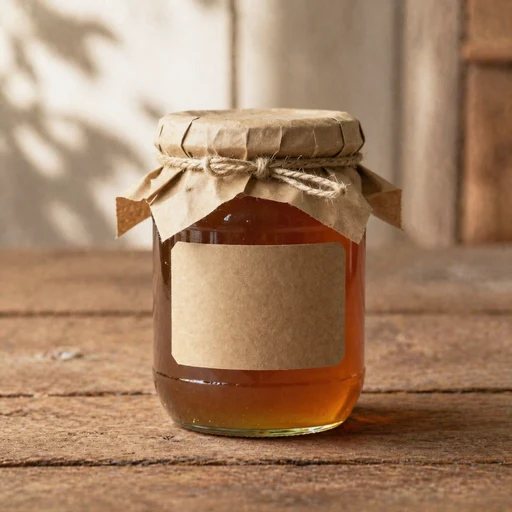 AI-generated
 Original phone shot
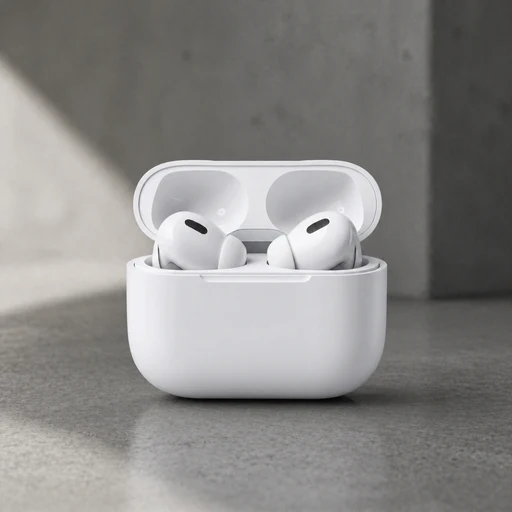 AI-generated
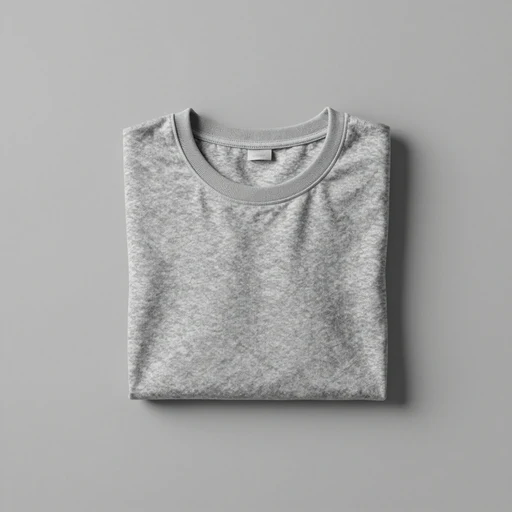 Original phone shot
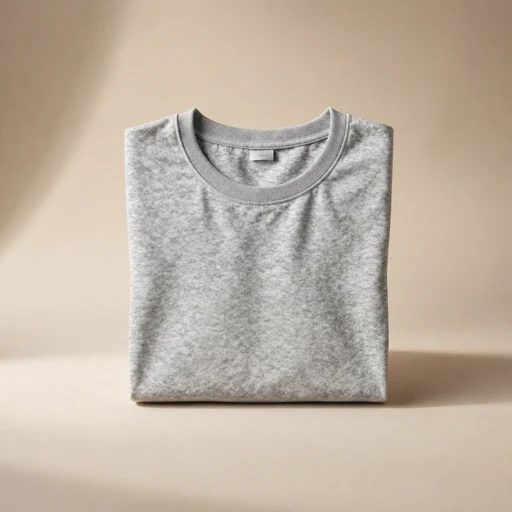 AI-generated
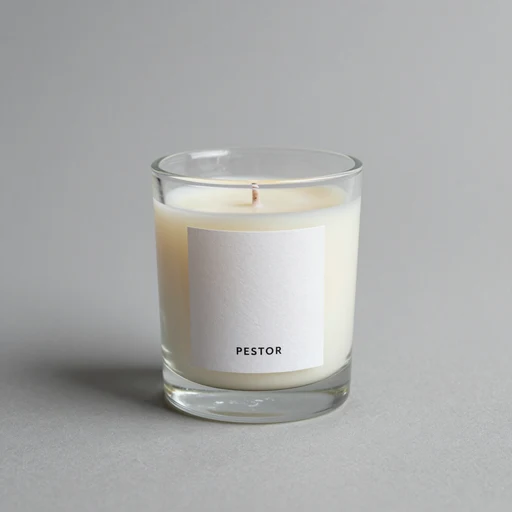 Original phone shot
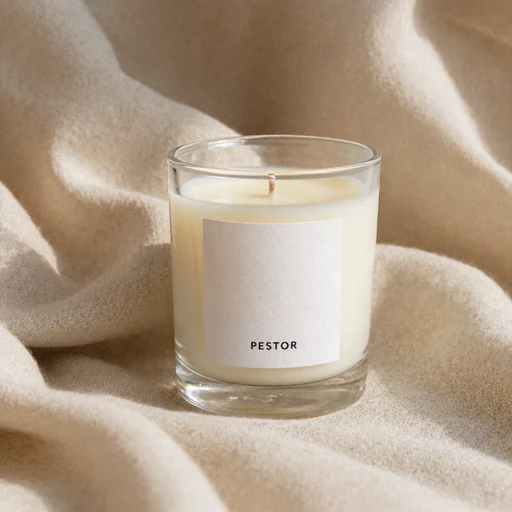 AI-generated
Why CubistAI for product photography
Professional product photography in 15 seconds
Skip the 3–14 day photo shoot. Our AI delivers Amazon-ready images in seconds.
From $0.03 per photo
vs $25–75 at a traditional studio. The most affordable AI product image generator on the web.
Pixel-True Product Photo Accuracy
Color, label, and branding preserved by our AI product photo editor pipeline. No surprises.
AI Product Photography Built for Every Marketplace
Amazon Product Photography
White Studio
Meets Amazon's pure white background requirement for main images.
Etsy Product Photos
Wooden Table / Linen Backdrop
Handmade-friendly aesthetic that fits Etsy's craft marketplace vibe.
Shopify Product Photography
Marble / Modern Concrete
Premium, on-brand visuals for your storefront and product pages.
eBay Product Listings
White Studio / Minimalist Beige
Clean professional listings that boost trust and click-through.
Social Media Product Photos
Outdoor Natural / Kitchen Counter
Lifestyle scenes built for social feeds and short-form video covers.
Product photography tips for better AI results
Nine quick tips that take your AI product photos from good to great.
Use natural, even lighting
Avoid mixed light sources. Window light or a single softbox is ideal.
Plain, uncluttered surface
Set the product on a clean white sheet of paper if you don't have a backdrop.
Shoot at eye level
Not from above. Phone should be parallel to the product's front face.
Wipe the product clean
AI won't reliably fix dust, fingerprints, or smudges. Pre-clean.
Frame with empty space
Give AI room to extend the scene around the product.
Take 2–3 angles
Front, three-quarter, and top — gives flexibility for different platforms.
JPEG or PNG, 1024px+
Long edge of 1024+ on the sensor. Higher input = better AI output.
Writing custom scene prompts
Describe surface + lighting + mood. Don't mention the product itself — AI already knows it.
Square 1:1 input works best
Most marketplace main images are square. Crop your phone shot to 1:1 before upload.
The complete guide to AI product photography
How to take product photos at home for AI processing
The best AI product photography starts with a clean smartphone photo. Place your product on a plain surface, light it with a single window or softbox, shoot at eye level, and frame with empty space around it. The AI will replace the surface, lighting, and shadows — but it cannot rescue blurry focus or fix dust on the product itself. Five minutes of pre-cleaning saves a hundred regenerations later.
What makes professional product photography convert better in 2026
On Amazon, a pure white background main image is non-negotiable — the policy is enforced and listings get suppressed. On Etsy, lifestyle wooden or linen backdrops outperform clean studio shots because they signal handmade authenticity. On Shopify, brand consistency across the catalog matters more than individual scene choice. Our 8 preset scenes map directly to these platform expectations.
AI product photo editor vs traditional Photoshop: when to use which
Use a traditional AI product photo editor when you only need to remove a background, fix dust, or adjust exposure on an existing professional shot. Use AI product photography (this tool) when you have a flat phone snapshot and need a fully styled scene — wood, marble, kitchen, outdoors. The two are complementary, not competing.
Inside our AI product image generator: how scene templates work
Each preset scene is a hand-tuned prompt that describes a surface, lighting setup, and atmospheric mood — never the product. We then prepend a strict identity-preservation instruction so the AI cannot alter your product's color, brand, or labels. The result is a consistent style across your whole catalog, even if you regenerate weeks apart.
10 product photography tips for higher Amazon / Etsy / Shopify conversion
Lead with a pure-white main image on Amazon. Use lifestyle scenes for additional gallery slots. Show product in use, not just sitting. Match scene to category: marble for cosmetics, wood for handmade, concrete for tech. Keep label text legible. Shoot 2K or 4K so customers can zoom. Stick to a consistent aspect ratio. Use background-removed PNGs for storefront banners. Test variants in A/B against control. Refresh the catalog every 6 months as platform aesthetics shift.
AI vs traditional product photography: a 2026 cost / quality breakdown
A traditional product photo shoot in the US currently runs $25–75 per image, with a 3–14 day turnaround. AI product photography drops the per-image cost to roughly $0.03–$0.15 (1K to 4K quality) and the turnaround to under 30 seconds. The quality gap continues to narrow with each model release — gpt-image-2 in particular handles label preservation and realistic shadow casting reliably enough for catalog use, though for hero campaign shots a human photographer still has the edge.
AI Product Photography FAQ
Use these AI Product Photo Editor tools after generating
Polish, retouch, and resize your generated product photos with our complete AI product photo editor toolkit.
AI Product Photo Editor: Background Remover
Strip the background from any product photo for transparent PNG storefront banners.
AI Product Photo Editor: Quality Enhancer
Sharpen detail, fix focus, and recover texture on existing product images.
AI Product Photo Editor: 2x / 4x Upscaler
Push 1K outputs to 2K or 4K for print catalogs and campaign hero shots.
AI Product Photo Editor: Background Replace
Surgical inpainting for swapping a portion of an existing product shot.
Old Photo Restoration
Restore faded family photos using the same generative pipeline.
AI Clothes Changer
Change clothes in a photo without changing the person. Pick an outfit direction or upload a real garment reference, then our AI rebuilds natural fabric, folds and shadows around the original pose.