 No. 01
Classic White Roses
A timeless round bouquet in ivory and soft greenery.
Explore bridal bouquet colors, shapes, styles, and flower combinations. Generate a realistic visual concept to download and discuss with your florist.
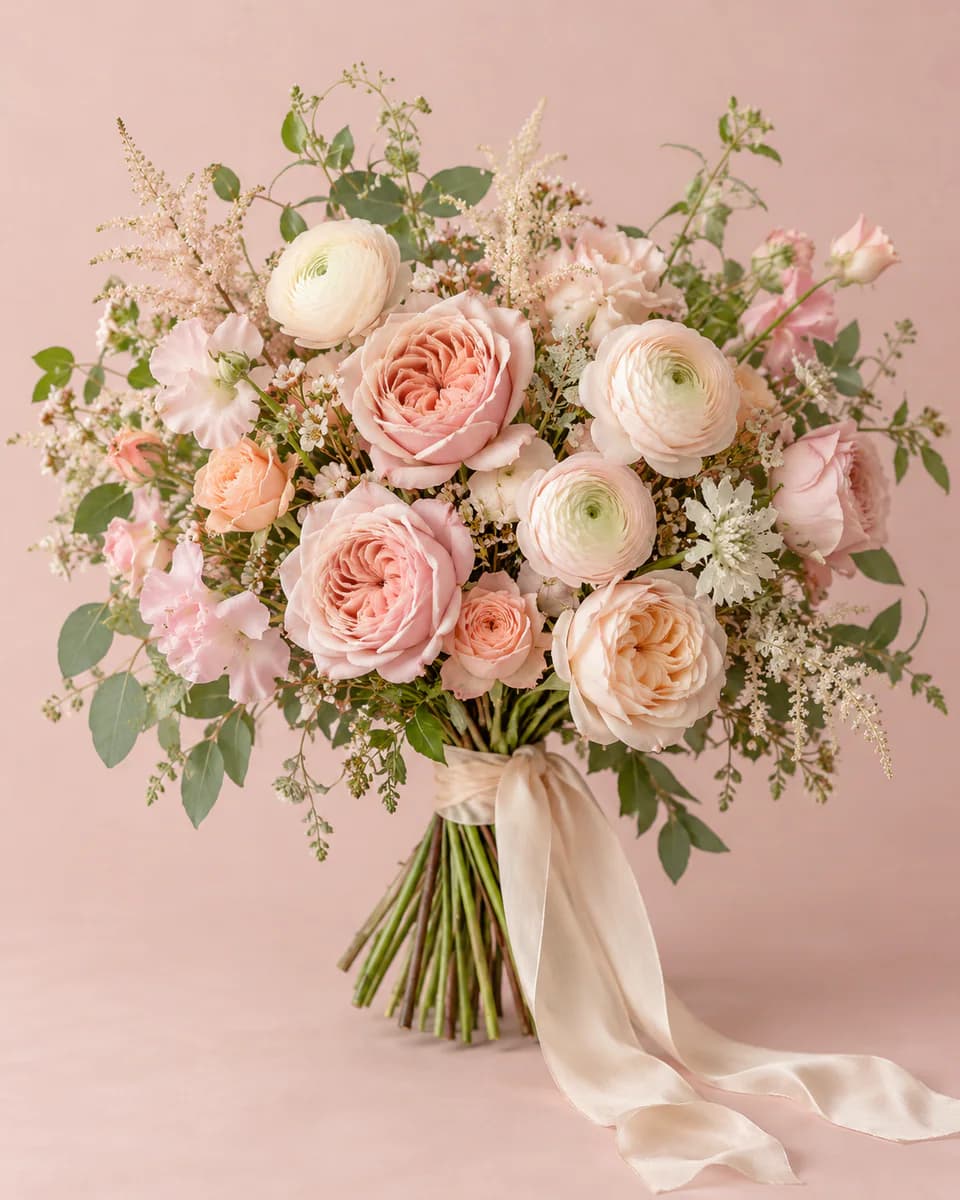
Blush, airy, romantic.
Build your direction
Five small decisions, shown one at a time. Tap any row to revise it.
Example directionYour bouquet appears here.
Start with a preset or choose a palette, shape, style, and up to three preferred flowers.
02 · Starting points
Every preset image was created for this tool’s visual standard. Use one as a starting point, then change any selection before generating.
No. 01A timeless round bouquet in ivory and soft greenery.
No. 02Loose blush roses and ranunculus with an airy garden feel.
 No. 03
Pastel meadow flowers with texture, movement, and linen ribbon.
 No. 04
Deep wine tones softened with blush accents.
 No. 05
An architectural ivory posy with a clean, modern line.
 No. 06
Fresh pastel tulips arranged with soft, joyful movement.
03 · Shape guide
Shape changes how a bouquet feels before color or flower variety does. Start with the silhouette that matches your ceremony, outfit, and comfort level, then refine the details.
Polished and timeless
A balanced dome with a clear outline. It works well when you want a formal bridal bouquet that keeps the flowers visually organized.
Natural and relaxed
A looser gathering with visible stems and gentle movement. Choose it for garden weddings, outdoor ceremonies, or an unfussy look.
Dramatic and expressive
Flowers and foliage flow below the hands for a strong vertical statement. Ask your florist about scale, weight, and comfortable handling.
Compact and effortless
A light, easy-to-carry silhouette with a focused palette. It suits intimate ceremonies and brides who prefer a quieter floral detail.
04 · From idea to image
Set the palette, silhouette, overall style, and any flowers you would love to include.
CubistAI turns the structured choices into a single 4:5 bridal bouquet visualization.
Download the image, compare it with real flowers, and use it to start a practical florist conversation.
05 · From concept to conversation
A useful florist brief explains the feeling you want and where you can be flexible. Bring the generated image as a visual reference, then add the real-world details that AI cannot know.
Point out the palette, silhouette, or overall mood that matters most in the image.
List any meaningful flower or color, then mark everything else as open to substitution.
Share your date, venue, outfit, climate, and how long the bouquet needs to stay fresh.
Ask about seasonal stems, comfortable scale, construction, care, and the final price.
06 · A visual concept
AI is useful for communicating mood, palette, and shape. It cannot confirm seasonality, stem counts, construction, or local pricing.
07 · Questions
It turns your color, shape, style and flower preferences into a visual bridal bouquet concept. The result is inspiration for planning and florist conversations, not a production recipe.
Yes. Choose a palette, bouquet shape, design style and up to three preferred flowers. AI may interpret flower varieties differently, so confirm the final flower selection with your florist.
Start with a round, hand-tied, cascade, or small posy bouquet. Each shape changes the overall silhouette; the guide above explains which mood and wedding setting each one suits.
Yes. Add a short optional note for details such as ribbon material, greenery, a flower to avoid, or an overall mood. Keep it focused so the main direction stays clear.
Yes. Choose 2K in the output resolution control for a higher-resolution bouquet concept. It costs 16 credits and requires purchased credits on a free account or an active subscription.
A free CubistAI account receives daily credits. The generator shows the exact credit cost before you create a bouquet, and no credit card is required to start.
Not necessarily. Seasonality, local availability, natural color variation and construction all affect the final bouquet. Use the image as visual direction and let your florist recommend practical substitutions.
Yes. After a successful generation, download the bouquet image at no additional generation cost. Your generated image also appears in My Creations according to your account storage policy.
AI creates a visual interpretation rather than identifying and arranging exact stems. Review the image carefully and treat your selected flowers as preferences, not a verified inventory of what appears in the image.
Keep creating