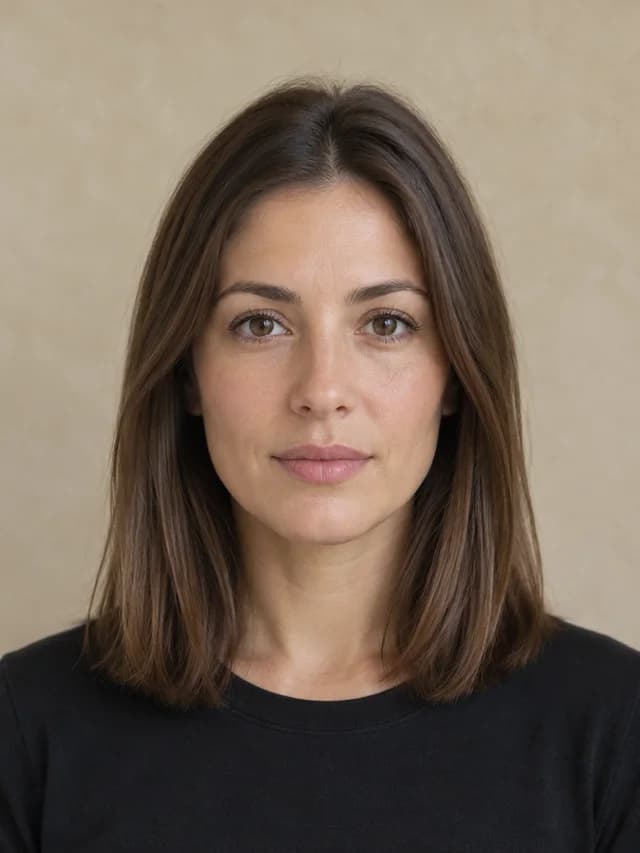
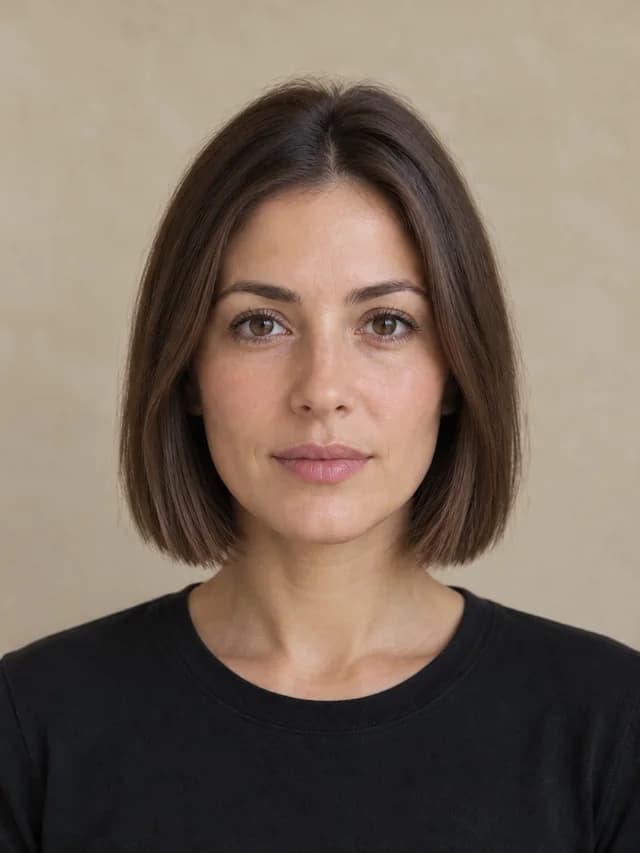
Blunt bob
Chin-length, a clean outline and even ends.
AI-generated demonstration · Blunt bob
YOUR NEXT CUT, CONSIDERED
A little preview. A big decision.
Upload one portrait, choose from 23 women’s and men’s hairstyles or describe your own. Compare up to four previews, keep your original hair color by default and save a reference for your stylist.
23 presets · Custom hairstyles · Original hair color
Sign in to use free credits at 1K. From 8 credits per preview; the exact cost is shown before generation.Same you. A different possibility.
Upload your photo and choose a style. The example below shows what a hairstyle preview looks like.
AI-GENERATED EXAMPLE
AI preview, not a guaranteed salon result. Hair texture, density, growth and styling affect the real cut.
01 / CUBISTAI
A haircut changes the frame.
These synthetic portraits were edited with the same Apimart GPT Image 2.5 model used by the tool. Each pair starts with the same original photo and keeps the hair color.
Chin-length, a clean outline and even ends.
AI-generated demonstration · Blunt bob
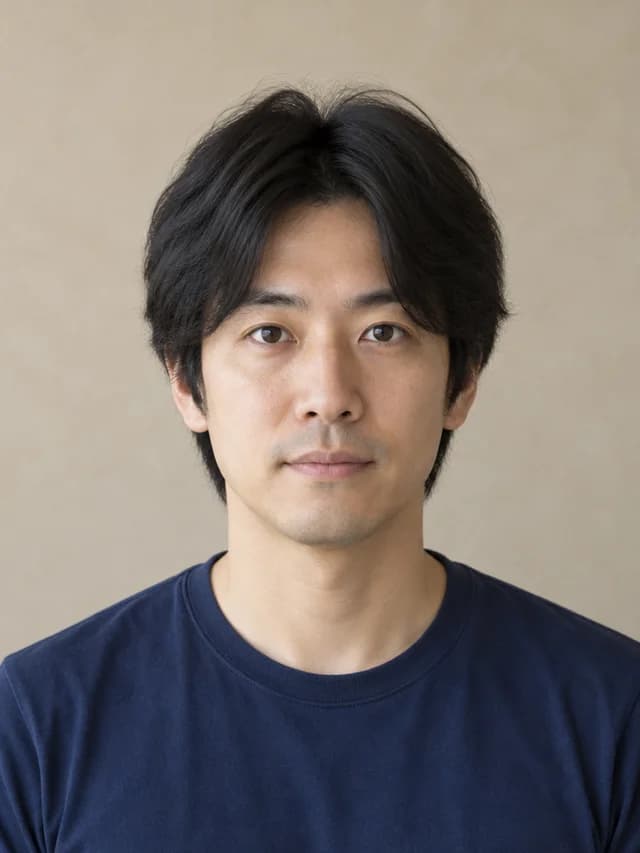
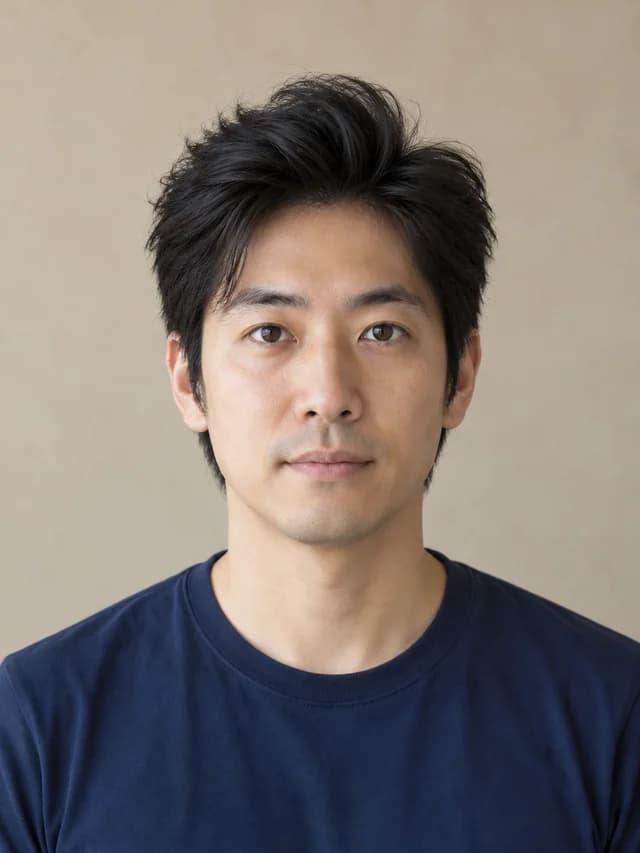
Softly tapered sides with lifted volume at the front.
AI-generated demonstration · Textured quiff
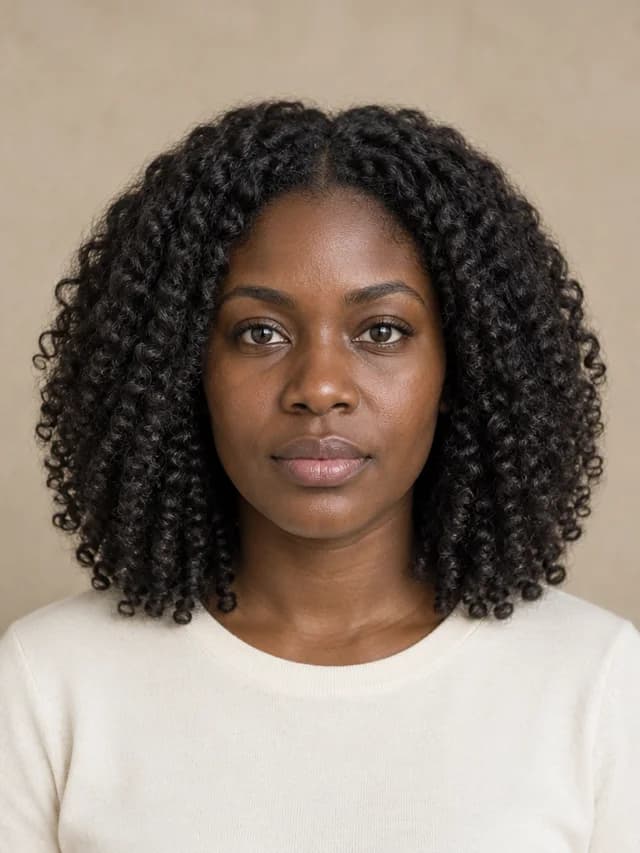
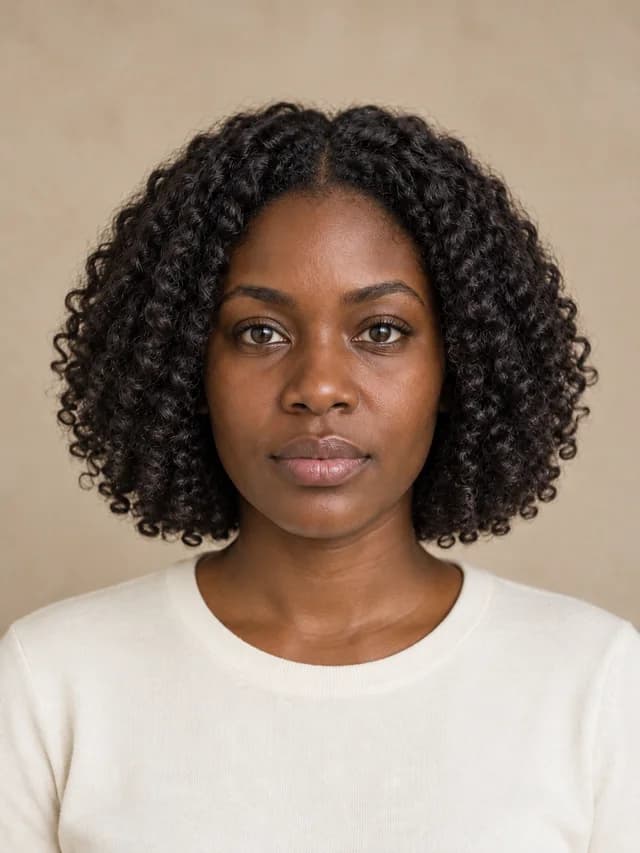
A rounded chin-length shape with defined curls.
AI-generated demonstration · Curly bob
02 / CUBISTAI
From a photo to a shortlist.
Choose a preset or describe your hairstyle in your own words. Try one look, then compare other possibilities.
Use a single-person photo with even lighting, a visible face and enough room above the head. Avoid hats, heavy filters and hair covering your eyes.
Choose a preset and add optional details, or switch to Custom hairstyle and describe the look you want. Check the credit cost before generating. Every preview starts from the original photo.
Inspect the face and hairline, try another cut and save your favorites. Download a comparison to discuss with your stylist.
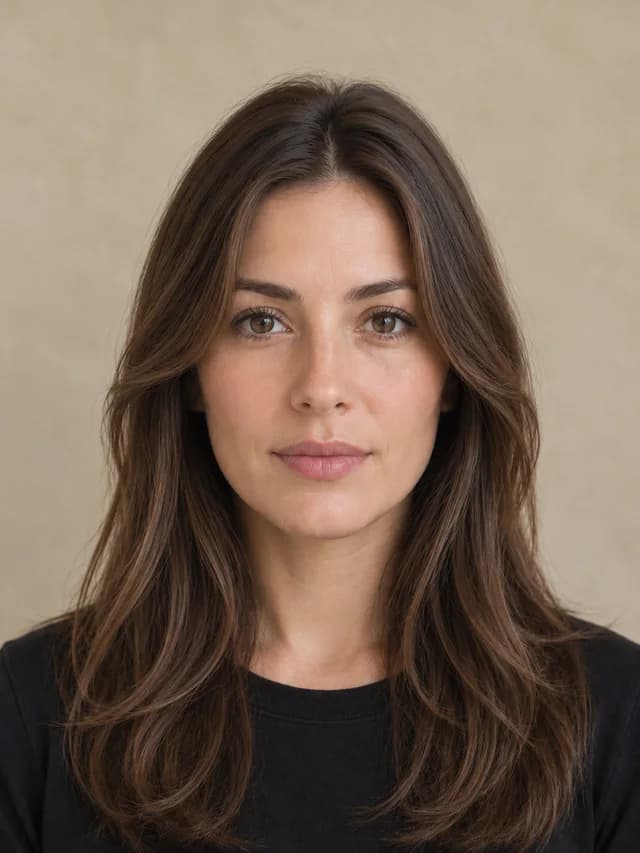
A useful reference for a real haircut.
A preview helps you communicate a direction. Your stylist can help translate it into a cut that works with your hair.
Keep the same photo and color while trying a shorter length, a fringe or a different silhouette. This makes the differences easier to judge.
Ask about your natural texture, density, growth pattern and styling time. A generated picture cannot predict how your hair will behave after washing.
Save two or three looks and explain what you like about each. Discuss achievable length, maintenance and any growing-out period with your stylist.
03 / CUBISTAI
Know what to expect.
Review the cost and account requirements before generating. Each generation creates one image; comparing and downloading completed previews uses no additional credits.
| SizeResolution | Credits per preview | Who can use it |
|---|---|---|
| 1K | 8 credits | Any signed-in account with enough credits. Available free account credits can be used. |
| 2K | 16 credits | Sufficient purchased credits, or an active subscription with enough account credits. |
| 4K | 30 credits | Sufficient purchased credits, or an active subscription with enough account credits. |
Before your next cut.
An AI hairstyle changer creates a visual preview of a different hairstyle on your photo. CubistAI offers 23 presets and an independent custom hairstyle mode, preserves your original hair color by default and compares up to four completed previews from the same portrait.
Sign in to use available free account credits at 1K. A 1K preview currently uses 8 credits. 2K requires sufficient purchased credits or an active subscription with enough account credits; 4K is available with sufficient purchased credits or an active subscription; no subscription is required to use purchased credits. The exact cost is shown before generation, and downloads use no additional credits.
4K is available with sufficient purchased credits or an active subscription; no subscription is required to use purchased credits.
The tool instructs the model to preserve your facial features, skin tone, expression and accessories while editing the hair. Generative editing can still introduce differences. Compare with your original and inspect the face and hairline before using the result as a reference.
Yes. Browse women’s and men’s styles, then filter by length, bangs, curls, braids or tied styles. Presets include bobs, pixies, long waves, ponytails, buns, buzz cuts, curtain cuts and curly tops. Anyone can try any preset or describe a custom hairstyle.
There are curly bob, natural afro, tapered coil and box braid presets. These are visual concepts, not an assessment of your natural hair. Results depend on photo quality and style; discuss texture, density and maintenance with your stylist.
The current version accepts one portrait photo, with either a preset and optional details or your own hairstyle description. A second reference photo is not supported. Describe the length, part, bangs and texture you want.
Your photo is uploaded for generation and sent through CubistAI's Apimart image-generation service. Completed results are associated with your account and My Creations. A draft may be saved in this tab's session storage to restore your work after sign-in. See the Privacy Policy for the site's data practices.
Yes. Upload a JPG, PNG or WebP portrait up to 10 MB from your phone, then save a preview or comparison. Treat the image as a conversation starter: real results depend on your hair, the cut and styling.
A pending task can be checked again without starting a new paid generation. Confirmed failed jobs follow the existing automatic credit-refund process. A slow or uncertain submission is kept recoverable rather than immediately retried.
Yes. Switch to Custom hairstyle and describe the length, part, bangs and texture you want, using up to 400 characters. You do not need to choose a preset. You can compare and download custom previews alongside preset previews.
Keep exploring your look.