GPT Image 2 — Try OpenAI's Latest AI Image Generator Free
OpenAI's flagship image model with near-perfect text rendering, thinking-mode reasoning, and up to 2K output — built for posters, infographics, multilingual visuals, and comics.
Your generation will appear here
Write a prompt and press Generate to create text-rich, multilingual visuals with GPT Image 2.
Why GPT Image 2 Stands Out
The first image model with reasoning built in — designed for text, layout, and real design work, not just pretty pictures.
Near-Perfect Text Rendering
Render long headlines, multi-word labels, captions, and logos with reported ~99% accuracy — the weakness that held every prior image model back, finally solved.
Thinking Mode Reasoning
GPT Image 2 plans composition, counts objects, and checks constraints before rendering — and can even pull references from the web — so you burn far fewer rerolls on wrong counts or mislabeled diagrams.
Up to 2K Resolution
Generate crisp 1024×1024, 1920×1080, 2560×1440, or 1280×3840 outputs — up to 2000 pixels wide — ready for posters, hero banners, and print-grade creative.
Multilingual & CJK Support
Natively renders text in Japanese, Chinese, Korean (CJK) and all Latin-script languages, with growing support for Hindi and Bengali — no translation workarounds for most markets.
Multi-Image Consistency
Produce multiple coherent images from a single prompt with consistent characters, style, and layout — ideal for storyboards, product sets, and multi-panel comics.
Unified Generation & Editing
One model for both text-to-image and high-fidelity image editing — restyle, extend, add or remove elements, or integrate new typography into reference photos.
How to Generate with GPT Image 2
Four simple steps to turn any idea into production-ready visuals.
Choose Mode
Pick Text-to-Image to create from scratch, or Image-to-Image to edit or restyle a reference photo.
Write a Clear Prompt
Describe the subject, style, and any text that should appear in the image. Use your own language — GPT Image 2 is natively multilingual.
Select Aspect Ratio
Pick the output size that matches your use case — 1:1 for social, 9:16 for mobile, 16:9 for banners, and more.
Generate & Download
Click Generate and wait 20-60 seconds. Preview, refine, and download your high-resolution image.
What You Can Build with GPT Image 2
Real examples of posters, infographics, multi-panel stories, and multilingual typography generated by OpenAI's gpt-image-2 model.
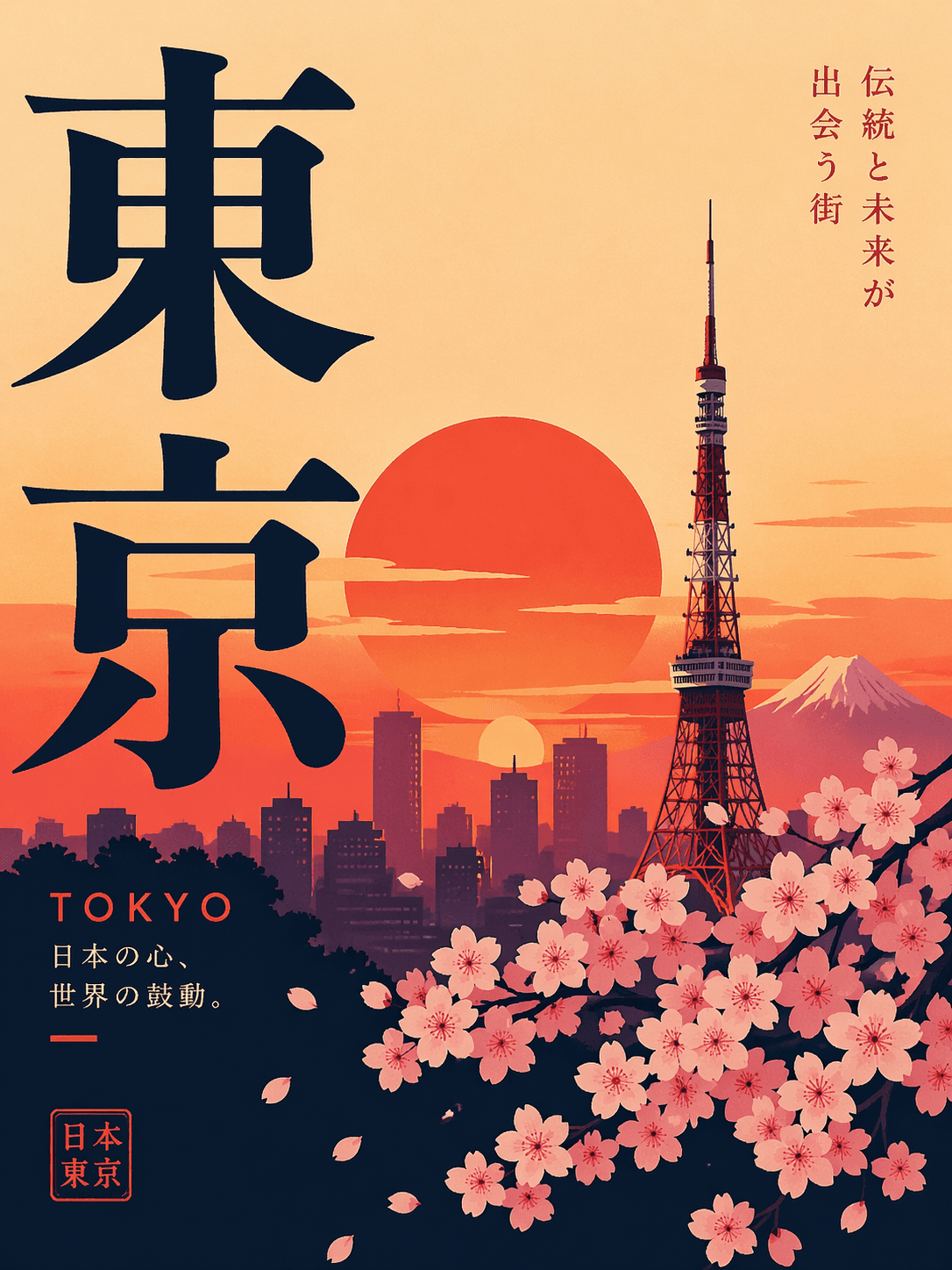
"Minimalist travel poster for Tokyo, bold Japanese typography, cherry blossoms, sunset palette"
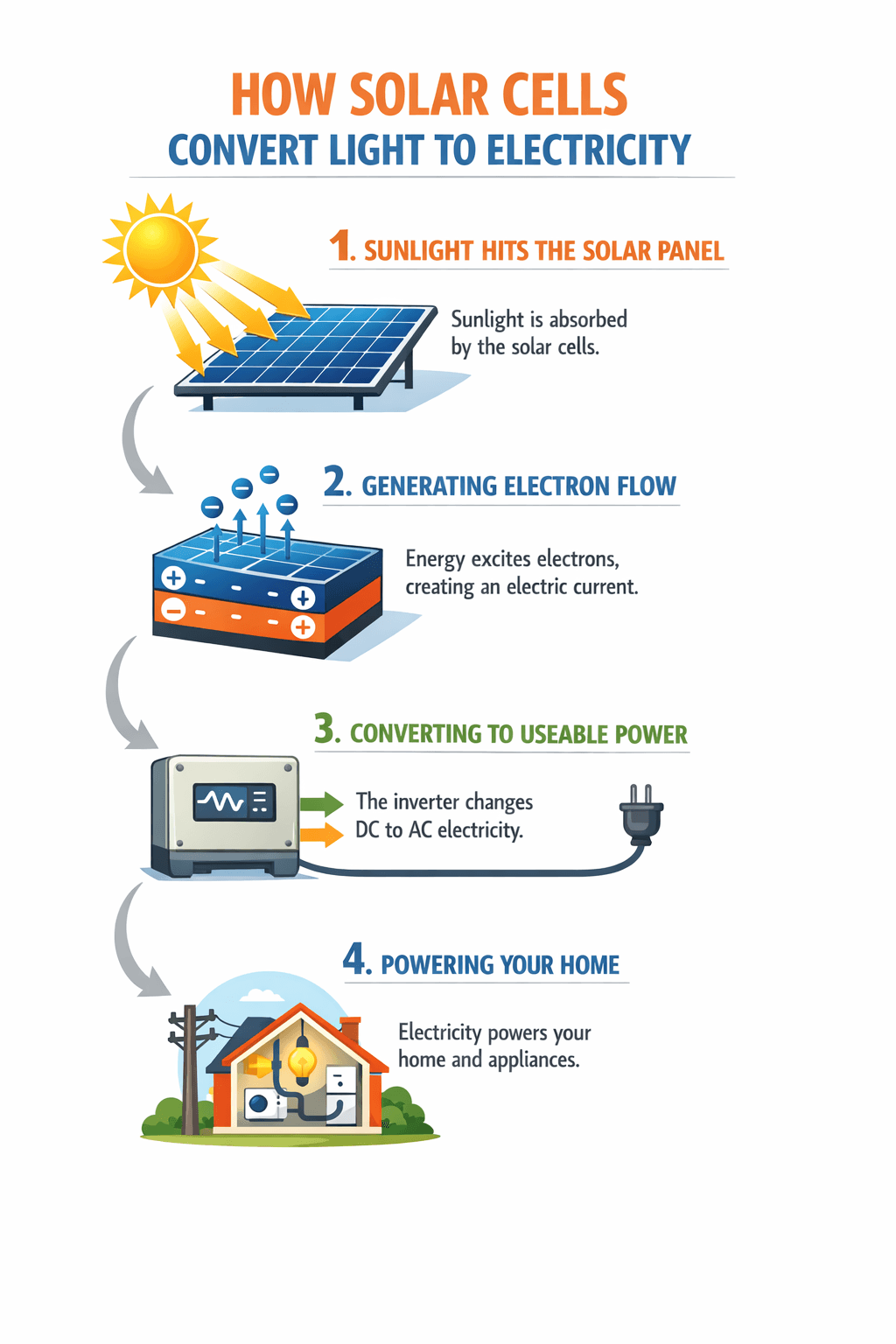
"Step-by-step infographic explaining how solar cells convert light to electricity, clean vector style"
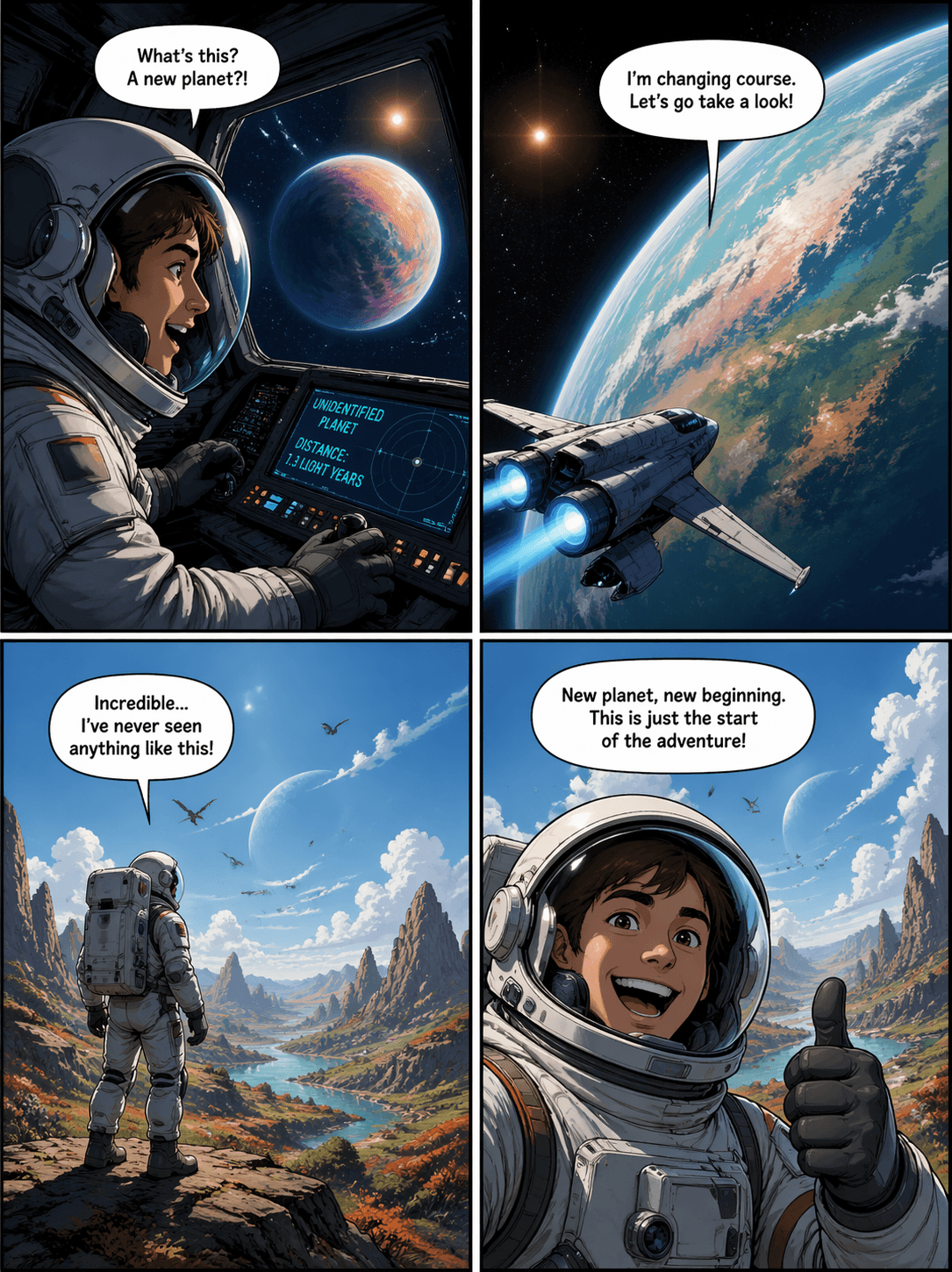
"Four-panel comic of an astronaut discovering a new planet, dynamic angles, speech bubbles in English"
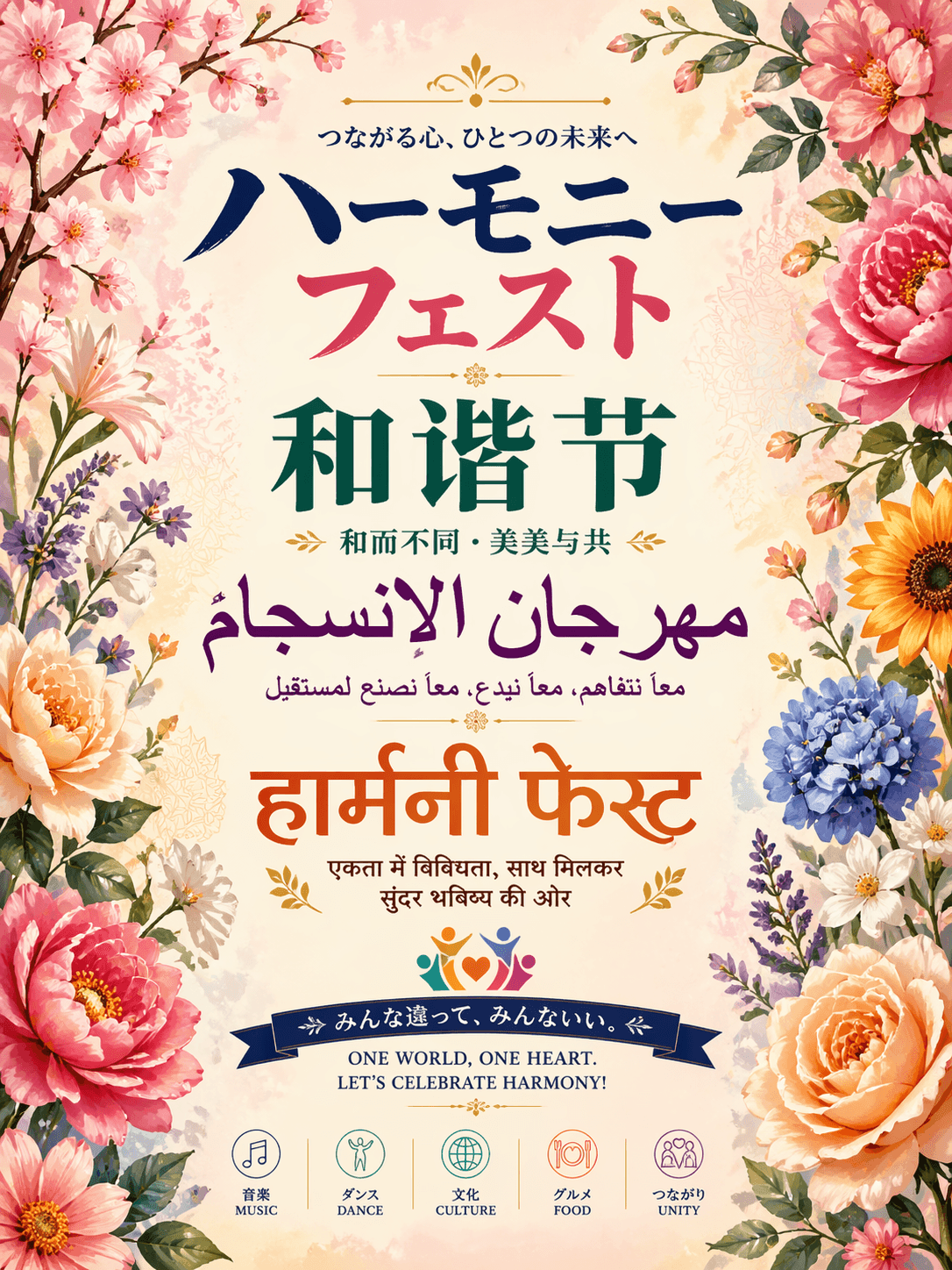
"Festival poster featuring 'Harmony Fest' title in Japanese, Chinese, Korean, and Latin scripts, floral background"
GPT Image 2 vs GPT Image 1
What actually changed in OpenAI's 2026 image model — a side-by-side of the upgrades that matter.
Who GPT Image 2 Is Built For
From marketing teams to solo creators — the design-ready image model for real work.
Marketing & Ad Assets
Produce on-brand ad creatives, hero banners, campaign visuals, and social posts with accurate headline text rendered directly in the image.
Posters & Social Graphics
Generate event posters, album covers, and Instagram-ready visuals with bold typography, layered layouts, and style-specific color palettes.
Infographics & Diagrams
Turn data and concepts into infographics, process diagrams, and educational visuals — GPT Image 2 keeps structure and labels coherent.
Multilingual Visuals
Create region-localized creatives in Japanese, Chinese, Korean (CJK) and every Latin-script language, with growing support for Hindi and Bengali — perfect for global product launches and campaigns.
Comics & Storytelling
Draft multi-panel comics, storyboards, and sequential art with consistent characters, scenes, and dialog bubbles.
Product & Brand Visuals
Craft packaging mockups, product beauty shots, and brand-ready hero imagery with precise art direction and typography control.
GPT Image 2 FAQ
Everything you need to know about OpenAI's GPT Image 2 — features, pricing, differences from GPT Image 1, and how to get the best results.
What is GPT Image 2?
GPT Image 2 is OpenAI's latest image generation model, released on April 21, 2026. It is officially branded ChatGPT Images 2.0 inside ChatGPT and gpt-image-2 in the API (snapshot: gpt-image-2-2026-04-21). It introduces reasoning-driven generation, near-perfect text rendering, and up to 2K output.
When was GPT Image 2 released?
OpenAI launched GPT Image 2 on April 21, 2026, replacing the older gpt-image-1 model. The current API snapshot ID is gpt-image-2-2026-04-21.
How is GPT Image 2 different from GPT Image 1?
Compared with GPT Image 1, GPT Image 2 adds thinking-mode reasoning and web search, pushes on-image text accuracy to roughly 99%, supports up to 2K resolution with flexible aspect crops, generates multiple consistent images from one prompt, and removes the persistent warm color cast of the previous model.
How is GPT Image 2 different from other AI image generators?
GPT Image 2 is significantly better than most image models at rendering legible in-image text, following long and complex prompts, and producing structured visuals like posters, infographics, maps, and comics. It also natively supports CJK and Latin scripts — no translation workarounds — and can reason about composition before drawing.
What is GPT Image 2 thinking mode?
Thinking mode is a new reasoning step where GPT Image 2 plans the layout, counts objects, checks constraints, and can optionally search the web before rendering. In ChatGPT it's available on Plus, Pro, and Business tiers; through the API it is exposed on the gpt-image-2 model with configurable reasoning effort.
What is the maximum resolution of GPT Image 2?
GPT Image 2 outputs up to roughly 2000 pixels wide. Common preset sizes include 1024×1024, 1920×1080, 2560×1440, and a tall 1280×3840 portrait crop. Custom dimensions are supported with both edges as multiples of 16, up to 3840 pixels on the longest edge.
Can GPT Image 2 generate multiple consistent images at once?
Yes. GPT Image 2 can produce multiple images from a single prompt while keeping characters, style, and composition consistent across them — useful for storyboards, product sets, and multi-panel comics.
Can GPT Image 2 edit existing images?
Yes. GPT Image 2 is a unified generator and editor. Upload a reference photo in Image-to-Image mode and ask GPT Image 2 to restyle, extend, add or remove elements, or integrate new typography while preserving fidelity to the original.
Which languages does GPT Image 2 support?
GPT Image 2 accepts prompts in virtually all major languages. On-image text rendering is strongest for Japanese, Chinese, Korean (CJK) and all Latin-script languages, with growing support for Hindi and Bengali. Write the prompt in the same language you want the on-image text to appear in.
What aspect ratios does GPT Image 2 support?
GPT Image 2 supports square (1:1), portrait (2:3, 3:4, 4:5, 9:16, 1:2), and landscape (3:2, 4:3, 5:4, 16:9, 2:1, 21:9) — covering every common use case for social, mobile, web, and print design.
Is GPT Image 2 free to use on CubistAI?
Yes. Free users can generate with GPT Image 2 at 1K when they have enough credits, and the Free balance is restored to 10 credits each day. Free accounts must cover complete 2K / 4K requests with purchased credits. Subscribers can use their account credits for all supported resolutions. Each image costs 8 credits at 1K, 16 at 2K, or 30 at 4K.
How does CubistAI compare with the OpenAI gpt-image-2 API?
OpenAI's gpt-image-2 API charges per image — roughly $0.21 for a high-quality 1024×1024 output, plus tokens for thinking mode. CubistAI gives you the same underlying model with no API key, no credit-card friction on free tier, and a polished editor, starting at 8 credits per generation.
Is GPT Image 2 good for poster and infographic design?
Yes — this is one of the flagship use cases. Thanks to its text rendering, reasoning, and instruction-following, GPT Image 2 handles posters, event flyers, social banners, infographics, and diagrams far better than traditional image generators.
How do I get the best results from GPT Image 2?
Write clear, specific prompts. State the subject, style, composition, and any on-image text you want — quoted text works best. For multilingual results, write the target text in the target language. Use Image-to-Image to refine or restyle an existing visual.
Explore More AI Tools
Pair GPT Image 2 with our full suite of AI image generators and editors.
GPT Image 2.5
Text to image and single-image editing, with three quality levels
AI Image Generator
Mix multiple top image models on one canvas — perfect for comparing GPT Image 2 against other styles.
Nano Banana 2
Google's latest image model — fast, coherent, and great for prompt-heavy exploration and quick iteration.
Seedream 5.0
ByteDance's latest image model with web search and precision editing — strong for concept art and real-world references.
Seedream 5.0 Pro
ByteDance's newest flagship — design-grade output at 2K.
AI Edit Pro
Pro-grade image editing — restyle, retouch, or extend any photo with natural-language instructions.
AI Upscaler
Upscale any image to 2K/4K without losing detail — ideal for finishing a GPT Image 2 generation for print.
AI Coloring Page Generator
Turn any photo or idea into a printable coloring page — from mandalas to manga, ready in seconds.