






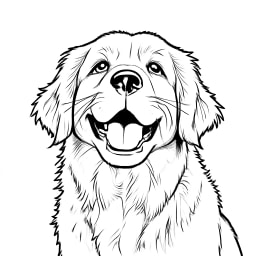




Generate, then revise
Create a scene from text, then use the result’s Edit action to change its background, lighting or objects. Name what must stay so the next request has a clear visual anchor.
Explore visual styles and turn reference images into new scenes with one model for generation and editing.
Seedream 4.0 is ByteDance Seed’s unified image generation and editing model. Use it to develop an idea from text, transform a visual style or revise an existing image. For reference-heavy product work or dense poster text, consider Seedream 4.5 as well; a larger output alone does not ensure better fidelity.
1K / 2K / 4K · 1K: 15 credits · 2K: 15 credits · 4K: 16 credits
Start with a clear visual goal, then choose text or references to guide the result.
Create a scene from text, then use the result’s Edit action to change its background, lighting or objects. Name what must stay so the next request has a clear visual anchor.
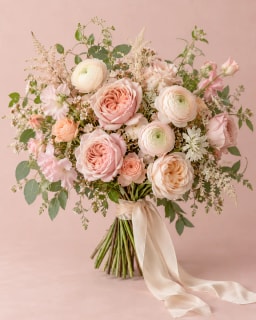
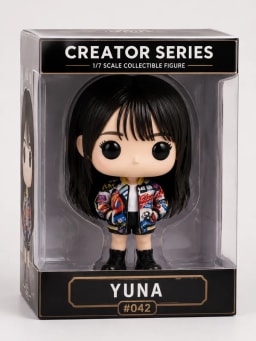
Combine a subject, setting and style reference. Say which image supplies each element; conflicting poses or backgrounds can make the intended composition ambiguous.
Try watercolor, illustration or a photographic treatment of the same subject. Specify the palette and materials as well as the style name, and check whether important identifying details remain.
Use structured prompts for a process diagram or educational illustration. Specify the order and labels, then verify the facts, symbols and rendered text before publishing.

Seedream 4.0 · Prompt ideas 1
Inspect the bottle edges, reflections and contact shadow. Change one lighting phrase to explore a different mood without rewriting the whole scene.
A clear glass perfume bottle on a pale stone plinth, warm afternoon sunlight, soft shadows, premium product photography, no text, 4:3 composition.
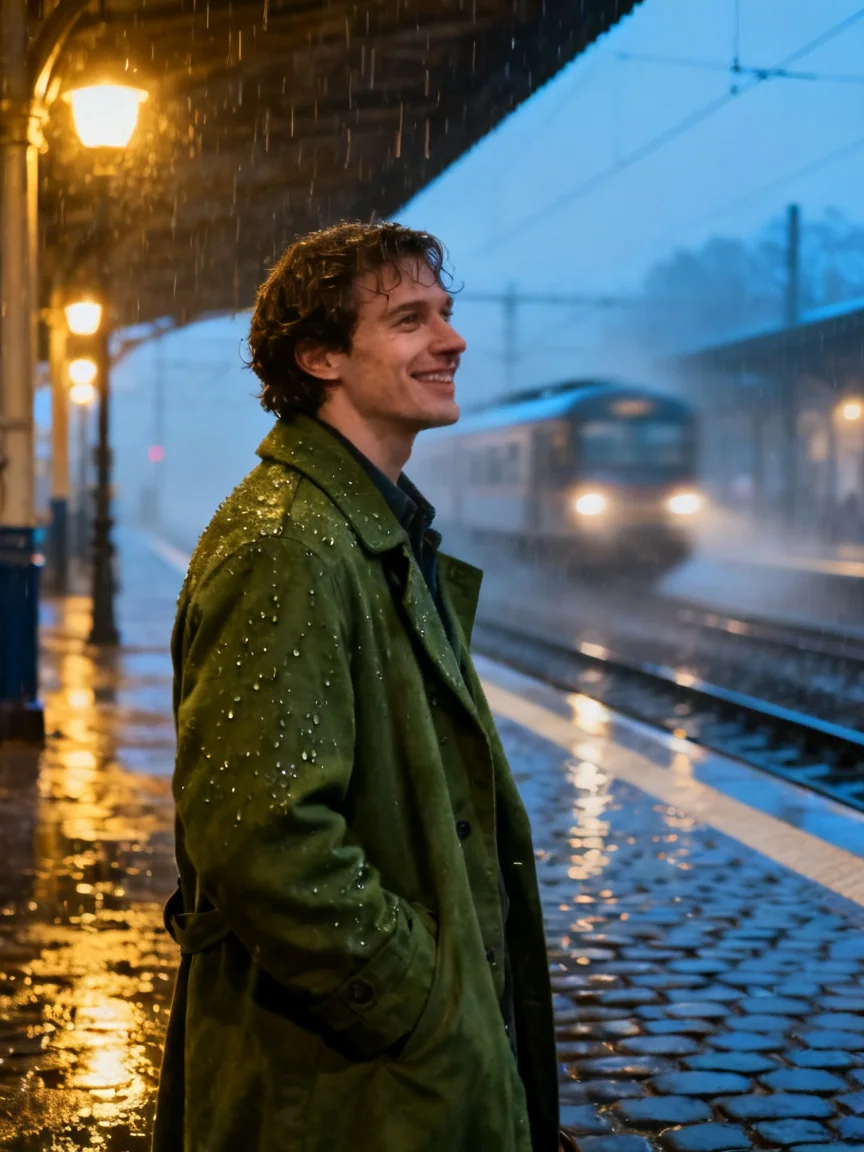
Seedream 4.0 · Prompt ideas 2
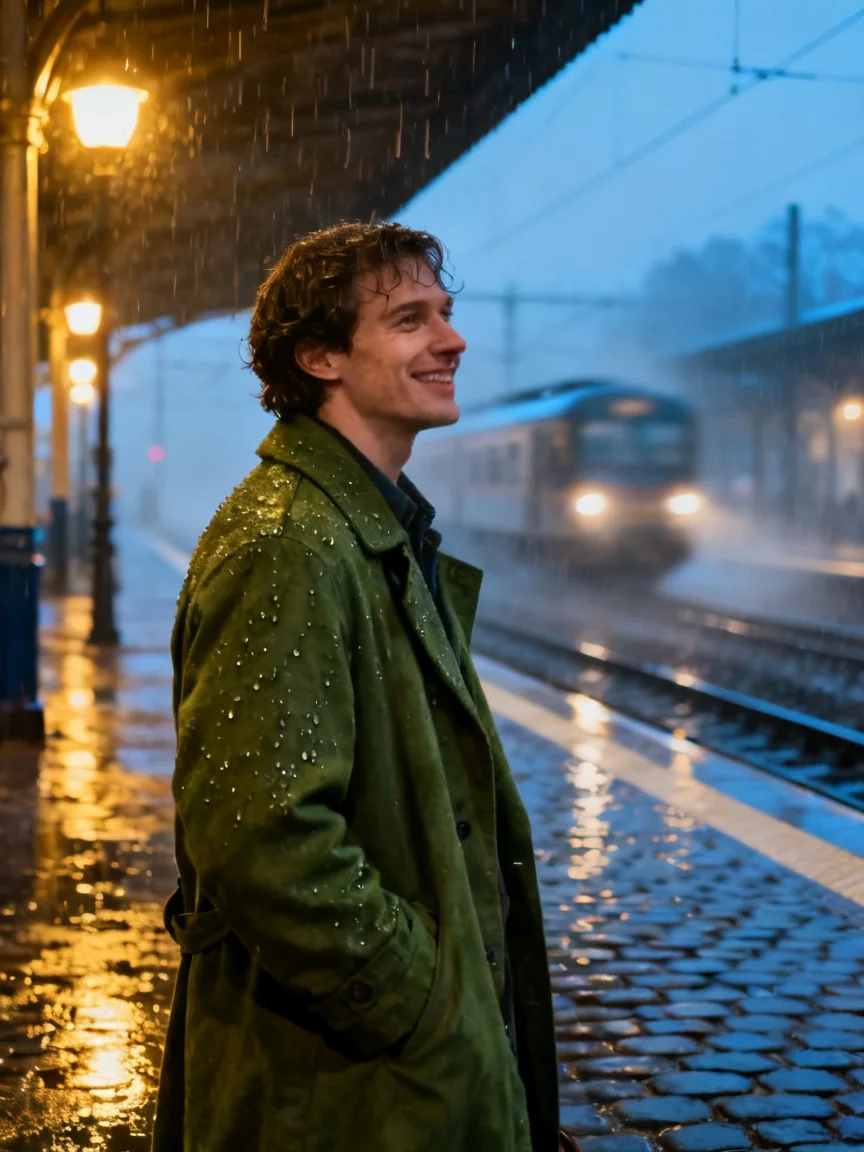
The coat color, rain and station set the visual brief. Check clothing and facial detail before using the image as a reference for later edits.
A friendly traveler in a moss-green coat standing at a rainy train station, cinematic natural light, three-quarter portrait, realistic details.
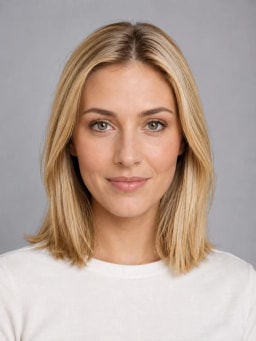
Seedream 4.0 · Prompt ideas 3
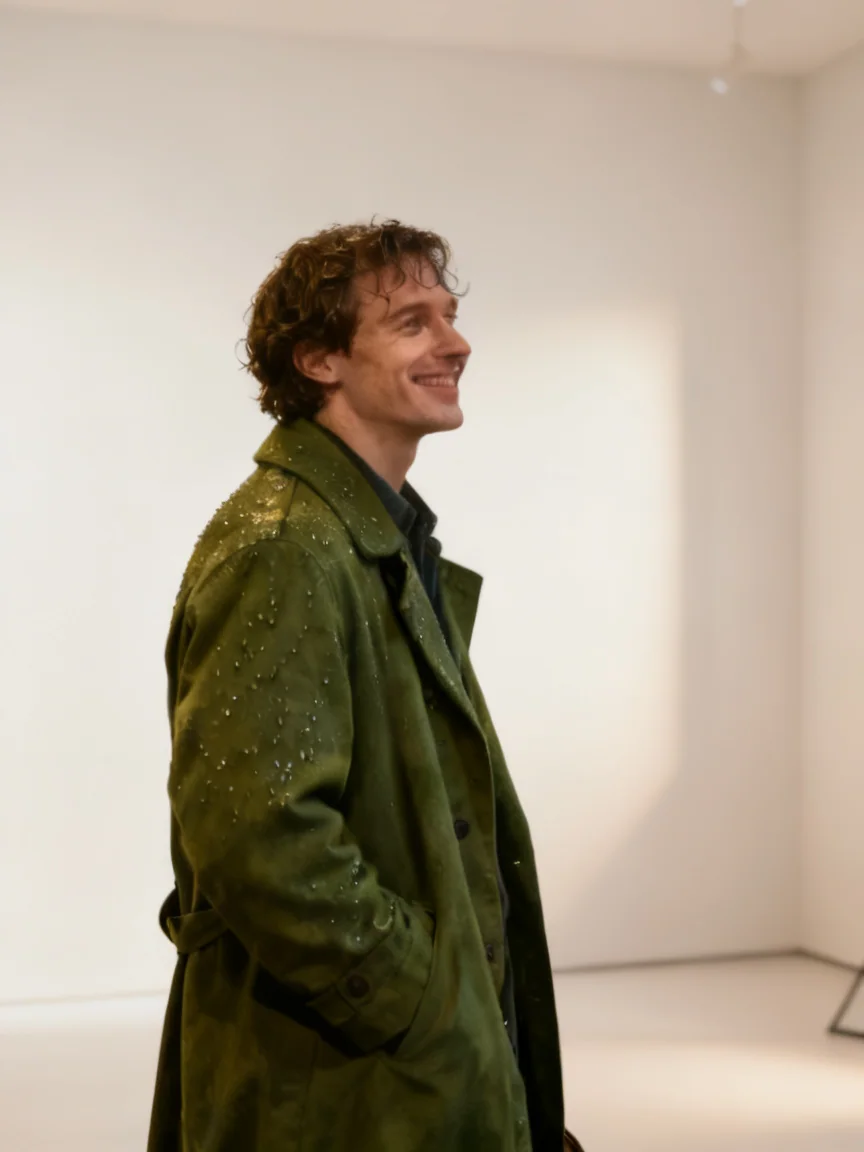
Compare the source and edit for subject proportions and retained details. The prompt requests a new background and side lighting; preservation still needs review.
Keep the main subject and its proportions from the reference image. Replace the background with a calm modern studio and add soft side lighting.
Reference images · 2Selecting a prompt fills the editor; it does not start generation.
Describe the subject, action and setting, then add lighting and composition. A product visual needs different framing from an explanatory diagram; choose one clear task first.
For an edit, upload the source and identify the subject to preserve. With multiple images, assign their roles explicitly, such as subject from image 1 and background from image 2.
Review edges, anatomy and any labels at full size. Use Edit on the preferred result for a focused revision; download the version that meets your brief.
Choose 4.0 for general creation and style exploration. Compare 4.5 when reference fidelity or poster typography is central, and Flash when you want repeated concept trials. The table shows CubistAI’s current controls and credits, rather than a quality ranking.
| Feature / price | Seedream 4.0 | Seedream 4.5 | Seedream 5.0 Flash |
|---|---|---|---|
| Output Resolution | 1K / 2K / 4K | 2K / 4K | 1K / 1.5K / 2K |
| Reference-image editing | 6 × Uploaded reference image | 6 × Uploaded reference image | 6 × Uploaded reference image |
| Feature / price | Blend references for people and products | Rich detail for product and campaign visuals | Fast image creation and editing |
| credits | 1K: 15 credits2K: 15 credits4K: 16 credits | 2K: 20 credits4K: 30 credits | 1K: 12 credits1.5K: 12 credits2K: 12 credits |
Credit cost: 1K: 15 credits · 2K: 15 credits · 4K: 16 credits per image.
Seedream 4.0 is ByteDance Seed’s unified image generation and editing model. Use it to develop an idea from text, transform a visual style or revise an existing image. For reference-heavy product work or dense poster text, consider Seedream 4.5 as well; a larger output alone does not ensure better fidelity.
Consider 4.5 for keeping a product or face recognizable across reference edits, or for layouts with smaller text. Use the same brief to compare outputs; resolution alone does not measure subject fidelity.
It can draft explanatory images, but generated labels, calculations and relationships may be wrong. Supply the facts you need and verify the whole diagram before educational or professional use.
References can contain competing subjects, styles and compositions. Remove redundant images and explicitly assign each remaining image a role. State which features must remain unchanged.
Yes. Add up to 6 reference images, then describe the change and what must remain unchanged. The editor sends the selected images together with your prompt.
Text generation costs 1K: 15 credits · 2K: 15 credits · 4K: 16 credits per output. The credit badge updates for your resolution, number of outputs and any reference images before you submit.
This workbench offers 1K / 2K / 4K and 10 aspect ratio options. Select a ratio for the intended layout; check the finished image for its actual pixel dimensions.
Name the subject, setting, composition, lighting and desired style. For an edit, say explicitly which parts to preserve and which to change; you can adapt a sample prompt before generating.
Reuse the same reference image and specify the details that must stay, such as product shape or camera angle. Results can still vary between generations, so review each output before using it.
Choose an example to fill the prompt field; this does not submit a task. Sign in, check the credit badge, press Generate, then download the completed result from its card.