











AI Chibi Maker
Make a flat chibi character, sticker-style illustration, or storybook avatar from a photo or written idea.

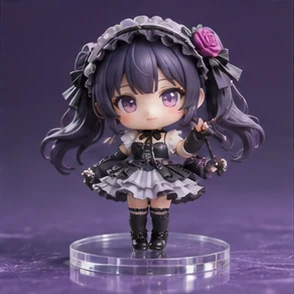
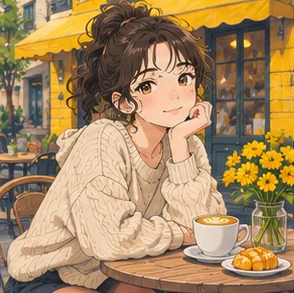
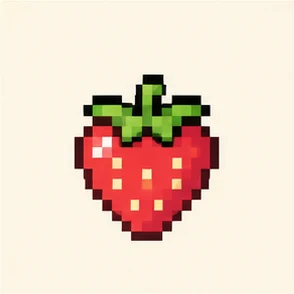
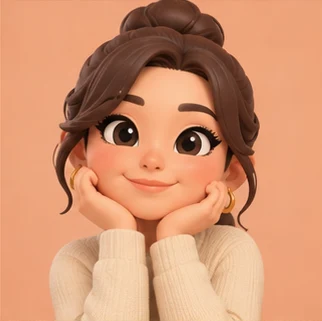
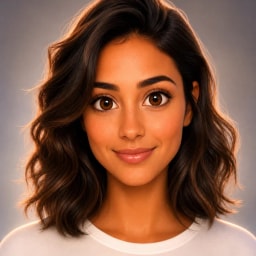
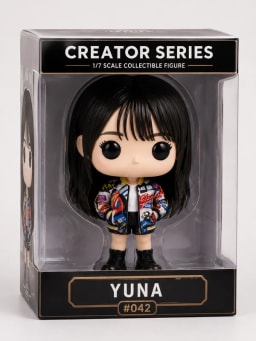
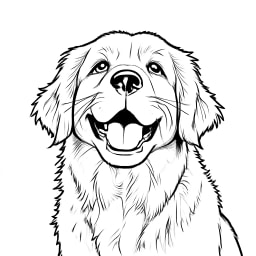
Examples of 2D Chibi Characters
Original visual references for the available styles.

Styles and Settings for 2D Chibi Characters
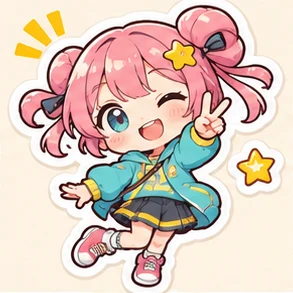
Flat chibi emphasizes the head-to-body ratio. Sticker style adds a white outline, while the emote preset crops closer so expressions read at small sizes.
- Style
- Flat character · Sticker · Storybook · Pastel kawaii · Reaction emote · Bold comic · Watercolor · Pixel-style chibi · Cut paper
- Default
- Flat character
- Styles and settings
- Resolution · Extra details (optional)
How to Make 2D Chibi Characters
One photo or a description
Keep the pose simple for a small sticker or avatar. The flat option emphasizes a clear outline and larger facial features.
Choose a style
Choose a style and adjust the available settings.
Generate
Select Generate, review the result, and use Download to save it. Check the credits displayed on the button before you generate.
Photo Requirements and Downloads
- Input
- One photo or a description · JPG, PNG, WebP ≤ 10 MB
- Output
- Downloadable digital image · 1K / 2K / 4K
- Aspect ratio
- 1:1
- Access
- Sign in to generate. The button shows the credit cost.
- Credits
- 1K · 8 / 2K · 16 / 4K · 30
2D Chibi Characters FAQ
What makes a chibi character easy to recognize?
Choose two strong traits such as a haircut and glasses or a jacket and hair color. Simple poses and large shapes reproduce better at avatar size.
Is Sticker a transparent PNG sticker export?
Sticker gives the illustration a white border and simple backdrop. Check the background of the downloaded image before using it in an app that needs transparency.
How is a chibi character different from a chibi figure?
This maker draws a 2D character for avatars or illustrations. Use the chibi figure generator for the look of a painted collectible on a base.
What can I start with?
Upload one JPG, PNG, or WebP image up to 10 MB, or describe what you want to create.
What file can I download?
The workbench offers 1K, 2K, or 4K generation. Download saves the generated image.
Do I need to sign in?
Sign in to generate. The button shows the credit cost.
Can I try it with a sample photo?
Yes. “Try a sample photo” loads an image into the workbench. Choose a style and select Generate to make a new result. The gallery shows style references.