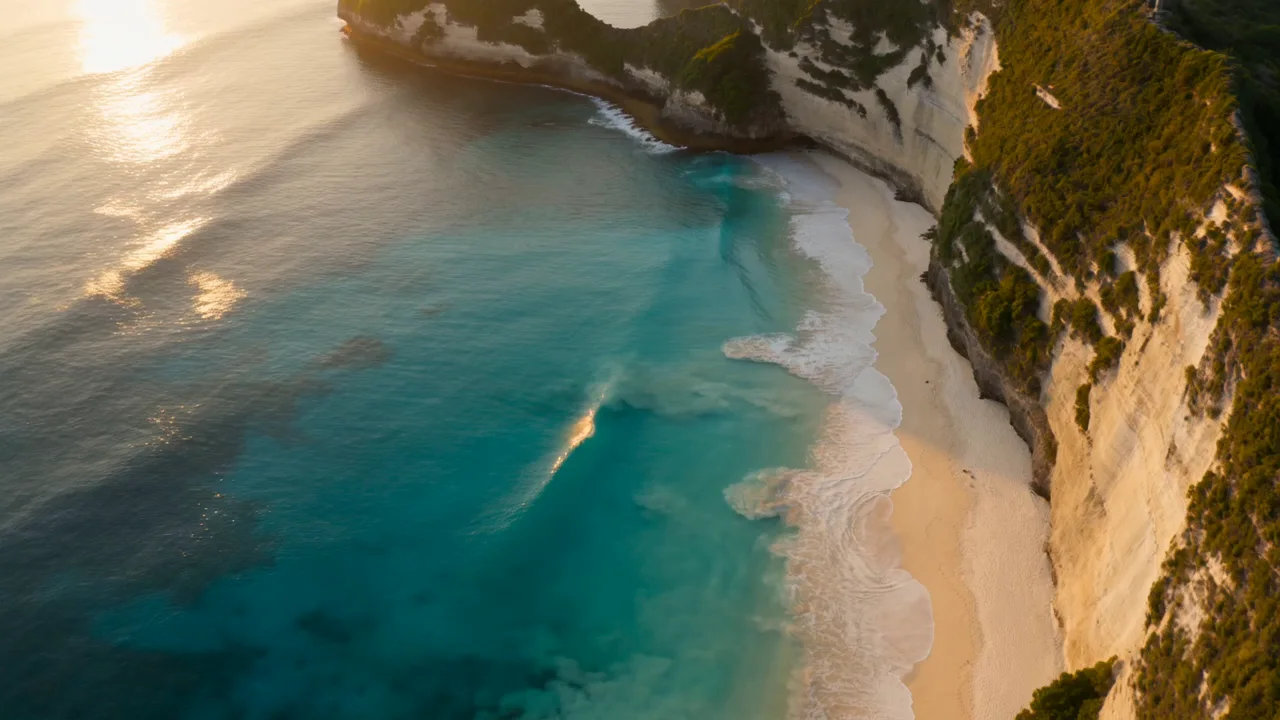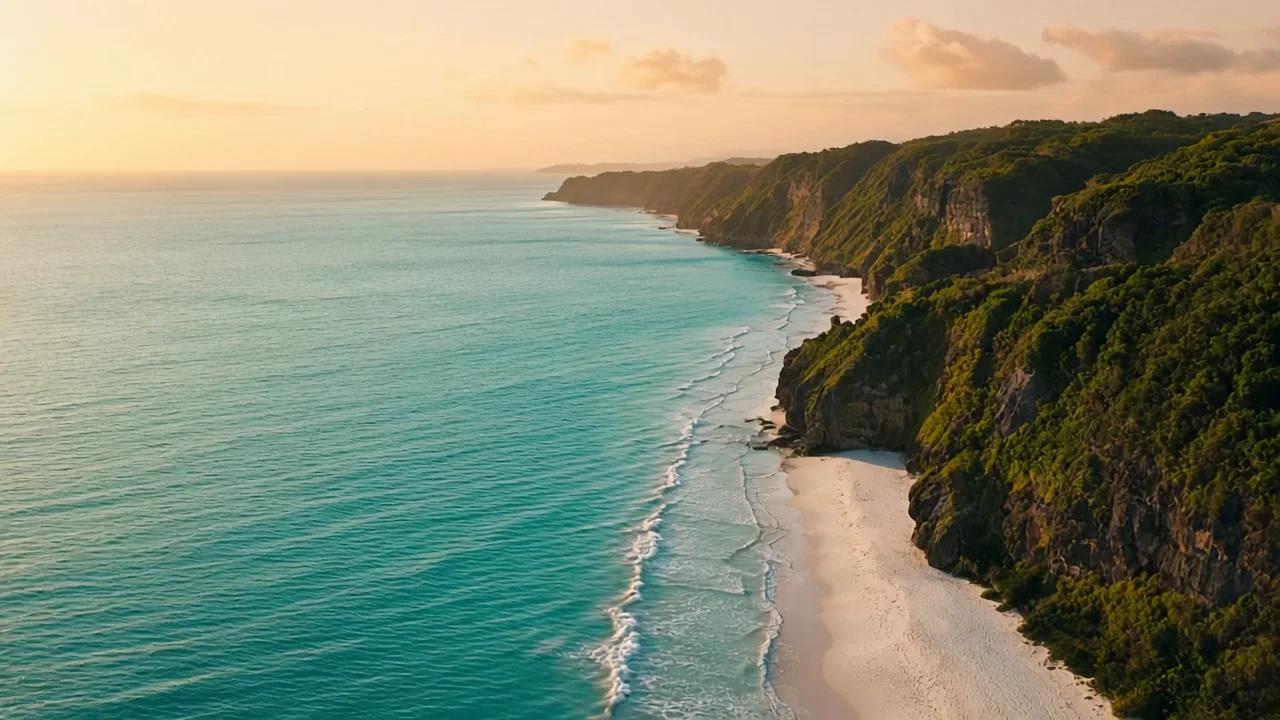












用 1080P 檢查細節
交付需要更多像素時選擇 1080P,同時檢查運動中的邊緣與細節,不只看解析度標籤。
從文字、視覺參考或首幀創作,並比較 HappyHorse 系列的輸出設置。
HappyHorse 1.1 與 1.0 使用相同的已開放參考圖片和首幀角色,預設選擇 1080P。其 1080P 報價與 1.0 不同,請在相同時長下比較並檢查實際畫面。
交付需要更多像素時選擇 1080P,同時檢查運動中的邊緣與細節,不只看解析度標籤。
上傳視覺參考並說明各自作用,在完整片段中檢查主體、構圖與物體細節。
用一張原圖確定開場構圖,再說明什麼需要運動,以及哪些外觀應保持可辨認。
在相同時長與輸入條件下比較 1.0 的 1080P 報價,再結合得到的成片作決定。
查看真實成片及其提示詞,同時觀察運動過程與畫面細節。
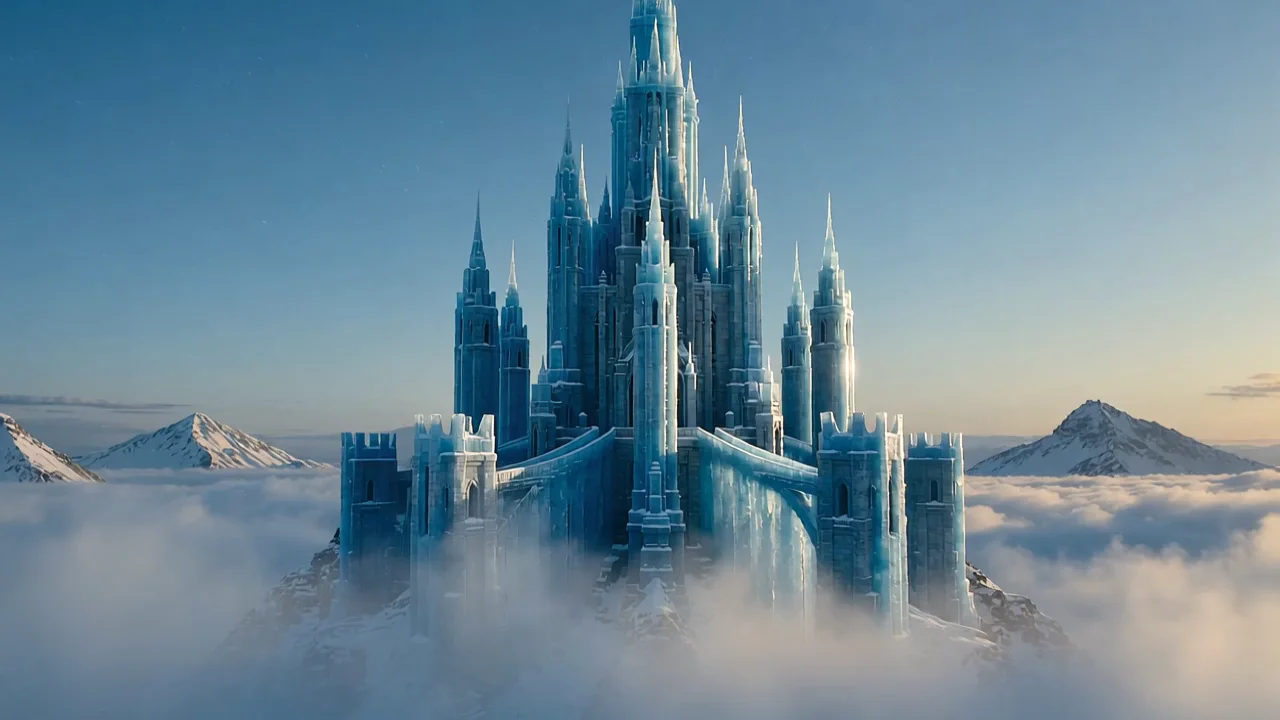
未來城市懸浮於雲海之上,鏡頭移動逐步展現建築群的空間層次。
A breathtaking futuristic city of elegant ivory towers and suspended garden terraces floats above a vast golden sea of clouds. The camera glides slowly forward toward the central city platform while morning sunlight illuminates translucent bridges, tiny waterfalls disappearing into mist and intricate architecture. Keep the towers and platforms stable and coherent, with gentle cloud movement revealing immense scale and layered distance. A magnificent science-fiction feature-film establishing shot, sophisticated architectural design, luminous warm white and cool turquoise accents, realistic atmospheric depth, one continuous controlled shot. No people, traffic swarms, text, logos, dialogue or music.
鈦金屬耳機懸浮於工業產品場景中,光線掃過金屬表面與外形輪廓。
A single premium pair of titanium over-ear headphones floats in a dark precision-engineered studio, with a clean sculpted headband, two symmetrical earcups and luxurious soft graphite cushions. The product makes a very slow elegant quarter-turn while the camera gently pushes in, keeping the geometry and proportions stable. A cool silver strip light sweeps across brushed titanium, revealing fine machining, immaculate edge highlights and restrained reflections. High-end industrial audio advertisement, photorealistic materials, exceptional craftsmanship, strong centered composition, one uninterrupted shot. No cables, hands, people, brand marks, writing, extra headphones, dialogue or music.
光束照進水下遺跡,蝠鱝游過畫面,呈現水下空間的縱深與運動。
An immense ancient stone sanctuary lies beneath clear deep turquoise water, with monumental broken columns and a vast central arch resting on the seafloor. Strong shafts of sunlight descend through the surface and illuminate fine suspended particles. One graceful giant manta ray glides slowly across the foreground as the camera makes a smooth forward tracking move toward the arch, revealing the extraordinary scale of the ruins. A majestic cinematic underwater feature-film shot, exquisite stone textures, natural water caustics, stable architecture and a coherent manta silhouette, one continuous shot. No divers, people, writing, logos, dialogue or music.
選擇圖片參考模式或單張首幀,並說明各份素材提供的視覺細節。
選擇開放的時長、比例與解析度,提交前核對點數報價。
比較版本時保持時長、解析度和提示詞一致,同時評估返回成片及點數報價。
比較實際開放的設置,以及每次報價對應的條件。
| 模型 | HappyHorse 1.1 | HappyHorse 1.0 | Kling 3.0 Omni |
|---|---|---|---|
| 時長 (s) | 3–15 | 3–15 | 3–15 |
| 解析度 | 720P / 1080P | 720P / 1080P | 720P / 1080P |
| 參考圖片 | 最多 9 | 最多 9 | 最多 3 |
| 首尾幀 | 首幀 | 首幀 | 首尾幀 |
| 參考影片 | 不支持 | 不支持 | 不支持 |
| 參考音頻 | 不支持 | 不支持 | 不支持 |
| 聲音 | 聲音由模型輸出決定 | 聲音由模型輸出決定 | 可選聲音 |
| 8 s · 720P · 點數 | 648 | 648 | 336 |
按表中時長與解析度計算每段影片的點數,不含參考影片。支援聲音開關的模型以關閉聲音比較;開啟後點數可能增加。
較新的版本號本身不能證明特定場景的質量。當前工作區輸入接近,預設值與 1080P 報價不同,應比較真實輸出。
HappyHorse 在這裡支持首幀或圖片參考,沒有尾幀控制;請描述期望動作,並檢查實際結尾。
最終用途需要更多像素時可選擇此檔,同時檢查運動中的細節;選擇解析度不保證細節或主體外觀絕對一致。
報價依據所選輸出時長、解析度和該模型當前點數配置,生成前請核對。
在 CubistAI,HappyHorse 1.1 支援 3–15 秒的影片,輸出解析度為 720P / 1080P。請選擇工作台實際顯示的設定,本站尚未開放 4K 輸出。影片長度指成片時長,不代表產生影片所需的等待時間。
可以。HappyHorse 1.1 支援最多 9 張參考圖片,或一張首幀圖片。參考圖片用來引導外觀,首幀用來確定開場構圖;上傳前請選擇其中一種模式。 圖片支援 JPEG、PNG、WebP,每張不超過 10 MB。
可以。選擇 9:16 製作直式短片,主體盡量避開邊緣,為字幕及平台控制項留出空間。使用圖片生成影片時,先準備直式構圖素材,發布前檢查最後畫幅。 使用圖片輸入時,HappyHorse 1.1 會沿用原圖比例,請先把圖片裁成 9:16。
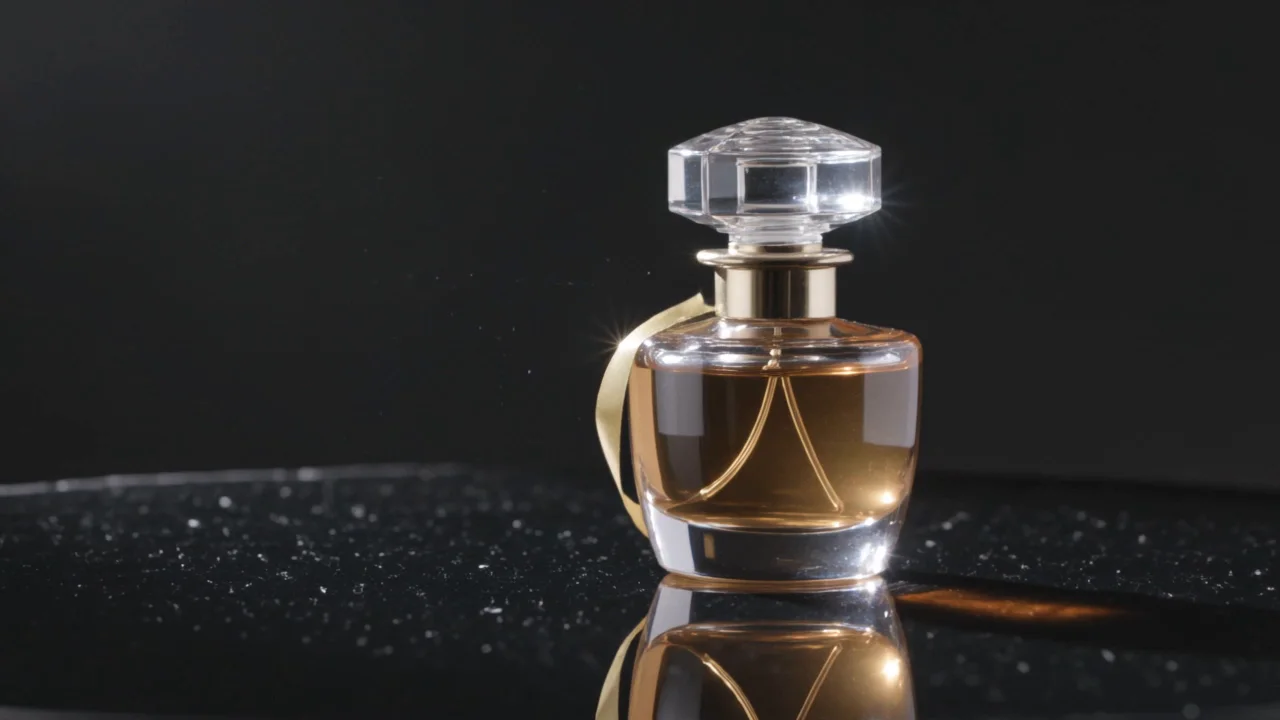
先準備清楚的商品照片,再描述一個動作、光線及一種運鏡。例如:「柔和側光下,桌上的香水瓶緩慢轉動,鏡頭輕輕推近。」使用前完整播放成片,檢查標籤、外形及運動中的細節。
使用 HappyHorse 1.1 產生影片需要點數。登入後,請確認可用餘額足以支付「產生」按鈕顯示的報價;不必先購買付費訂閱,贈送、訂閱及購買的點數均可使用。能否不另外付費試用,取決於帳戶目前的可用點數。
任務完成後,點選結果卡片上的「下載」儲存影片。發布前建議完整播放並檢查聲音。下載會儲存已有成片,不會重新提交產生任務。
根據素材、控制方式和輸出需求,選擇合適的影片模型。