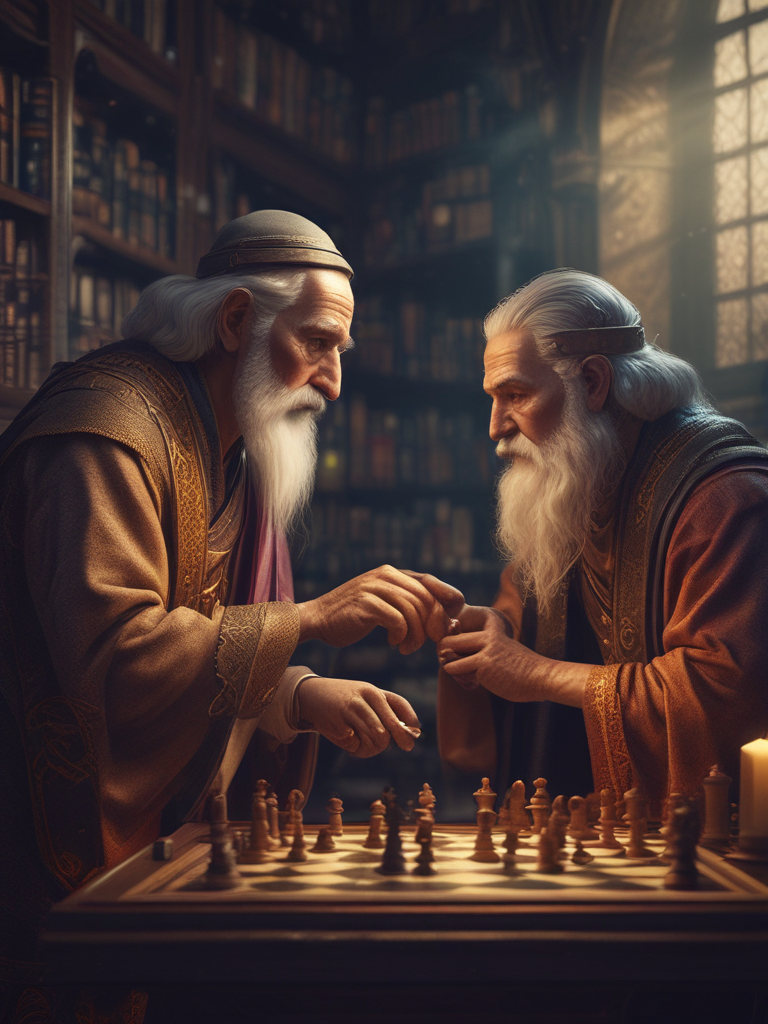
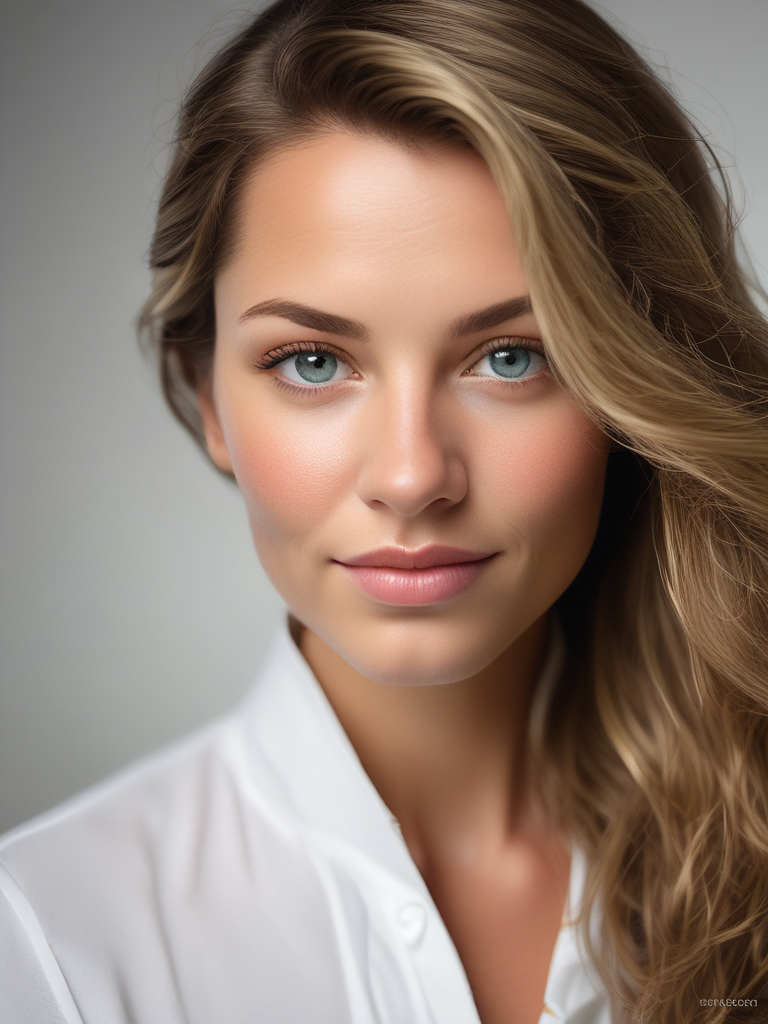
Dans le paysage de l'intelligence artificielle en rapide évolution d'aujourd'hui, la génération d'art IA est devenue une branche significative de la création numérique. CubistAI, en tant que plateforme de génération d'images IA entièrement gratuite, permet à chacun de créer facilement des œuvres d'art époustouflantes.
Qu'est-ce que la Génération d'Art IA ?
La génération d'art IA est une technologie qui utilise des algorithmes d'intelligence artificielle pour créer automatiquement des images basées sur des descriptions textuelles. CubistAI utilise le modèle avancé SDXL-Lightning pour générer des œuvres d'art de haute qualité en quelques secondes seulement.
Pourquoi Choisir CubistAI ?
- Entièrement Gratuit : Utilisez toutes les fonctionnalités principales sans payer
- Ultra Rapide : Modèle SDXL-Lightning pour une génération rapide en 4 étapes
- Avantages Nouveaux Utilisateurs : Obtenez 50 crédits rapides à l'inscription
- Support Multilingue : Interface disponible en 11 langues
- Design Responsive : Parfait sur mobile et ordinateur
Rédiger des Prompts Efficaces
Les prompts sont au cœur de la génération d'art IA. Un bon prompt vous aide à générer des images qui correspondent mieux à vos attentes.
Structure de Prompt de Base
Sujet + Style + Environnement + Éclairage + Termes de Qualité
Exemple :
Un dragon majestueux volant au-dessus d'une chaîne de montagnes, style art numérique, éclairage coucher de soleil, très détaillé, résolution 4K
Conseils pour les Prompts
-
Soyez Spécifique : Utilisez un vocabulaire concret plutôt qu'abstrait
- Non : "Beau paysage"
- Oui : "Lac serein au pied de montagnes enneigées, reflétant des cerisiers en fleurs roses"
-
Ajoutez des Mots de Style : Spécifiez les styles artistiques
studio ghibli style - Style Studio Ghibliphotorealistic - Photoréalistecyberpunk style - Style Cyberpunk
-
Modificateurs de Qualité : Améliorez la qualité de l'image
highly detailedprofessional photographyaward winning
Flux de Travail Complet CubistAI
Étape 1 : Accéder à CubistAI
Visitez cubistai.app - aucune inscription requise pour commencer à créer.
Étape 2 : Entrer Votre Prompt
Dans le champ de saisie du prompt, décrivez l'image que vous souhaitez. Par exemple :
Un pompier à la mâchoire carrée se précipite à travers la fumée tourbillonnante d'un incendie automnal, éclairage cinématique, composition dramatique
Étape 3 : Choisir Style et Paramètres
CubistAI propose diverses options préréglées :
- Style : Réaliste, Ghibli, Cyberpunk, Art Numérique, etc.
- Couleur : Vibrant, Atténué, Monochrome, Tons chauds, etc.
- Éclairage : Lumière naturelle, Éclairage studio, Néons, etc.
- Composition : Portrait, Paysage, Gros plan, Grand angle, etc.
Étape 4 : Définir les Paramètres d'Image
- Ratio d'aspect : 1:1 (Carré), 16:9 (Paysage), 4:5 (Portrait)
- Quantité : Générez 1 à 4 images simultanément
- Niveau de Créativité : Ajustez la créativité de l'IA
Étape 5 : Lancer la Génération
Cliquez sur le bouton "Générer l'image" et l'IA se met au travail :
- Mode Gratuit : Attente de 15 secondes (mécanisme de file d'attente)
- Mode Rapide : Génération instantanée utilisant des crédits (connexion requise)
Conseils Avancés et Bonnes Pratiques
Utiliser les Prompts Négatifs
Dans les paramètres avancés, vous pouvez ajouter des prompts négatifs pour éviter les éléments indésirables :
negative_prompt: "flou, basse qualité, déformé, laid, mauvaise anatomie"
Modèles de Prompts pour Différents Scénarios
Photographie Portrait :
Portrait de [description du personnage], [expression émotionnelle], [conditions d'éclairage], photographie professionnelle, mise au point nette, arrière-plan bokeh
Art Paysager :
[description de la scène], [moment/saison], [conditions météorologiques], style [artistique], grand angle, très détaillé
Art Abstrait :
Abstrait [thème], [description des couleurs], [texture], [ambiance], art numérique, composition moderne
Conseils pour Optimiser la Qualité de Génération
-
Utilisez l'Optimisation Baguette Magique : L'optimiseur de prompt IA intégré de CubistAI - cliquez sur l'icône baguette pour optimiser automatiquement vos prompts
-
Expérimentez avec Différents Styles : Essayez différentes combinaisons de styles pour trouver les meilleurs résultats
-
Ajustez le Niveau de Créativité :
- Valeurs basses (0-30) : Suivent plus précisément le prompt
- Valeurs moyennes (31-70) : Équilibrent précision et créativité
- Valeurs hautes (71-100) : Plus de variations créatives
Inspiration Créative et Exemples
Art Style Studio Ghibli
Un village paisible dans une vallée, style Studio Ghibli, couleurs douces, collines ondulantes, moulin à vent, ciel bleu avec nuages blancs, art hayao miyazaki
Paysage Urbain Cyberpunk
Paysage urbain cyberpunk éclairé au néon la nuit, voitures volantes, publicités holographiques, rues mouillées par la pluie, architecture futuriste, éclairage violet et bleu
Forêt Enchantée
Forêt enchantée avec champignons lumineux, lumières féeriques, atmosphère brumeuse, créatures magiques, éclairage éthéré, style art fantastique
Fonctionnalités Avancées
Système de Crédits
- Les utilisateurs inscrits obtiennent 50 crédits gratuits
- Chaque génération rapide consomme 1 crédit
- L'utilisation gratuite reste disponible après épuisement des crédits, avec 15 secondes d'attente
Génération par Lots
Définissez la quantité de génération à 2-4 images pour obtenir plusieurs variations créatives en une fois, vous aidant à choisir le résultat le plus satisfaisant.
Téléchargement d'Images
Les images générées peuvent être téléchargées en haute qualité, supportant :
- Format PNG
- Sortie haute résolution
- Fonction de téléchargement en un clic
Solutions aux Problèmes Courants
Les Images Générées ne Correspondent pas aux Attentes
- Affinez les Prompts : Ajoutez des descriptions plus spécifiques
- Utilisez les Prompts Négatifs : Excluez les éléments indésirables
- Ajustez les Paramètres de Style : Essayez différentes combinaisons de styles
- Utilisez la Fonction d'Optimisation : Utilisez le bouton baguette pour optimiser les prompts
Directives de Sécurité du Contenu
CubistAI dispose d'un filtrage de sécurité intégré pour garantir un contenu sain et positif :
- Détection automatique du contenu NSFW
- Filtrage intelligent des prompts
- Suggestions de sécurité conviviales
Conclusion
CubistAI rend la création d'art IA plus simple et plus accessible que jamais. Que vous soyez débutant ou créateur professionnel, vous trouverez ici des outils et fonctionnalités adaptés.
Commencez Votre Parcours en Art IA :
- Visitez cubistai.app
- Entrez vos idées créatives
- Choisissez les paramètres de style appropriés
- Cliquez sur générer et assistez à la magie de l'IA
Rappelez-vous, le meilleur art IA vient de l'expérimentation et de la pratique continues. Chaque génération est une opportunité d'apprentissage - explorons ensemble les possibilités infinies de l'art IA !
Vous voulez en apprendre plus sur les techniques d'art IA ? Suivez notre blog pour les derniers tutoriels et partages d'inspiration.