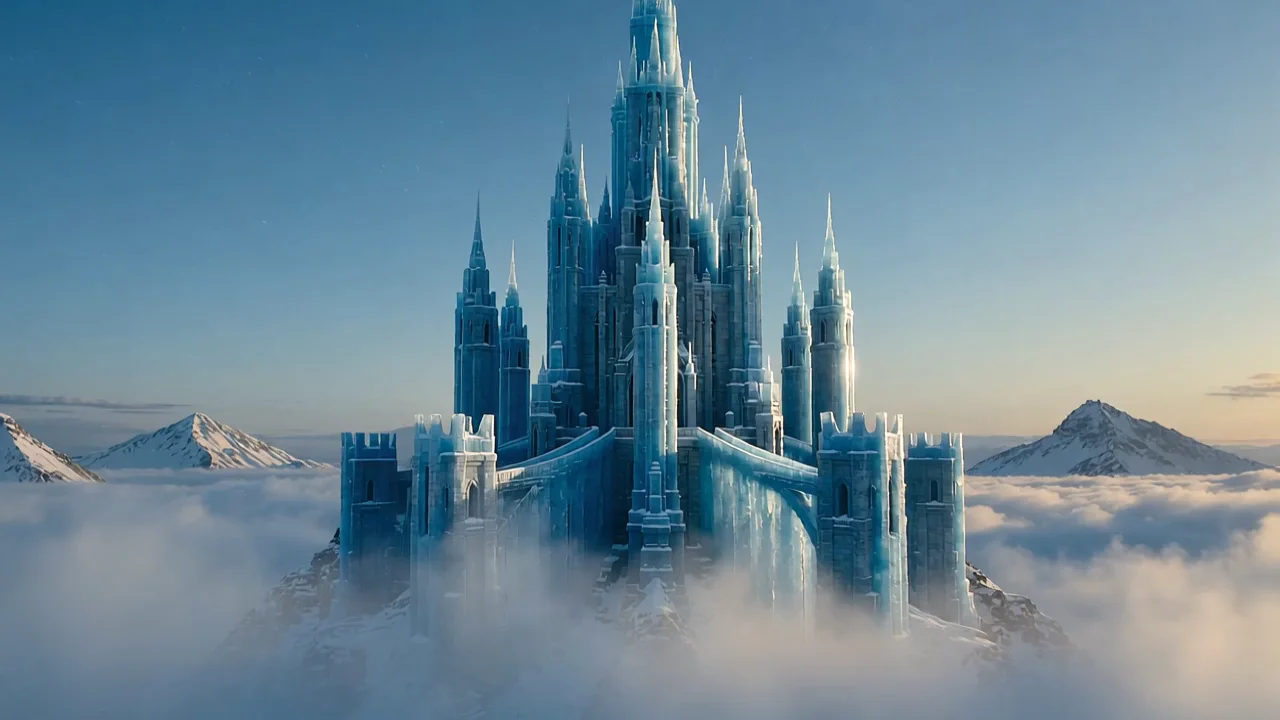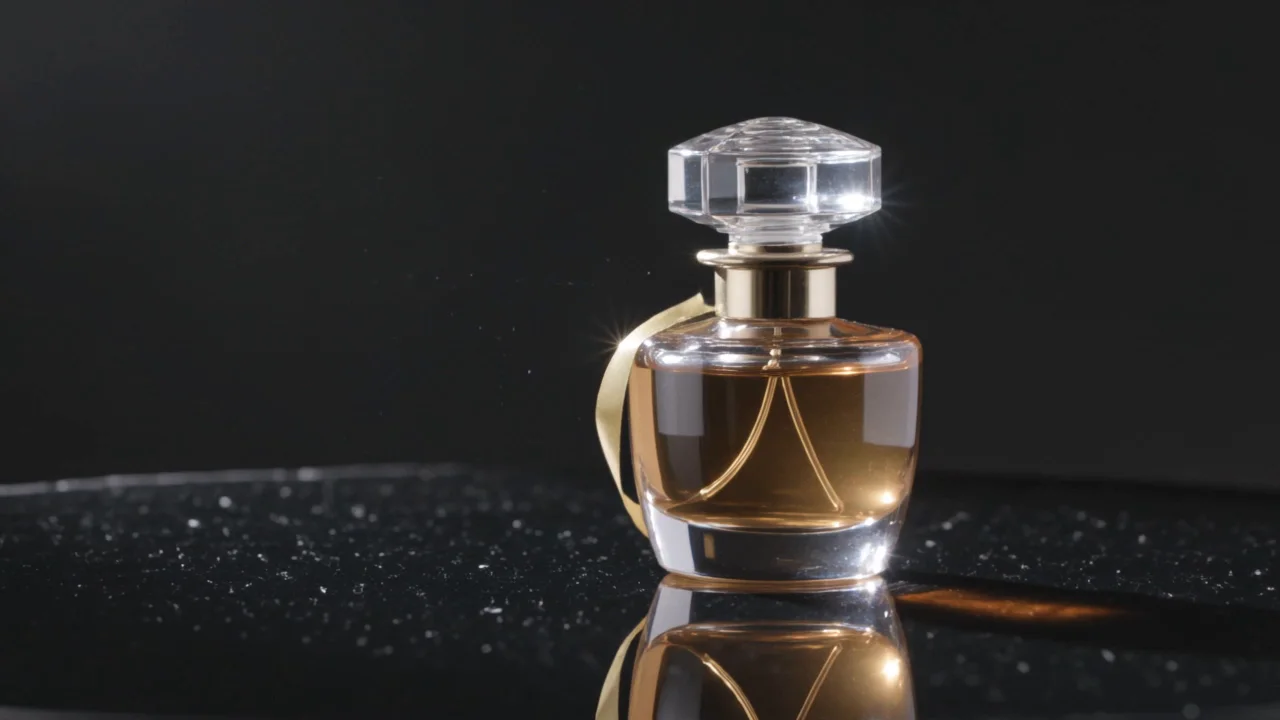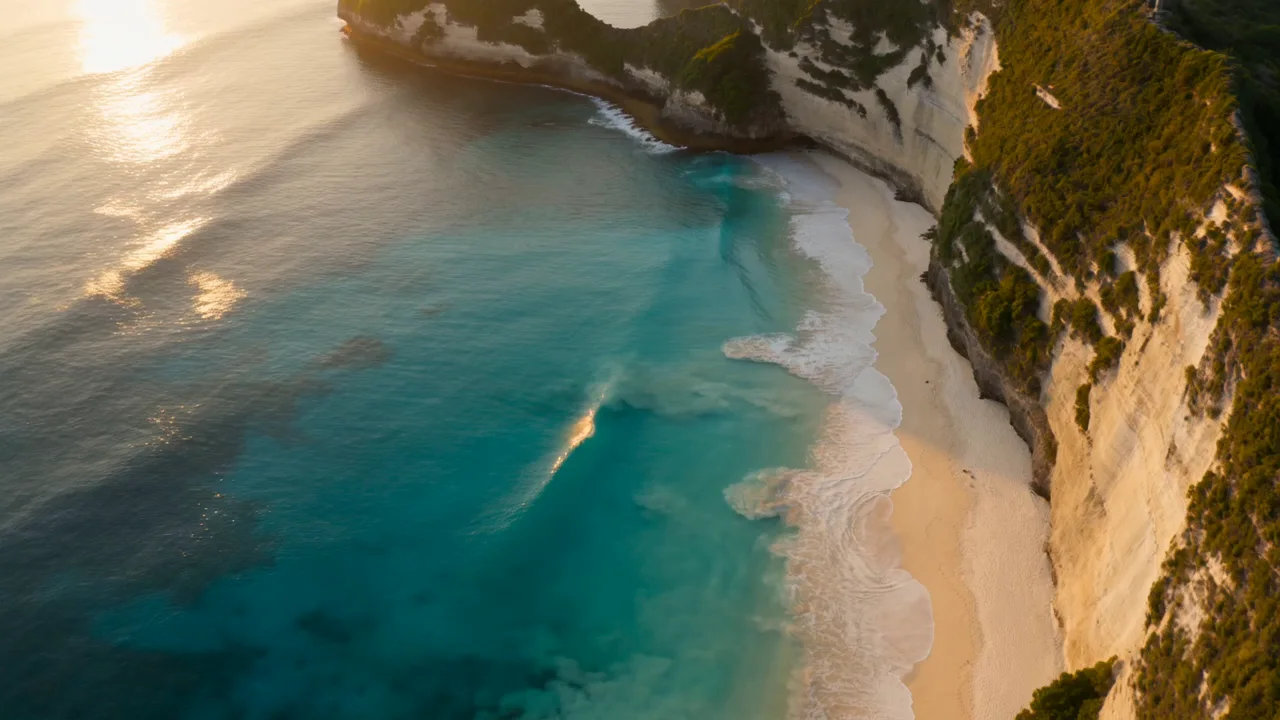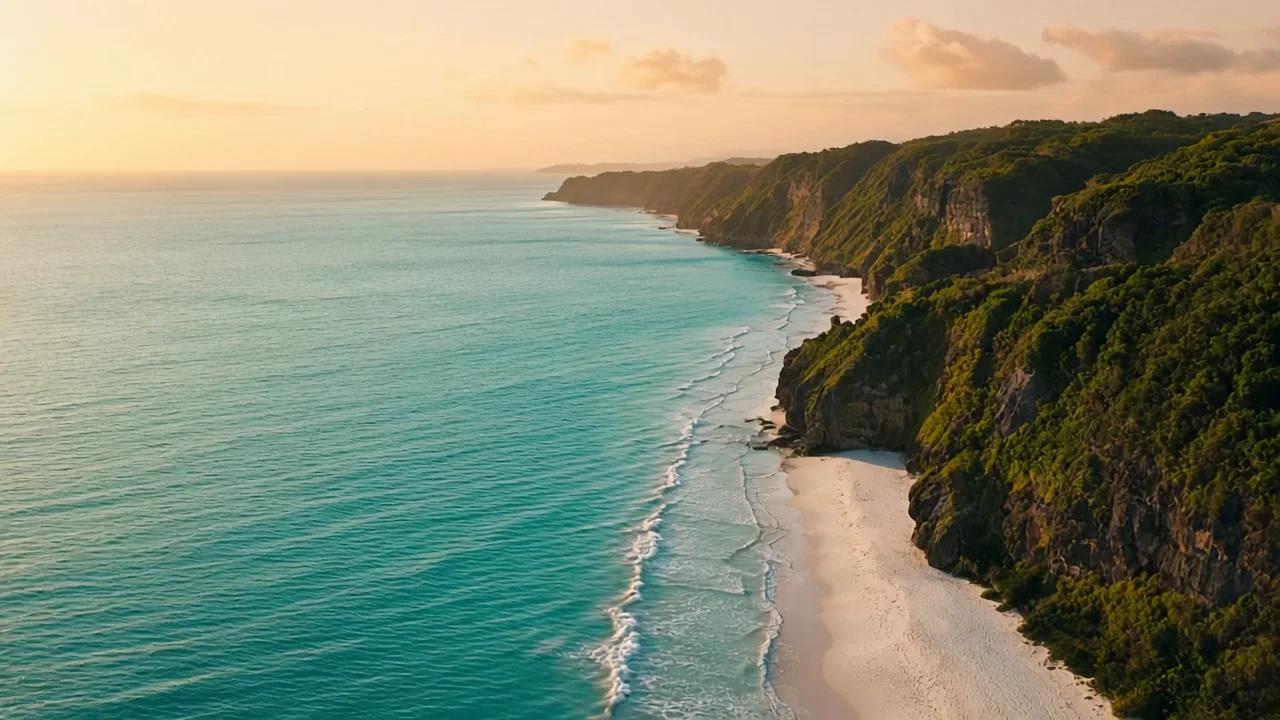









用 1080P 检查细节
交付需要更多像素时选择 1080P,同时检查运动中的边缘与细节,不只看清晰度标签。
从文字、视觉参考或首帧创作,并比较 HappyHorse 系列的输出设置。
HappyHorse 1.1 与 1.0 使用相同的已开放参考图片和首帧角色,默认选择 1080P。其 1080P 报价与 1.0 不同,请在相同时长下比较并检查实际画面。
交付需要更多像素时选择 1080P,同时检查运动中的边缘与细节,不只看清晰度标签。
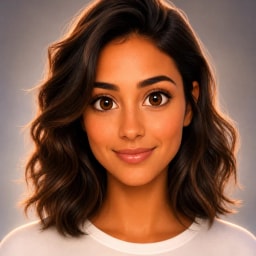
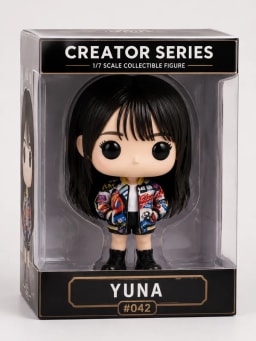
上传视觉参考并说明各自作用,在完整片段中检查主体、构图与物体细节。
用一张原图确定开场构图,再说明什么需要运动,以及哪些外观应保持可辨认。
在相同时长与输入条件下比较 1.0 的 1080P 报价,再结合得到的成片作决定。
查看真实成片及其提示词,同时观察运动过程与画面细节。
未来城市悬浮于云海之上,镜头移动逐步展现建筑群的空间层次。
A breathtaking futuristic city of elegant ivory towers and suspended garden terraces floats above a vast golden sea of clouds. The camera glides slowly forward toward the central city platform while morning sunlight illuminates translucent bridges, tiny waterfalls disappearing into mist and intricate architecture. Keep the towers and platforms stable and coherent, with gentle cloud movement revealing immense scale and layered distance. A magnificent science-fiction feature-film establishing shot, sophisticated architectural design, luminous warm white and cool turquoise accents, realistic atmospheric depth, one continuous controlled shot. No people, traffic swarms, text, logos, dialogue or music.
钛金属耳机悬浮于工业产品场景中,光线扫过金属表面与外形轮廓。
A single premium pair of titanium over-ear headphones floats in a dark precision-engineered studio, with a clean sculpted headband, two symmetrical earcups and luxurious soft graphite cushions. The product makes a very slow elegant quarter-turn while the camera gently pushes in, keeping the geometry and proportions stable. A cool silver strip light sweeps across brushed titanium, revealing fine machining, immaculate edge highlights and restrained reflections. High-end industrial audio advertisement, photorealistic materials, exceptional craftsmanship, strong centered composition, one uninterrupted shot. No cables, hands, people, brand marks, writing, extra headphones, dialogue or music.
光束照进水下遗迹,蝠鲼游过画面,展示水下空间的纵深与运动。
An immense ancient stone sanctuary lies beneath clear deep turquoise water, with monumental broken columns and a vast central arch resting on the seafloor. Strong shafts of sunlight descend through the surface and illuminate fine suspended particles. One graceful giant manta ray glides slowly across the foreground as the camera makes a smooth forward tracking move toward the arch, revealing the extraordinary scale of the ruins. A majestic cinematic underwater feature-film shot, exquisite stone textures, natural water caustics, stable architecture and a coherent manta silhouette, one continuous shot. No divers, people, writing, logos, dialogue or music.
选择图片参考模式或单张首帧,并说明各份素材提供的视觉细节。
选择开放的时长、比例与清晰度,提交前核对积分报价。
比较版本时保持时长、清晰度和提示词一致,同时评估返回成片及积分报价。
比较实际开放的设置,以及每次报价对应的条件。
| 模型 | HappyHorse 1.1 | HappyHorse 1.0 | Kling 3.0 Omni |
|---|---|---|---|
| 时长 (s) | 3–15 | 3–15 | 3–15 |
| 清晰度 | 720P / 1080P | 720P / 1080P | 720P / 1080P |
| 参考图片 | 最多 9 | 最多 9 | 最多 3 |
| 首尾帧 | 首帧 | 首帧 | 首尾帧 |
| 参考视频 | 不支持 | 不支持 | 不支持 |
| 参考音频 | 不支持 | 不支持 | 不支持 |
| 声音 | 声音由模型输出决定 | 声音由模型输出决定 | 可选声音 |
| 8 s · 720P · 积分 | 648 | 648 | 336 |
按表中时长与清晰度计算每段视频的积分,不含参考视频。支持声音开关的模型按关闭声音比较;开启后积分可能增加。
较新的版本号本身不能证明特定场景的质量。当前工作台输入接近,默认值与 1080P 报价不同,应比较真实输出。
HappyHorse 在这里支持首帧或图片参考,没有尾帧控制;请描述期望动作,并检查实际结尾。
最终用途需要更多像素时可选择此档,同时检查运动中的细节;选择清晰度不保证细节或主体外观绝对一致。
报价依据所选输出时长、清晰度和该模型当前积分配置,生成前请核对。
在 CubistAI,HappyHorse 1.1 支持 3–15 秒的视频,输出清晰度为 720P / 1080P。请选择工作台实际显示的参数,本站暂未开放 4K 输出。视频时长指成片长度,不代表生成所需的等待时间。
可以。HappyHorse 1.1 支持最多 9 张参考图,或一张首帧图。参考图用于引导外观,首帧用于确定开场构图;上传前请选择其中一种图片模式。 图片支持 JPEG、PNG、WebP,每张不超过 10 MB。
可以。选择 9:16 制作竖屏短片,主体尽量避开边缘,为字幕和平台控件留出空间。图生视频时先准备竖构图素材,发布前检查最终画幅。 使用图片输入时,HappyHorse 1.1 会跟随原图比例,请先把图片裁为 9:16。
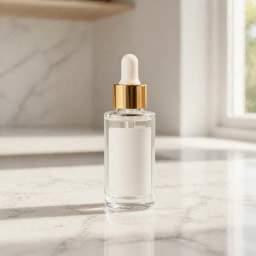
先准备清楚的商品照片,再描述一个动作、光线和一种运镜。例如:“柔和侧光下,桌上的香水瓶缓慢转动,镜头轻轻推进。” 使用前完整播放成片,检查标签、外形和运动中的细节。
使用 HappyHorse 1.1 生成视频需要积分。登录后,请确认可用余额足够支付“生成”按钮显示的报价;不要求先购买付费会员,赠送、订阅和购买的积分均可使用。能否不额外付费试用,取决于账户当前的可用积分。
任务完成后,点击结果卡片上的“下载”保存视频。发布前建议完整播放并检查声音。下载会保存已有成片,不会再次提交生成任务。
根据素材、控制方式和输出需求,选择合适的视频模型。