AI Replace: Transform Any Object Instantly
Free AI Replace tool to transform any object in your photos. Select what you want to change, describe the replacement, and watch AI work its magic. No signup required.
Free AI Replace Tool
Upload Your Image
Drag and drop an image here, or click to select a file
Supports JPG, PNG, WebP (Max 10MB)
AI Replace Features
Powerful AI technology to replace any object in your photos with AI-generated content
AI-Powered Replacement
Advanced AI understands your text description and generates realistic replacements that blend seamlessly with the original image.
Instant Results
Get your transformed photo in seconds. No waiting, no complicated software to learn.
Seamless Blending
AI intelligently matches lighting, shadows, and textures for natural-looking results.
Text-Guided Generation
Simply describe what you want to see. Our AI understands natural language to create your vision.
Privacy Protected
Your images are processed securely and never stored. Complete privacy for your photos.
Free to Use
Replace objects in your photos for free. No subscription required for basic features.
How AI Replace Works
Replace any object in four simple steps
Upload Your Photo
Drag and drop or click to upload the photo you want to edit. Supports JPG, PNG, and WebP.
Select Object to Replace
Use the brush tool to paint over the object or area you want to transform.
Describe the Replacement
Type what you want to appear in place of the selected object. Be specific for best results.
Download Transformed Image
Our AI generates the replacement and blends it seamlessly. Download your transformed image instantly.
AI Object Replacement: Before & After
Hover over examples to see before and after transformations
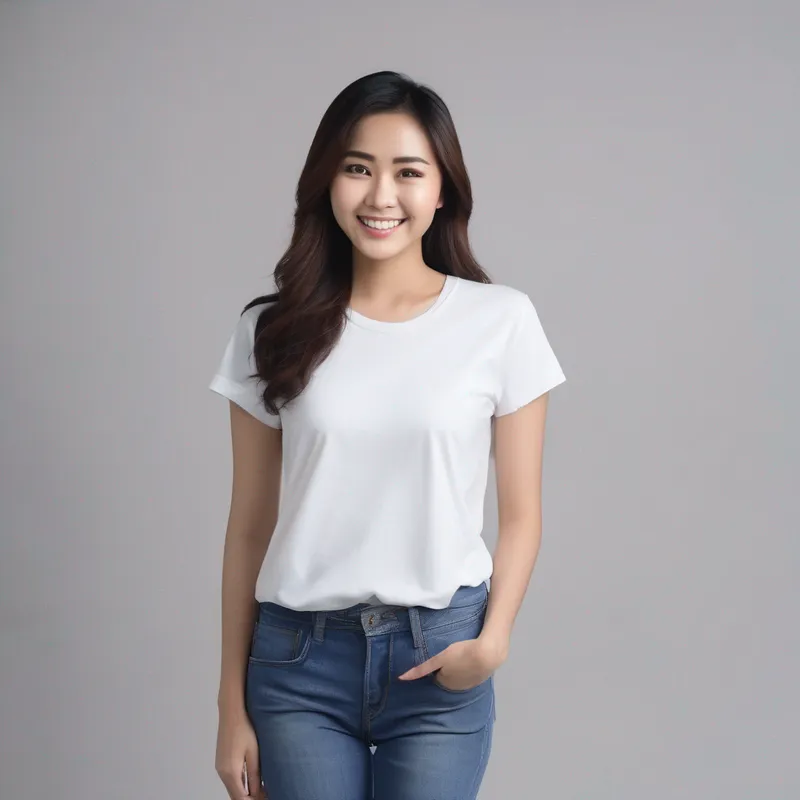
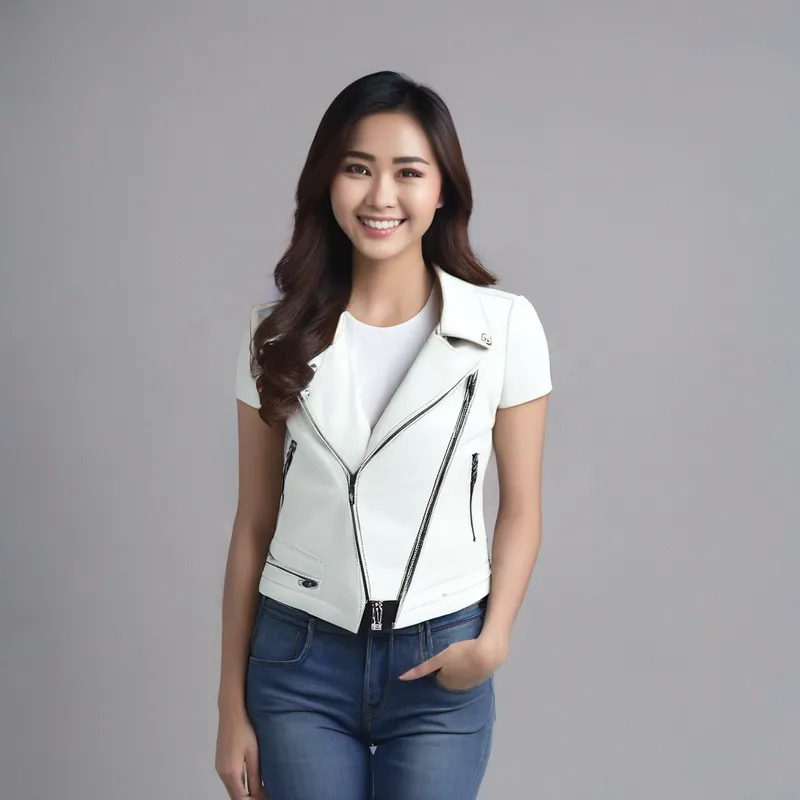
Clothing Swap
Change outfits instantly - swap shirts, dresses, jackets and more
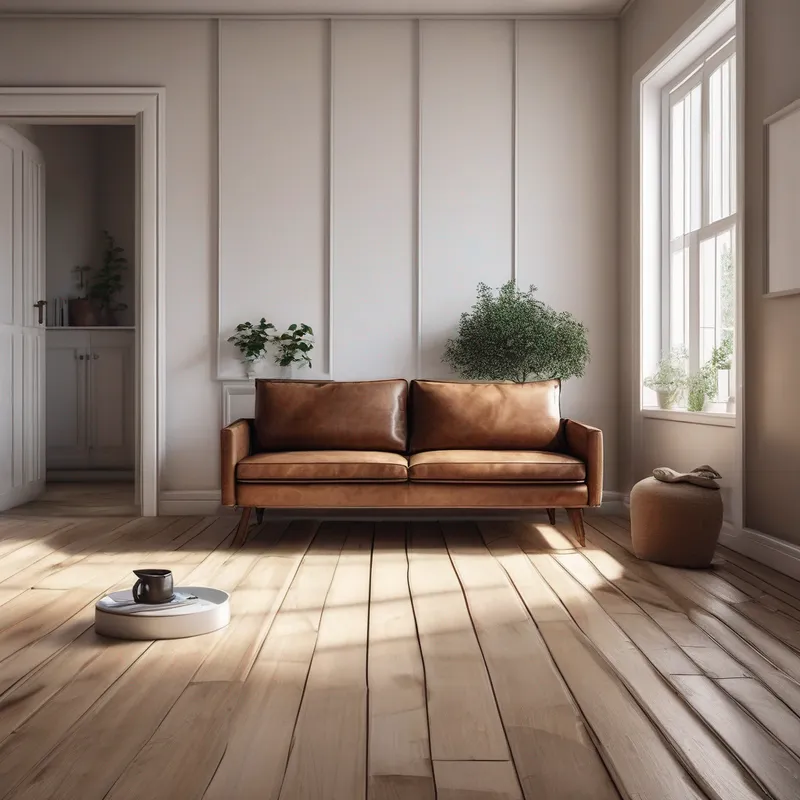
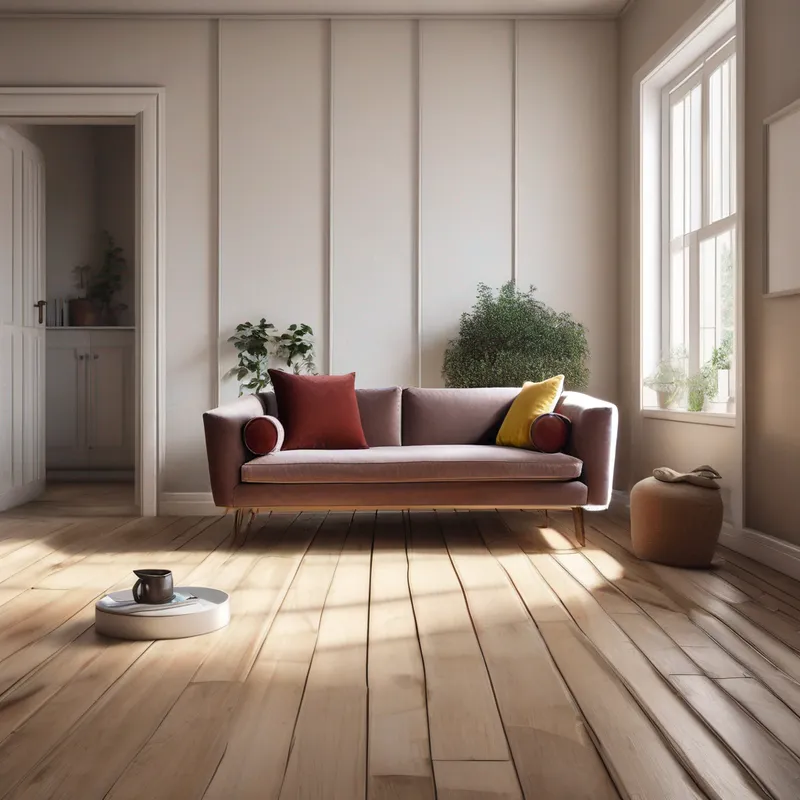
Furniture Replacement
Transform room interiors by replacing furniture pieces
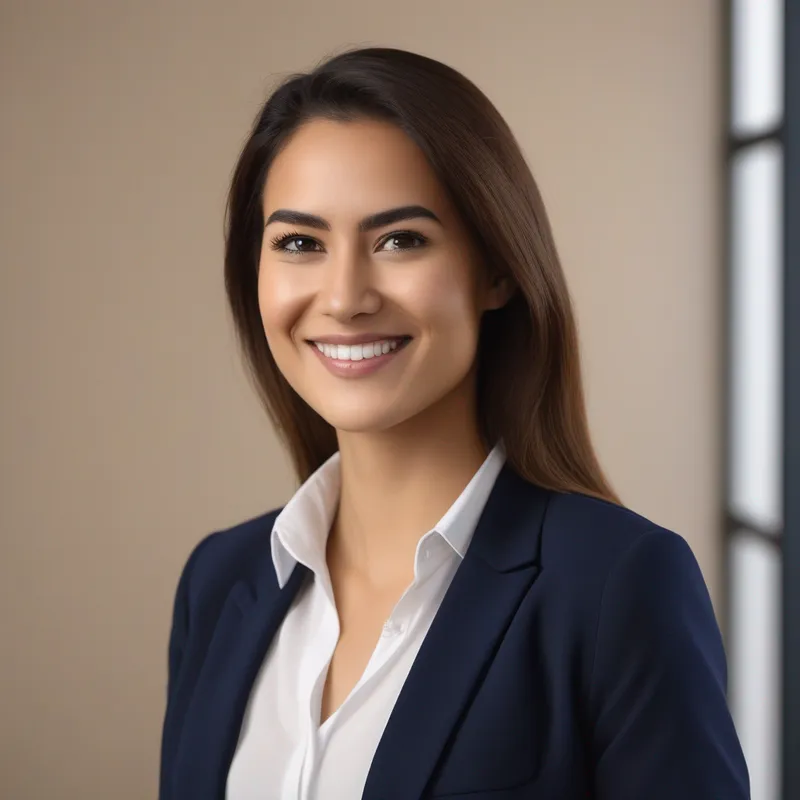

Background Elements
Replace background objects like plants, decorations, and more
AI Replace Use Cases
Discover how creators and businesses use AI Replace
E-commerce
Quickly create product variations by replacing colors, materials, or styles without reshooting.
Fashion & Style
Visualize outfit changes, try different colors, or showcase clothing on various backgrounds.
Real Estate
Stage empty rooms by adding furniture, or update outdated decor to modernize listings.
Portrait Photography
Change backgrounds, swap outfits, or modify accessories in portrait photos.
Social Media
Create eye-catching content by transforming everyday photos into unique visuals.
Creative Projects
Experiment with creative ideas by replacing elements to explore different concepts.
AI Replace Tips for Best Results
Get the most out of AI Replace with these expert tips
Choose the Right Brush Size
Use larger brushes for big objects and smaller brushes for precise edges and details.
Write Clear Prompts
Be specific about what you want: include colors, materials, styles, and context details.
Select Precisely
Cover the entire object you want to replace, including shadows and reflections for best blending.
Use Undo/Redo
Don't worry about mistakes - use undo to correct your selection before processing.
Use English Prompts
English descriptions typically produce the best results from the AI model.
Iterate and Refine
Try different prompts or selections if the first result isn't perfect. AI works best with experimentation.
Pro Tip
For complex replacements, describe not just the object but also how it should interact with the surroundings - lighting direction, shadows, and reflections will make it look more realistic.
AI Replace FAQ
Everything you need to know about AI Replace
What is AI Replace?
AI Replace is an intelligent tool that uses artificial intelligence to replace selected objects in photos with new AI-generated content based on your text description. Unlike magic eraser tools that simply remove objects, AI Replace transforms them into something new.
How does AI Replace work?
You select the area you want to replace using a brush tool, then describe what you want to appear there. Our AI analyzes the context, lighting, and style of your image, then generates a seamless replacement that matches the original photo's characteristics.
Is CubistAI AI Replace free?
Yes, our basic object replacement is completely free with a small watermark. Premium features with watermark-free results are available for just 2 credits per replacement.
What can I replace with AI Replace?
You can replace almost anything: clothing and accessories, furniture and decor, background elements, objects in photos, and more. The AI works best with clearly defined objects and specific replacement descriptions.
How long does replacement take?
Most replacements take 10-30 seconds depending on the complexity. The AI needs time to understand the context and generate realistic content that blends naturally.
Is my photo data safe?
Yes, your photos are processed securely and automatically deleted after processing. We never store or share your images.
Will replacement affect image quality?
Our AI is designed to match the style and quality of the original image. The replaced areas blend naturally with the surrounding content, maintaining consistent resolution and style.
Can I use AI Replace on mobile devices?
Yes, our tool works on any device with a web browser - smartphones, tablets, and computers. The touch-friendly interface makes it easy to select and replace objects on mobile.
How do I write a good replacement prompt?
Be specific and descriptive. Instead of 'a shirt', write 'a blue denim shirt with rolled sleeves'. Include details about color, material, style, and how it should look in the scene.
Can I use edited photos commercially?
Yes, you can use your edited photos for any purpose including commercial use. You retain full rights to your images.
Explore More AI Tools
Discover other powerful AI tools to enhance your images
AI Magic Eraser
Remove unwanted objects, people, or watermarks from photos instantly with AI-powered inpainting.
AI Background Remover
Remove backgrounds from images instantly with AI. Perfect for product photos and portraits.
AI Photo Enhancer
Enhance photo quality with AI. Fix blurry images, improve colors, and sharpen details automatically.